Electronic device DMU2000 - DMU3000 - DMU3000 PLUS
22
Electronic device DMU2000 - DMU3000 - DMU3000 PLUS
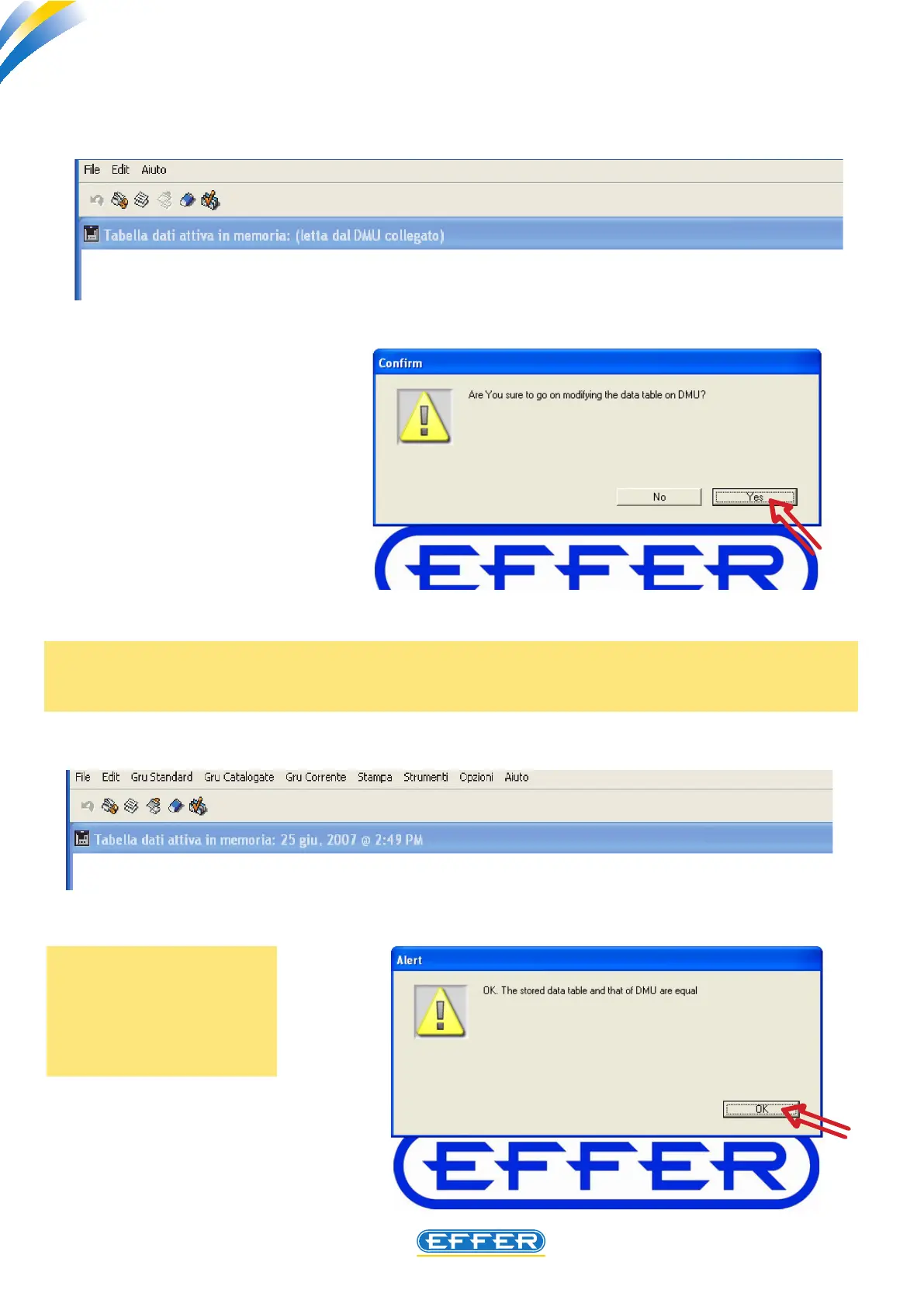
A dialog box appears and asks if you really want to change the data inside the DMU.
Further conrmation of your change in the data is given by the dialog box that appears after the
comparison of data sent and those stored.
u CLICK OK
While carrying out a
change in the values of
the data inserted inside
the DMU, the DMU must
not be in stand-by.
u CLICK YES
- Wait for a few seconds.
- To conrm the varia-
tion, the DMU emits a
sound.



 To Next Page