Electronic device DMU2000 - DMU3000 - DMU3000 PLUS
Electronic device DMU2000 - DMU3000 - DMU3000 PLUS
7
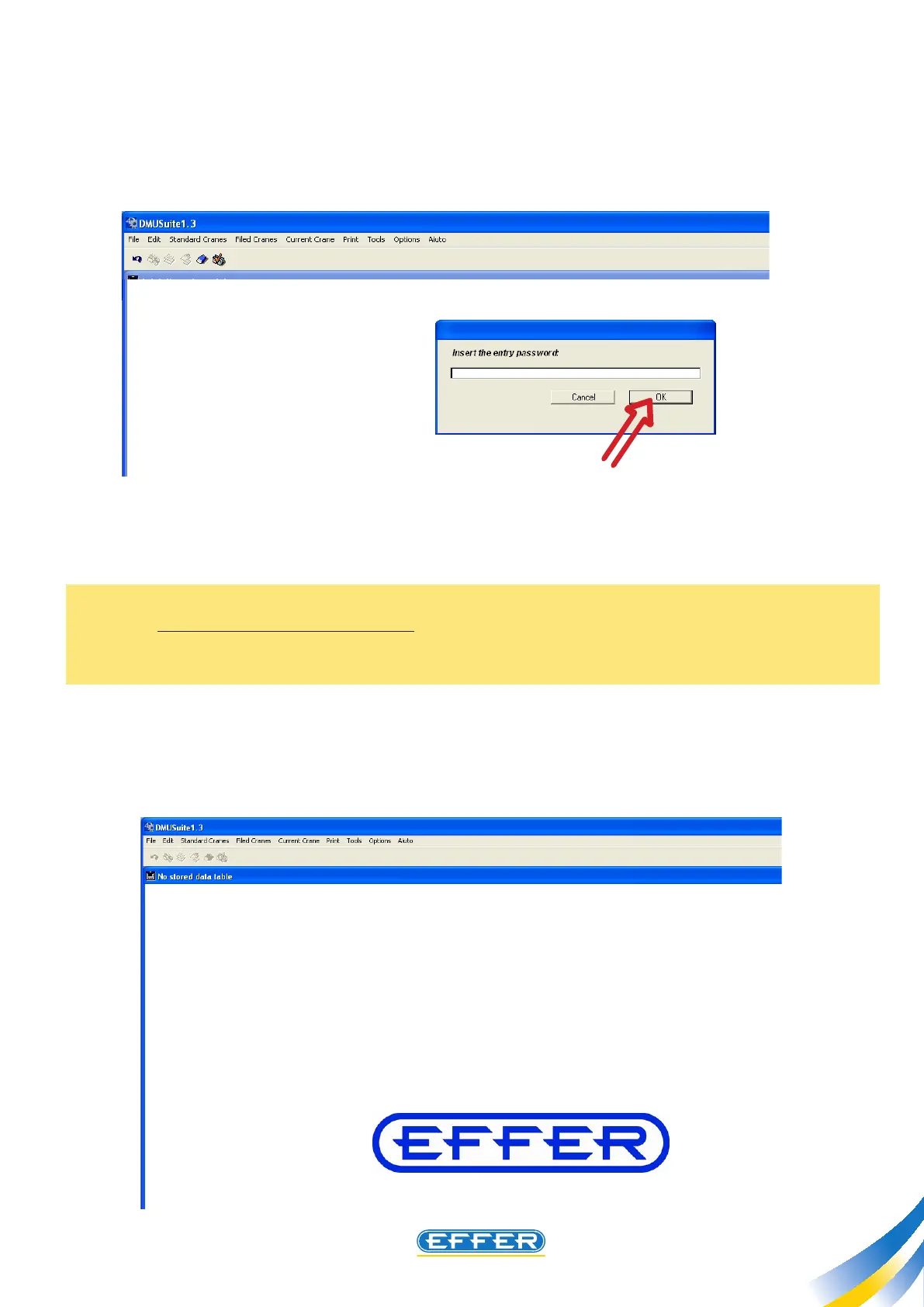
- A window “Enter the password to access” appears.
u Enter the password in CAPITAL LETTERS.
Note: This password is provided by Sol.Ge with the software, and the operator’s code linked to the
password will be stored in memory by DMU on which you will work. The password has a time limit: the
date of expiry shall be communicated with the password, and the operator has to request a new pass-
word at least 4 months before the deadline.
u CLICK OK
- The shown screen appears from which you can access the allowed functions explained in Chapter 7.



 To Next Page