Page 33
English
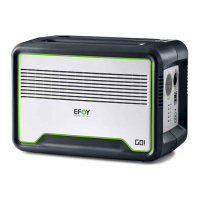
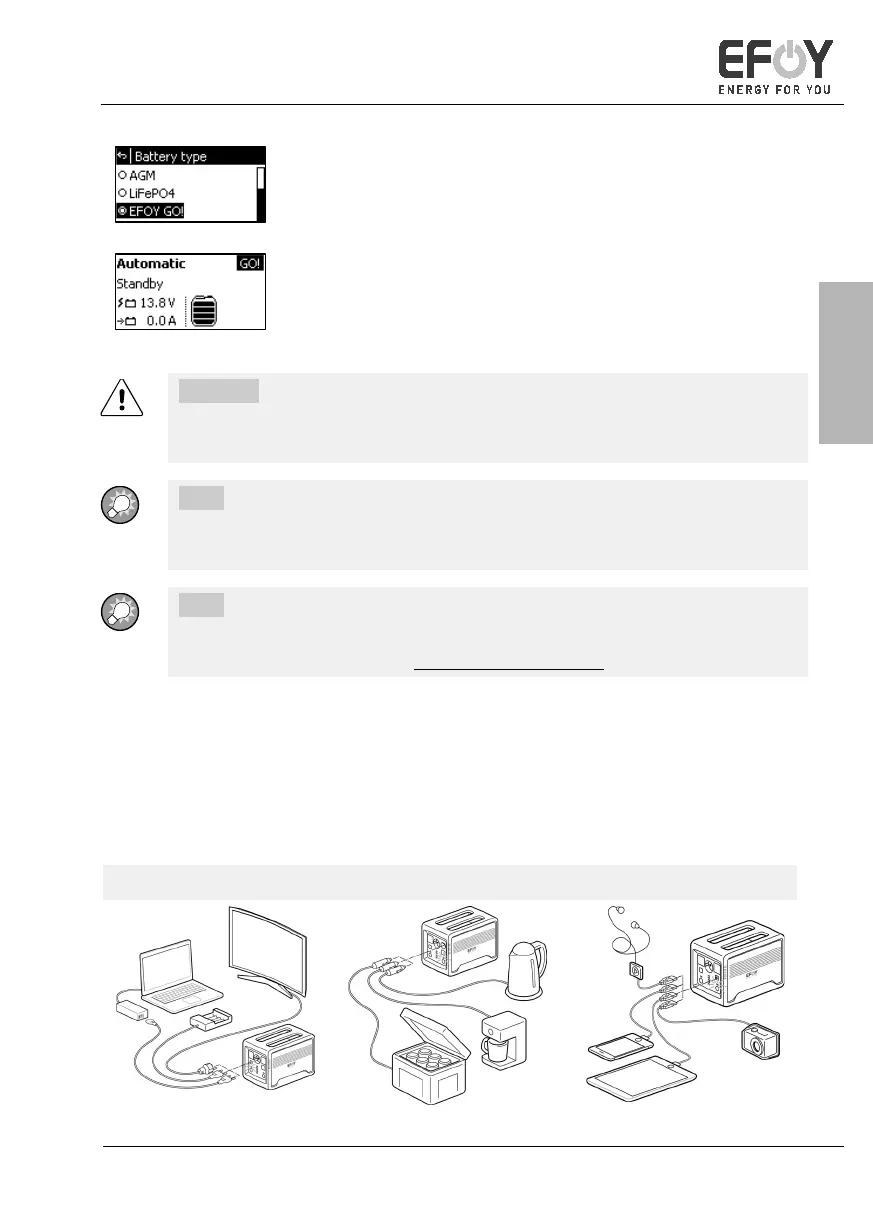
• With [][] and [ok], select EFOY GO!
• [] takes you back to the info screen.
• "GO!" is displayed on the info screen.
CAUTION!
Incorrectly set battery type may damage the battery. This may nullify your
warranty.
INFO:
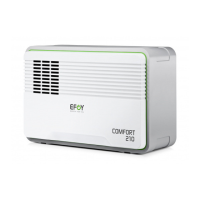
The settings in the expert menu are only valid for EFOY COMFORT models
with firmware version 15.12 or later.
INFO:
Detailed operating instructions for EFOY COMFORT fuel cells can be found on
the EFOY COMFORT website: www.efoy-comfort.com
4.3 Using the EFOY GO!
4.3.1 Connecting devices
You can charge numerous different devices via the various different connections on
your EFOY GO!. Devices can be operated simultaneously on all four connections.
230 V connection 12 V connection USB connection


 To Next Page
 Loading...