If you purchased RTK and is used outside of China, please click Device Manager >Tool
Management >Ntrip Settings, and apply for an Ntrip account to log in. For the application
method, please contact the local RTK Service provider.
6. Connect Aircraft
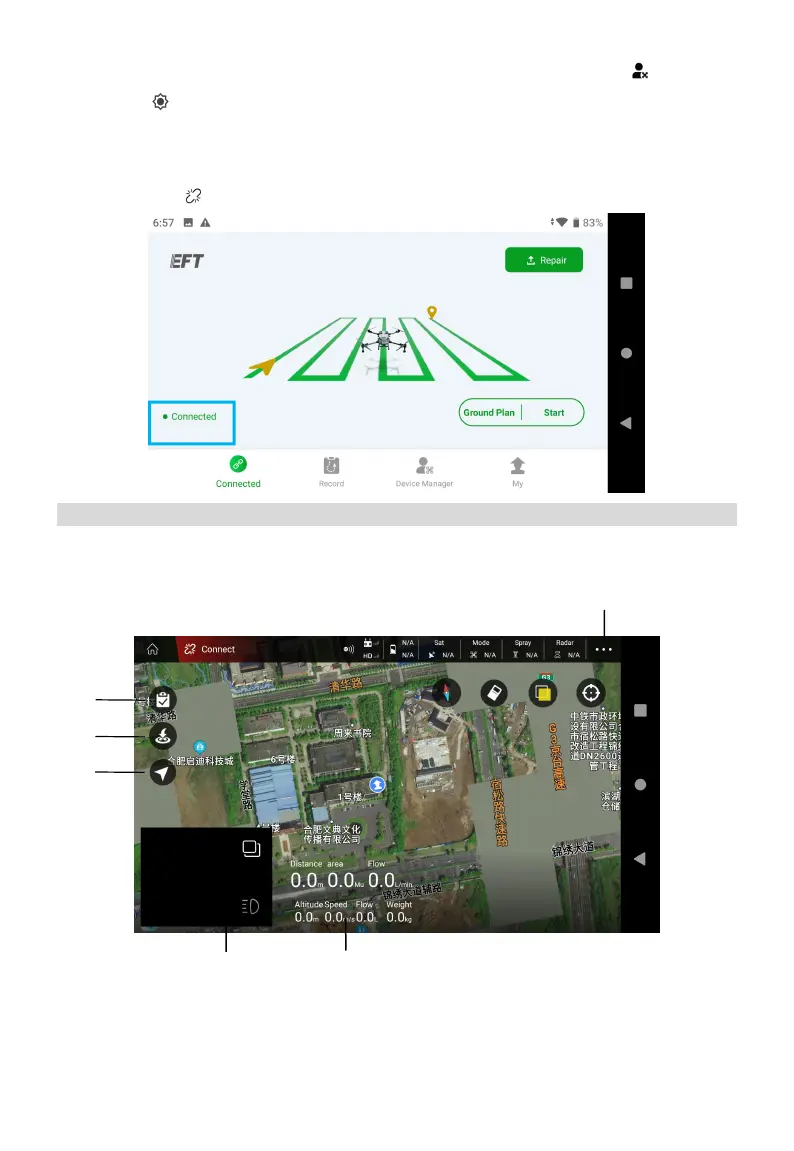
Back Home, Click “Connect”>Start (choose H12/MK15) to enter the operation interface.
Operation View
View the aircraft status, set parameters, switch operation modes, plan a field, and perform
operations.
① Field List/Task Settings
Users can view the planned fields and the operations being executed.



 To Next Page