Spreading Operation
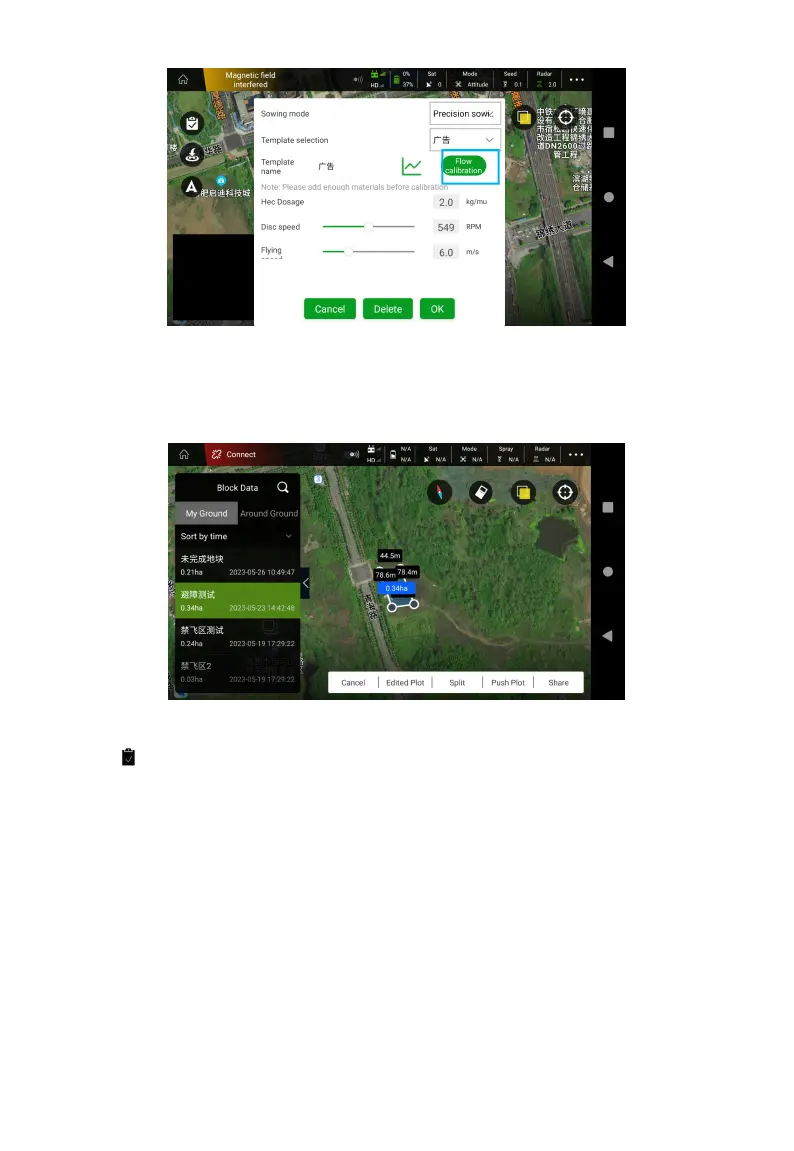
1. Open the Agri Assistant App, select Ground Plan >New Plot>Map Selection>Set Ground
Name, circle the plots , then “Share”.
2. Click , select the plots, set Hec Dosage, Disc speed, Flying speed and other parameters,
Click Confirm and Slide Right Start to take off.



 To Next Page