Advanced Setting
The advanced settings are generally defaulted by the factory, and the settings can be directly
read and save. Please keep default settings. If the flight is unstable, you can contact the
after-sales service to get the guidance.
Map Type
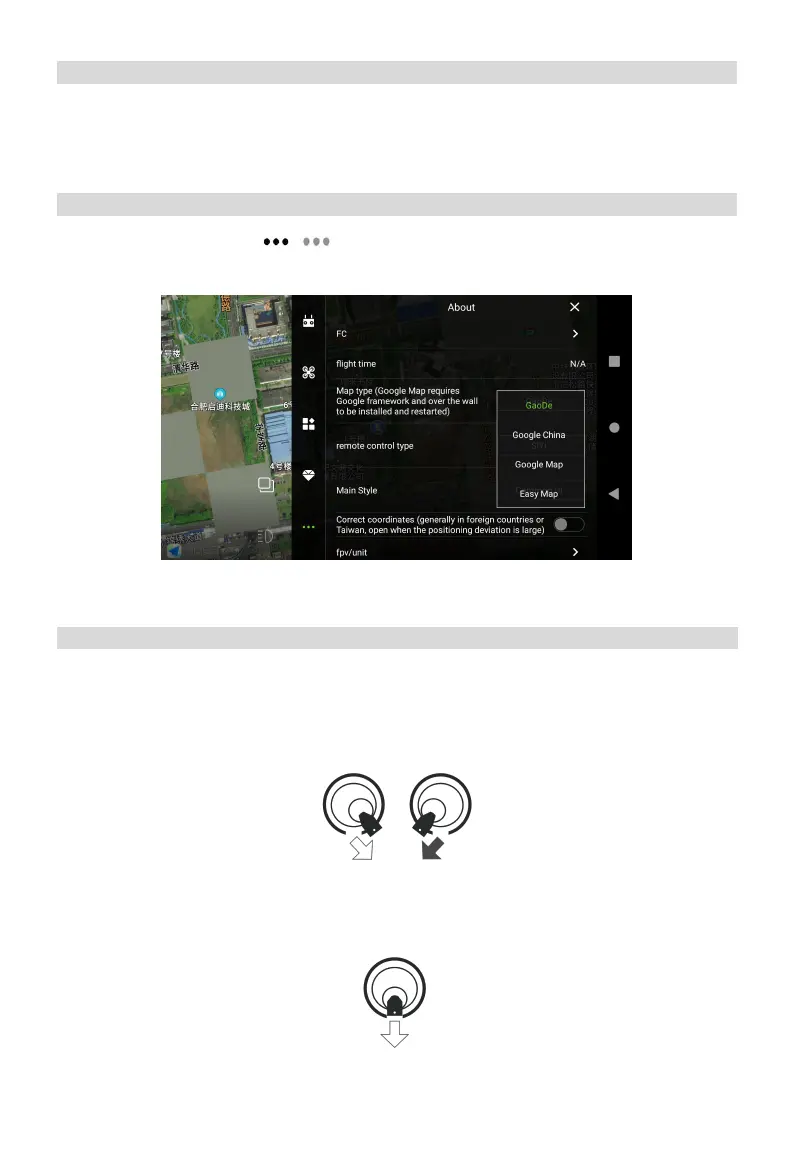
Enter Agri Assistant > Start > > , Choose Map type setting as “Google Maps” to complete
the pre-flight debugging.
Pre-flight Test
Unlock/Landing
Unlock
Perform a Combination Stick Command(CSC) and stay for a few seconds. After the motor starts,
release sticks and take off. If unlock fails, repeat the CSC 3 times until successful.
Landing
When the aircraft has landed, push and hold throttle stick down, the motor will stop after 3s.



 To Next Page