EasyManua.ls Logo

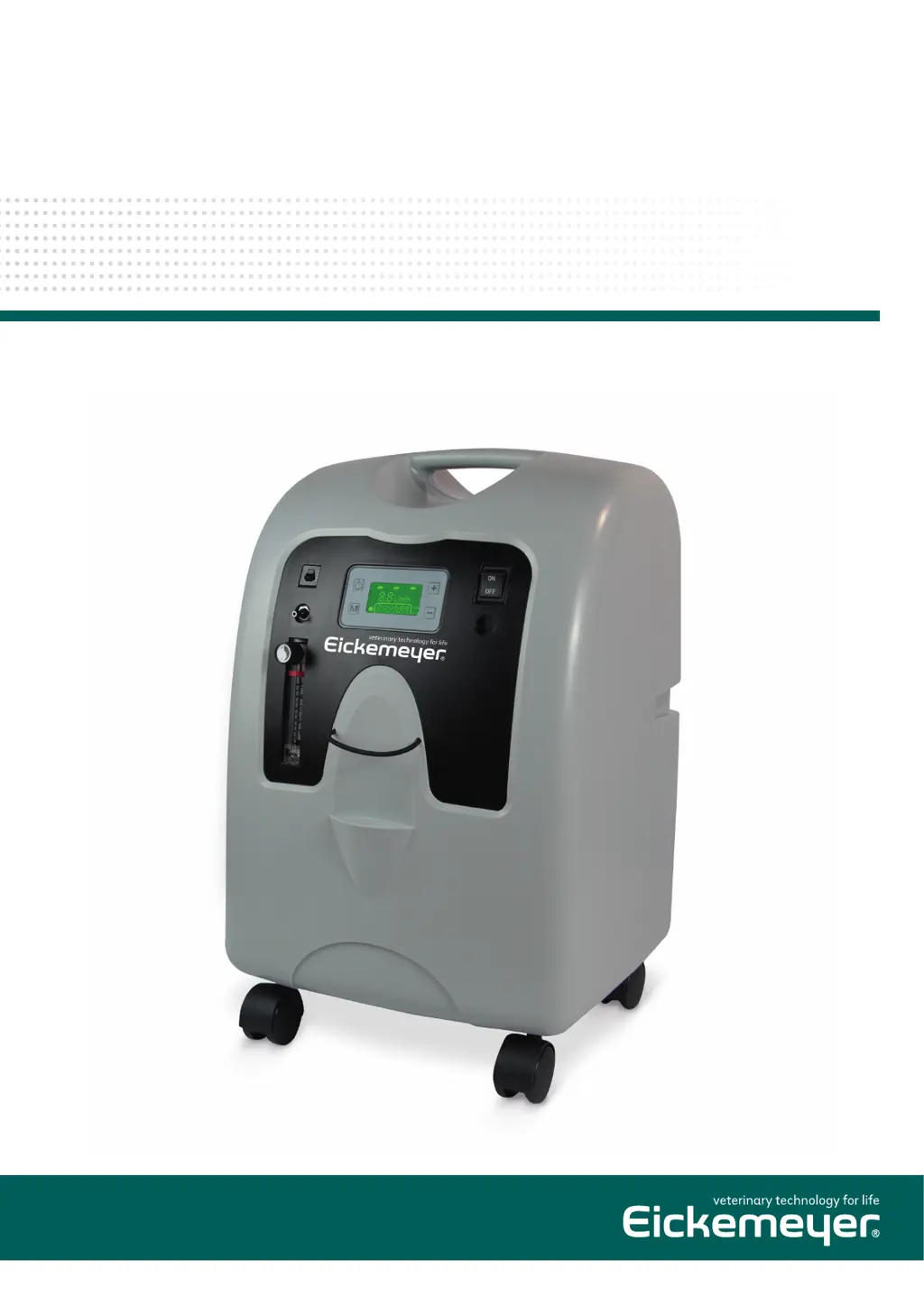
Eickemeyer OXYVET IV - User Manual

Eickemeyer OXYVET IV
16 pages
Print Icon
To Next Page IconTo Next Page
Loading...
USER MANUAL
OXYVET IV
OXYGEN CONCENTRATOR
Item no. 213180
Version 1, 04 / 2020
TELEPHONE +49 7461 96 580 0
www.eickemeyer.com

Questions and Answers

  • B
    blarsenAug 5, 2025
    Why is the yellow Low Oxygen light on my Eickemeyer OXYVET IV Medical Equipment?
    • J
      Jason HughesAug 5, 2025
      If the yellow Low Oxygen light is on, possibly accompanied by an intermittent audible signal, on your Eickemeyer Medical Equipment, consider these potential causes: * Ensure the flow meter is correctly set to the prescribed level. * Inspect the air filter and clean it if it's blocked. * Check the exhaust area to ensure there are no obstructions.
  • K
    Kara ParsonsAug 14, 2025
    What to do if the Eickemeyer OXYVET IV Medical Equipment unit operates but the red Service Required light is on?
    • M
      Marissa PattersonAug 14, 2025
      If your Eickemeyer Medical Equipment unit is operating, but the red Service Required light is on, accompanied by a possible audible alarm, consider the following: * Check the air filter and clean it if it's dirty. * Ensure nothing is blocking the unit's exhaust area. * Inspect the cannula, catheter, face mask, or oxygen tubing for blockages or defects. Detach and clean or replace if needed. Also, disconnect the oxygen tubing at the outlet to check for obstructions or kinks. * Examine the humidifier bottle for blockages or defects; detach and clean or replace it if necessary. * Verify that the flow meter is set to the prescribed flow rate. If the problem persists after these checks, further assistance is needed.
  • H
    hamiltoncraigAug 25, 2025
    What to do if the Eickemeyer OXYVET IV is making a low-frequency vibration sound?
    • D
      Devon StrongAug 25, 2025
      If your Eickemeyer Medical Equipment unit is operating and you detect an audible low-frequency vibration sound, immediately turn the unit off, switch to your reserve oxygen system, and contact Eickemeyer for assistance.

Summary

Important Safeguards

Introduction

How Your OxyVet IV Oxygen Concentrator Works

Important Parts of Your Concentrator

Front View (Figure 1)

Details the components and controls visible on the front panel of the oxygen concentrator.

Back View (Figure 2)

Identifies the parts located on the rear of the oxygen concentrator unit.

Setting Up Your Oxygen Concentrator

Before Operating Your Oxygen Concentrator

Operating Your OxyVet IV Oxygen Concentrator

Reserve Oxygen System

Caring and Periodic Maintenance for Your Unit

Oxygen Humidifier (reusable Bottles)

Instructions for daily cleaning and refilling of the reusable humidifier bottle with distilled water.

Cannula, Mask and Tubing

Guidance on cleaning and replacing the oxygen delivery accessories like cannula, mask, and tubing.

Air Filter and Oxygen Outlet Connector

Steps for cleaning the oxygen outlet connector and information on air filter replacement.

Exterior Cabinet Cleaning

Filter Maintenance Procedures

Inlet Pre-Filter Replacement

Procedure for changing the felt of the inlet pre-filter at least twice a year.

Bacterial Filter Replacement

Information on when and how to replace the bacterial filter, requiring professional service.

Minor Troubleshooting

Specifications

Symbol Definitions

Electromagnetic Immunity

Eickemeyer OXYVET IV Specifications

General IconGeneral
CategoryMedical Equipment
MonitoringOptional
BrandEickemeyer
ModelOXYVET IV
VentilationYes
ApplicationVeterinary

Related product manuals