19
When the power indicator as shown, means the device is charging
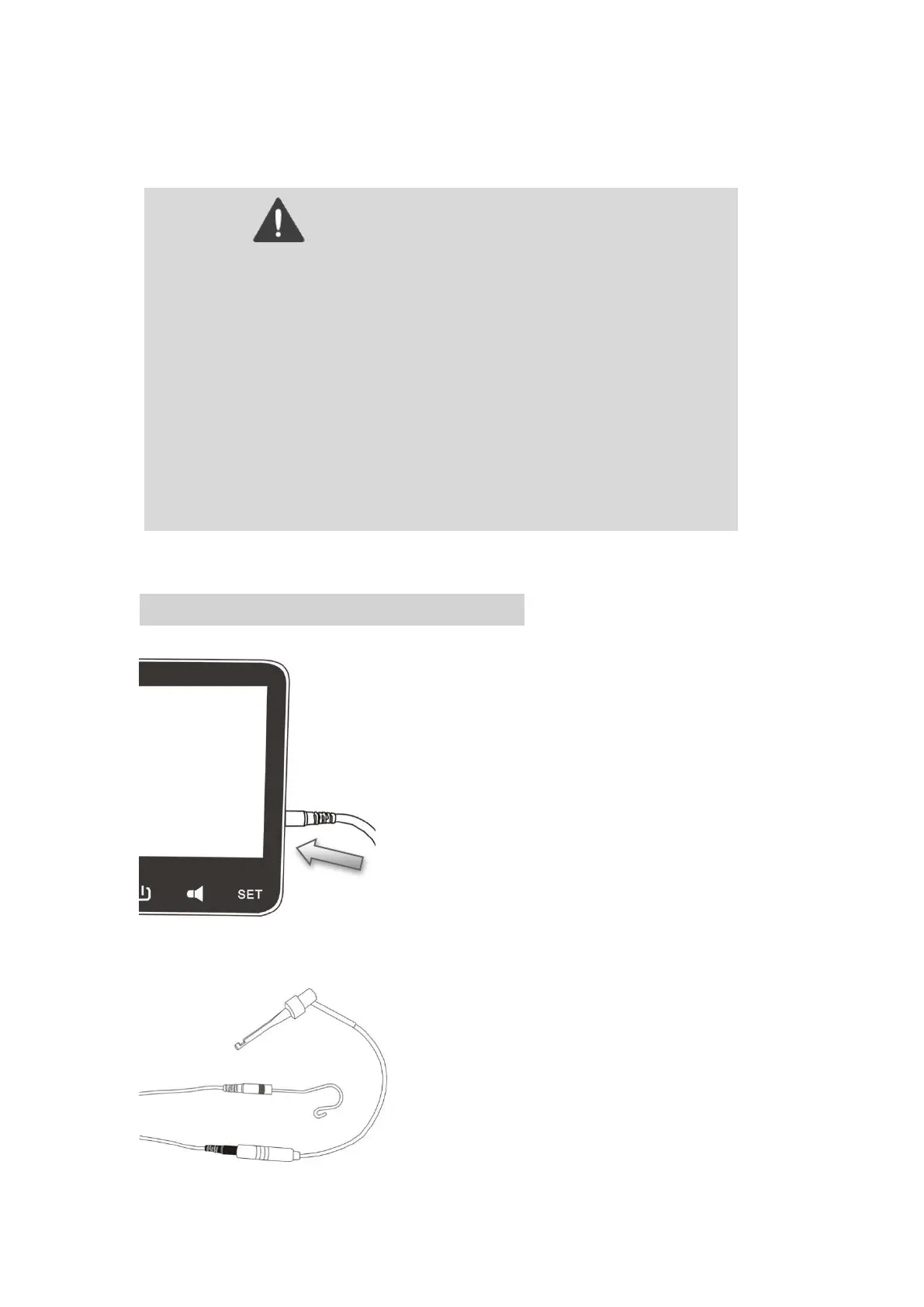
16、Install the APEX LOCATOR
Warning
Away from the heat source and make sure that there is no combustible
surrounding.
When battery is low charge the device fully. Charging frequently in low
power state for short time will reduce the battery life.
Do not use other power adapter to charge the device, otherwise it will
damage the device.
Do not charge the device while using it.
Do not use other battery for the device,otherwise it will damage the
device.















 To Next Page