26
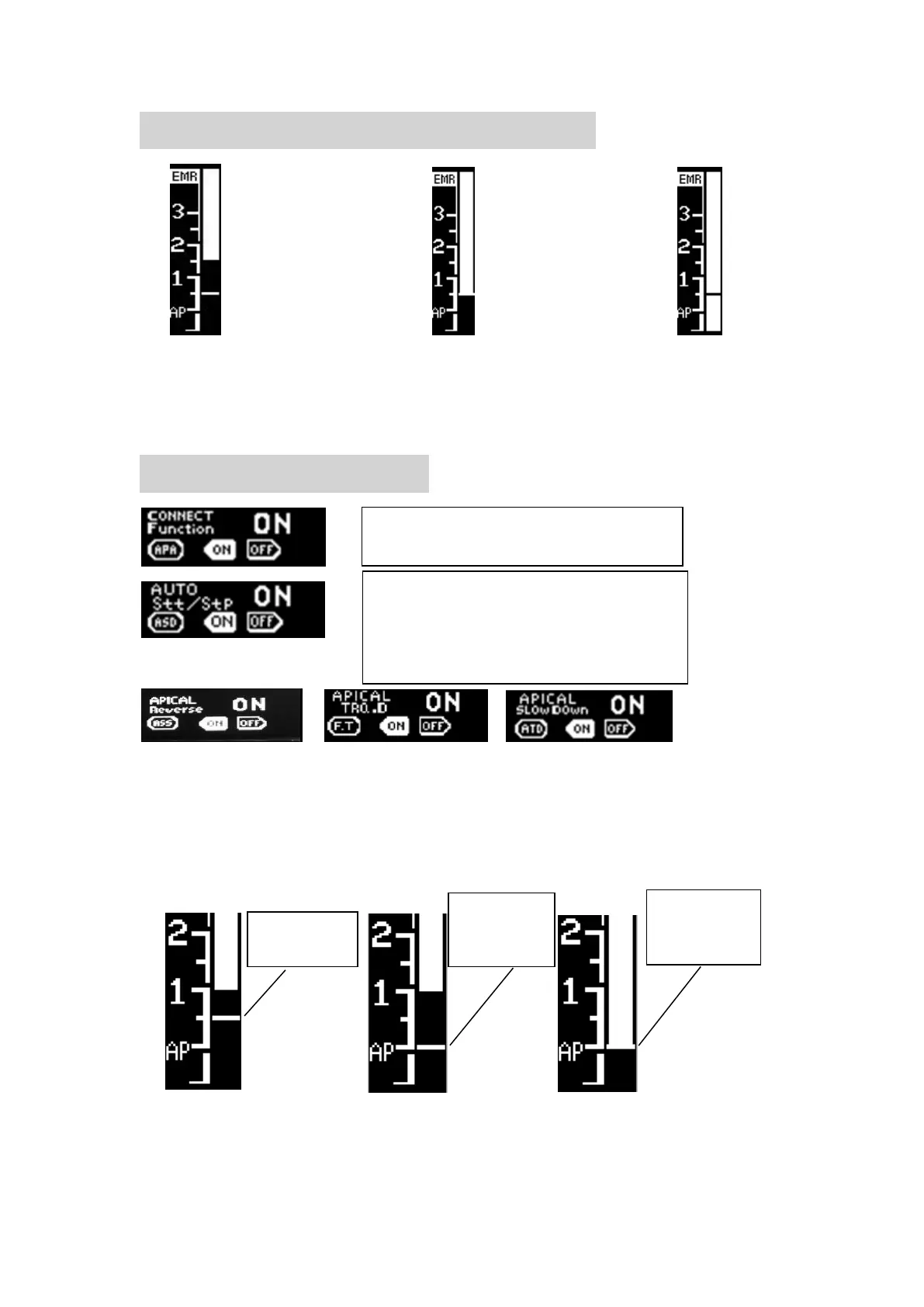
23、Display the root canal on E-CONNECT
1. The white band on handle scree will
display the progression of the file into the canals.
2. 2. Closer the file tip to the canal apices, the more rapid the Beep sound.
3. After connection, will activate the advanced setting in 9.5.
24、Combination Function
Operator can set Apical Reverse, Apical Slow Down and
Apical Torque Reduction functions as described earlier refer to
chapter 14 to set.
The position of the reference point is automatically setting with the APEX LOCATOR,
and the cursor is displayed on the E-CONNECT screen.
Set on to activate this function, when
the file approach the root canal ,
motor will auto start,when the file
leave the root canal, motor auto stop.















 To Next Page