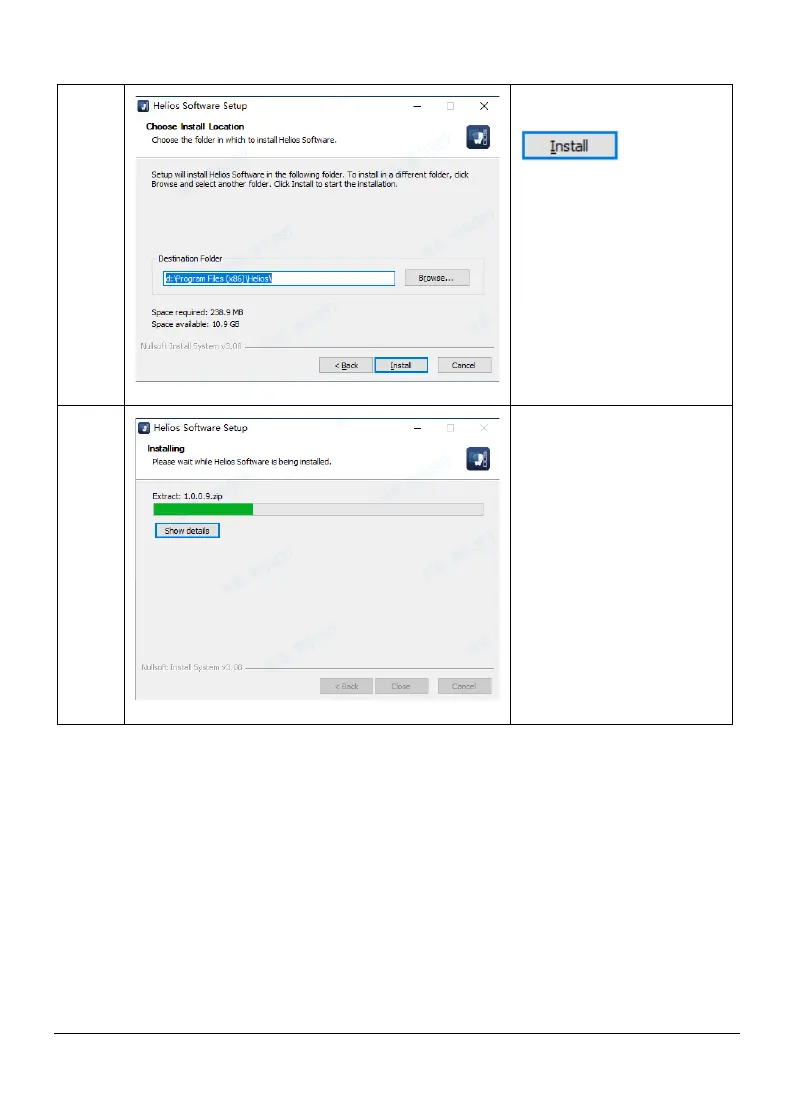
4
Select the installation
location and click
5
installation complete
4.4 Software Update
If there is an update of Helios 500 software, we(Sifary) will notify local
distributors (agents) and provide free installation USB Flash Driver, and the
distributor(agents) will upgrade the software for everyone.
4.5 Scanner placement
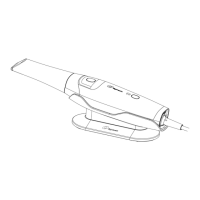
It is recommended to place the scanner in the holder of scanner. The
installation method is as follows:
Page 12 / 51


 To Next Page