User information and More
options
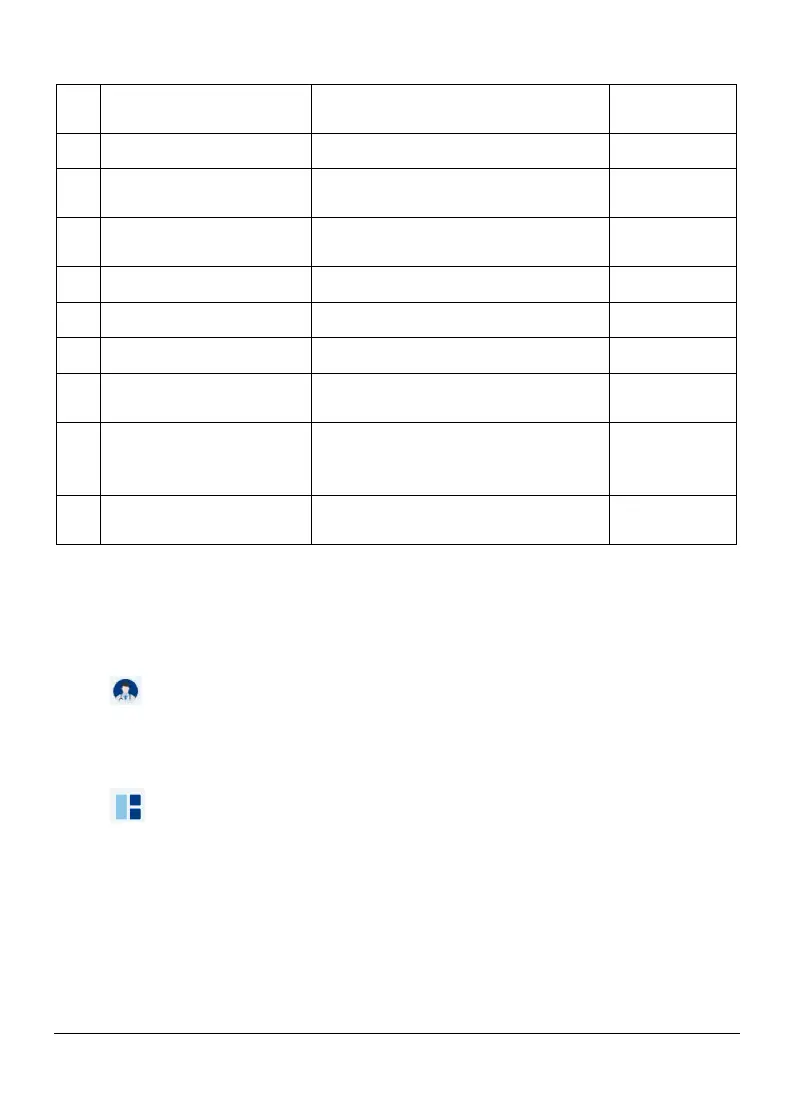
Select the upper jaw, lower jaw,
or bites
Displays the current step in the
process
Select and manage 3D model
Benefite to obtain 3D model
Displays the 3D model created
by the scanner
scanning, or the scanner status
Save scan data locally in
STL/PLY format
5.2 Interface Overview
5.2.1 Option Menu
5.2.1.1 User information
Click ,User information page is displayed, you can view user information,
switch and exit the current user
5.2.1.2 More options
Click ,More options is displayed, enables you to access Import scan data,
Export scan data, Scan historys, Settings and About dialogs
Page 16 / 51


 To Next Page