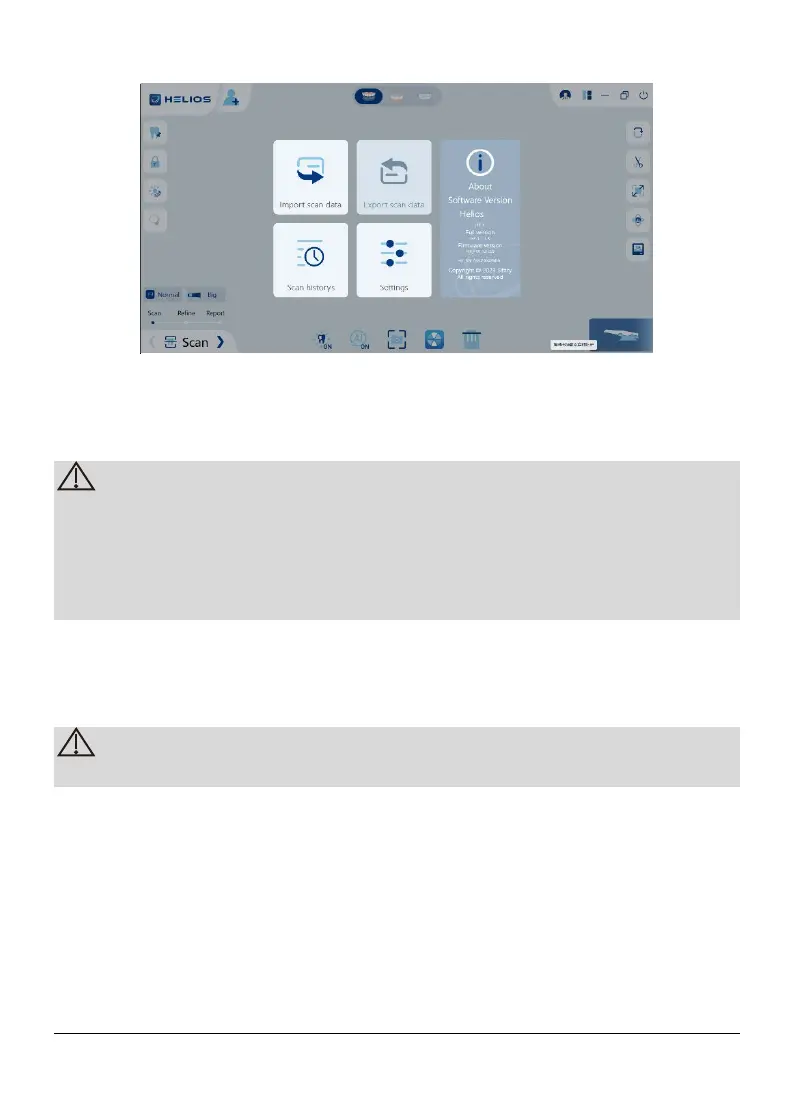
5.2.1.2.1 Import scan data
The Import scan Data option allows users to import local scan data in HIZP
format into the software for further scanning or other operations.
If you need to continue scanning after importing the previously saved scan
data, you must ensure that the scan data is acquired by the same scanner
currently connected, otherwise you will not be able to perform subsequent
scans on the imported data.
Only scan data in local HIZP format can be imported into the software
5.2.1.2.2 Export scan data
The Export scan data option allows users to save scan data locally in HIZP
format for subsequent import to continue scanning or other operations
The scan data is saved locally in HIZP format by the Export scan data option.
5.2.1.2.3 Scan historys
Scan records are saved in the scan historys, searching for patient information
to open the previous scan data by the scan historys.
Page 17 / 51


 To Next Page