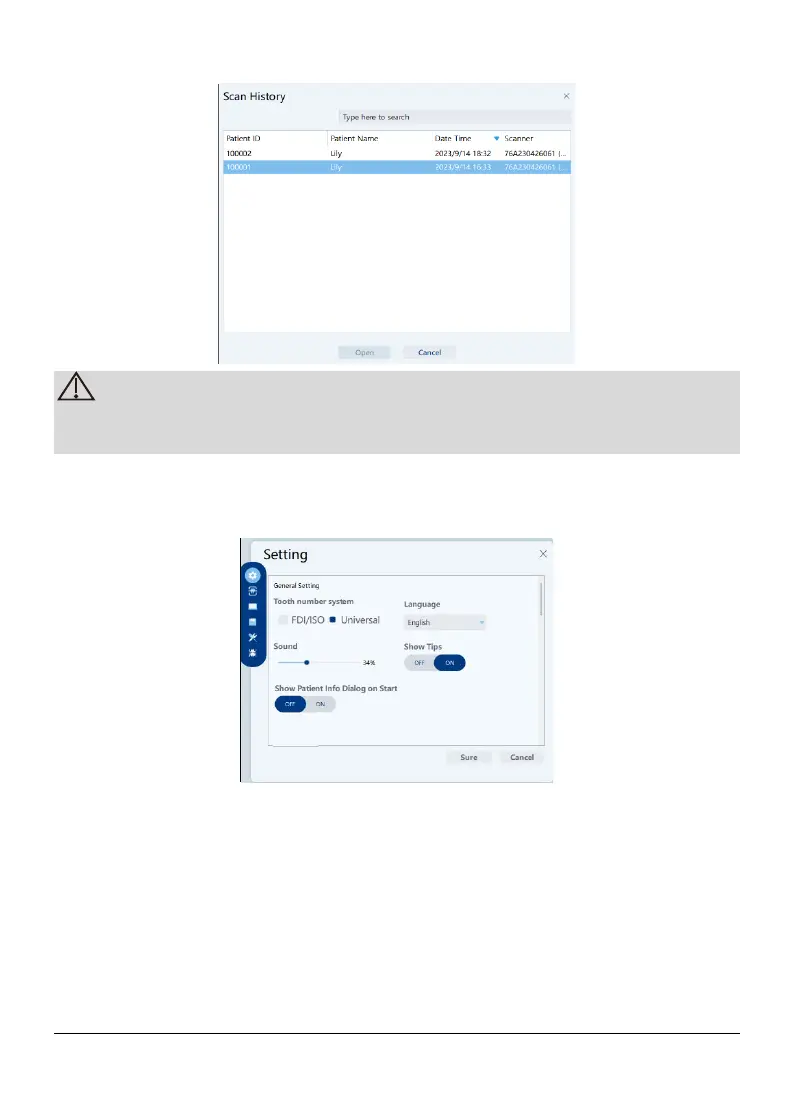
In Settings option, you can set the Auto save scan history, Save date, Save
path
5.2.1.2.4 Settings
1) General Seting
k
Tooth number system: Select the FDI/ISO or Universal as the tooth
numbering system.
Language: Select the user interface language.
Sound: Adjust the volume
Show tips: When selected, the screen displays an indication of the correct
scanning method When scanning 3D image of the occlusal
Page 18 / 51


 To Next Page