8 Troubleshooting
Helios 500 Troubleshooting Instructions
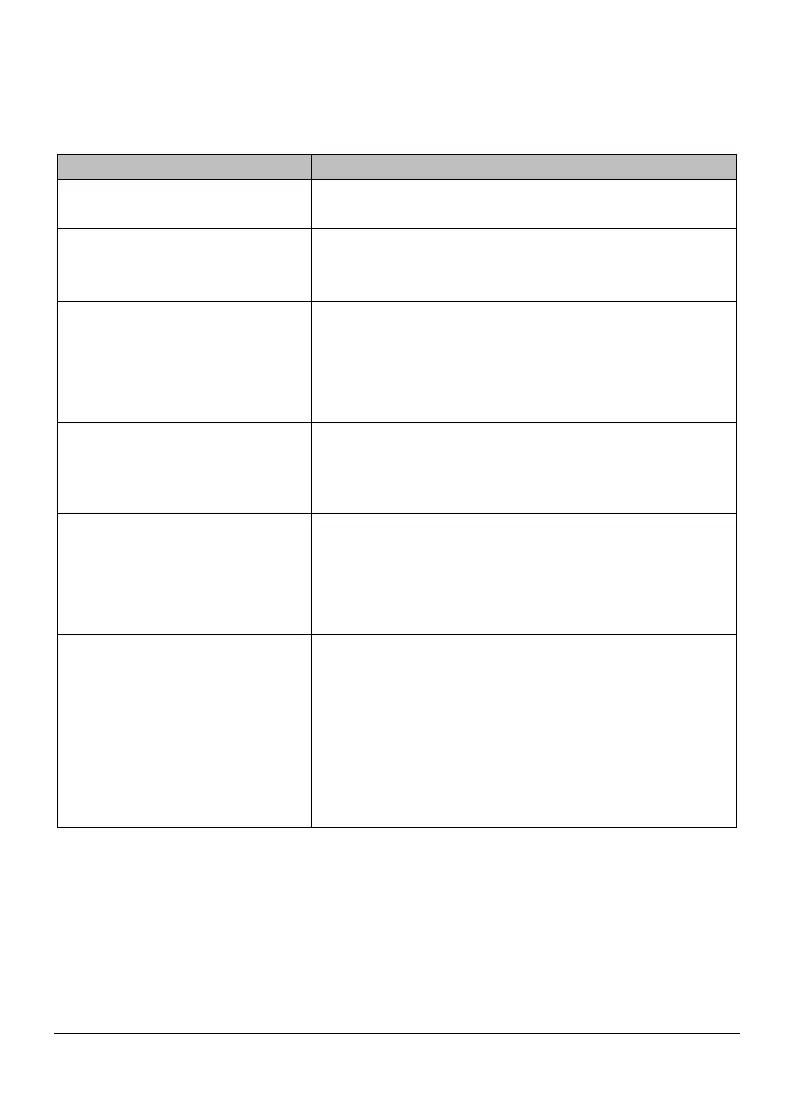
There is mismatching and overlap
Remove mismatched data and excessive tissue
using the Cut tool and rescan.
After bites, there is a gap or
intersection between the upper jaw
Delete the incorrect bite view, and rescan. Enable bite
optimization option.
Precision degradation is observed,
or images are not well-stitched
during acquisition.
Ensure that the lens window at the base of the scanner is
clean by wiping it with a moist, lint-free cloth or lens tissue.
Use a lens tissue or lint-free cloth to remove any dust or
water stains. Make sure the tip is firmly installed and there
are no dark edges on the live video.
Reconstruction of metallic
preparations is sometimes difficult.
Adjust the scanner position (for example: distance or angle)
and scan more of the area. Move the surgical light away
from the patient to decrease light scatter.
The tip is installed but not
detected. No live video is
displayed, and the Scanner tip is
not detected icon is displayed at
the bottom-right of the interface.
Reinstall the tip, and make sure the tip is in firm contact with
the scanner.
Fogging appears on the inner
surface of the lens window at the
base of the scanner.
Mount a completely dry tip on the scanner, and place the
scanner in the holder or set it on the desk, and wait until the
fogging fades. If the fogging does not disappear completely
after 24 hours, contact your local service provider for
assistance.
Ensure that the tip is thoroughly dry before mounting on the
scanner, and do not use a cloth soaked in disinfectant to
Page 41 / 51


 To Next Page