5. Soft Introduction
Page 31 / 66
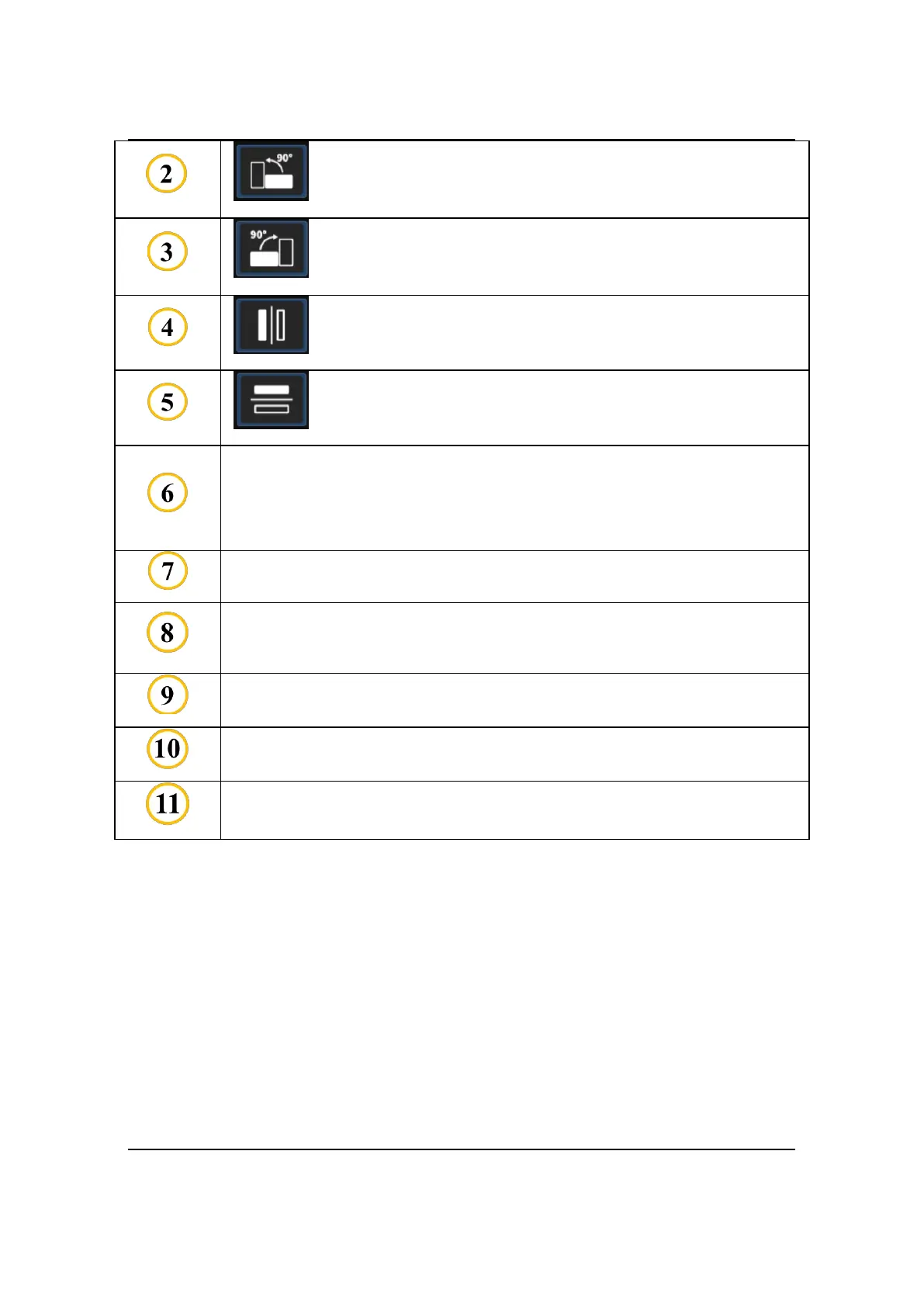
90CCW: Use to rotate image 90° counterclockwise.
90CW: Use to rotate image 90° clockwise.
Flip Horizontal: Use to make image mirror left and right.
Flip Vertival: Use to make image mirror up and down.
NEW STUDY: represents the data source.
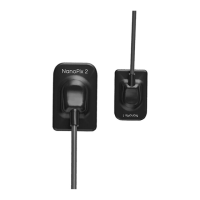
IO Sensor: data comes from the sensor;
Import: data comes from local.
TEETH LAYOUT: use to determine the age group: adult or child.
File Import: import image data from local.
Save to DB: save image data to the database.
The display area of the oral X-ray image.
Examples of different teeth layout.



 To Next Page