6 Operating Instructions
Page 45 / 66
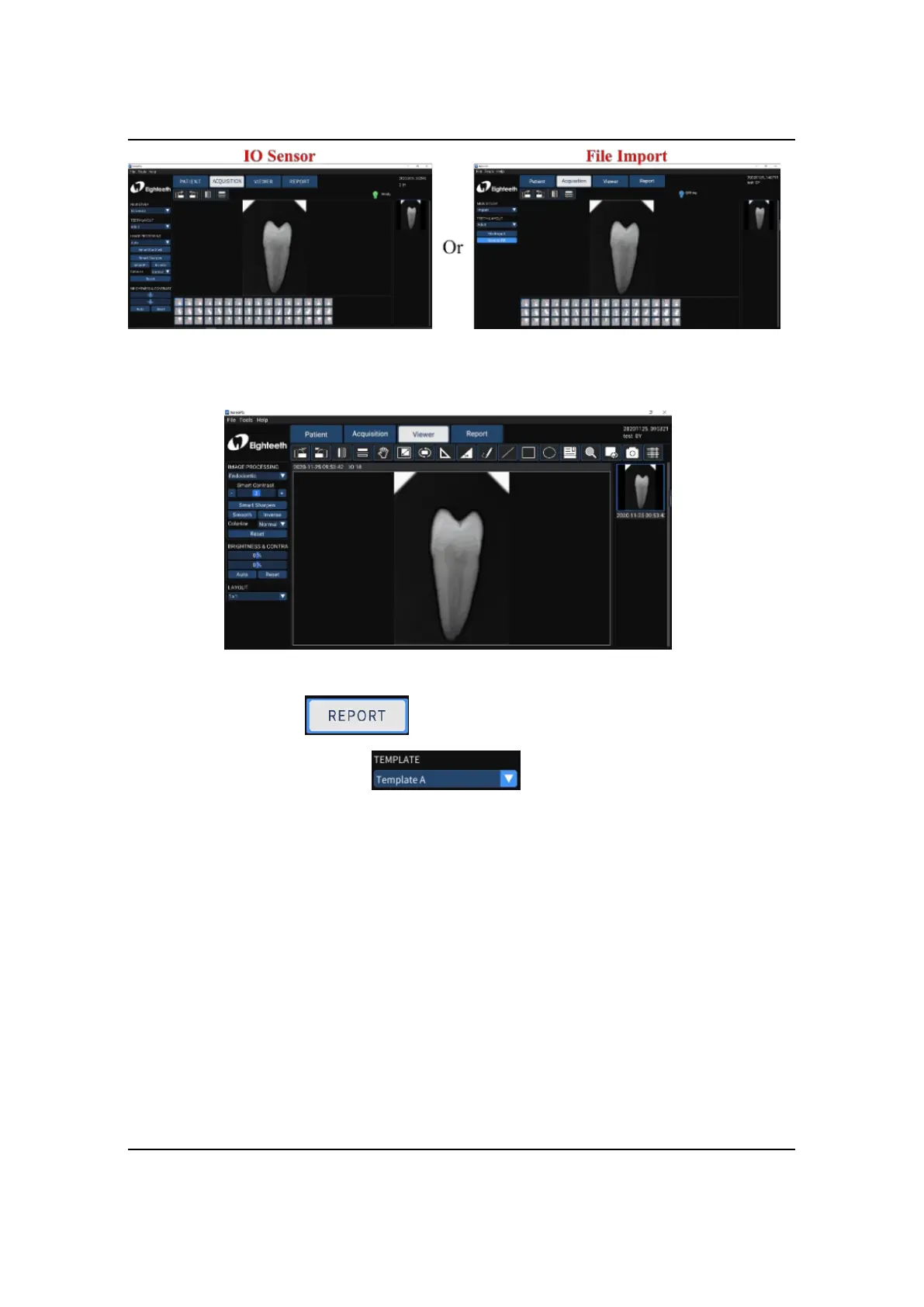
2. Optimize the acquired X-ray images according to section 6.3 (optional).
3. Click the report to enter the oral diagnostic report interface,
select the report template ; Select the picture frame and
double-click the right X-ray image to fill the image box; Double-click the text box
and input the patient's diagnosis results.



 To Next Page