14
Chapter 3 Advanced Adjustment/Setting
3-2. Setting Menu Functions
●
Color Adjustment
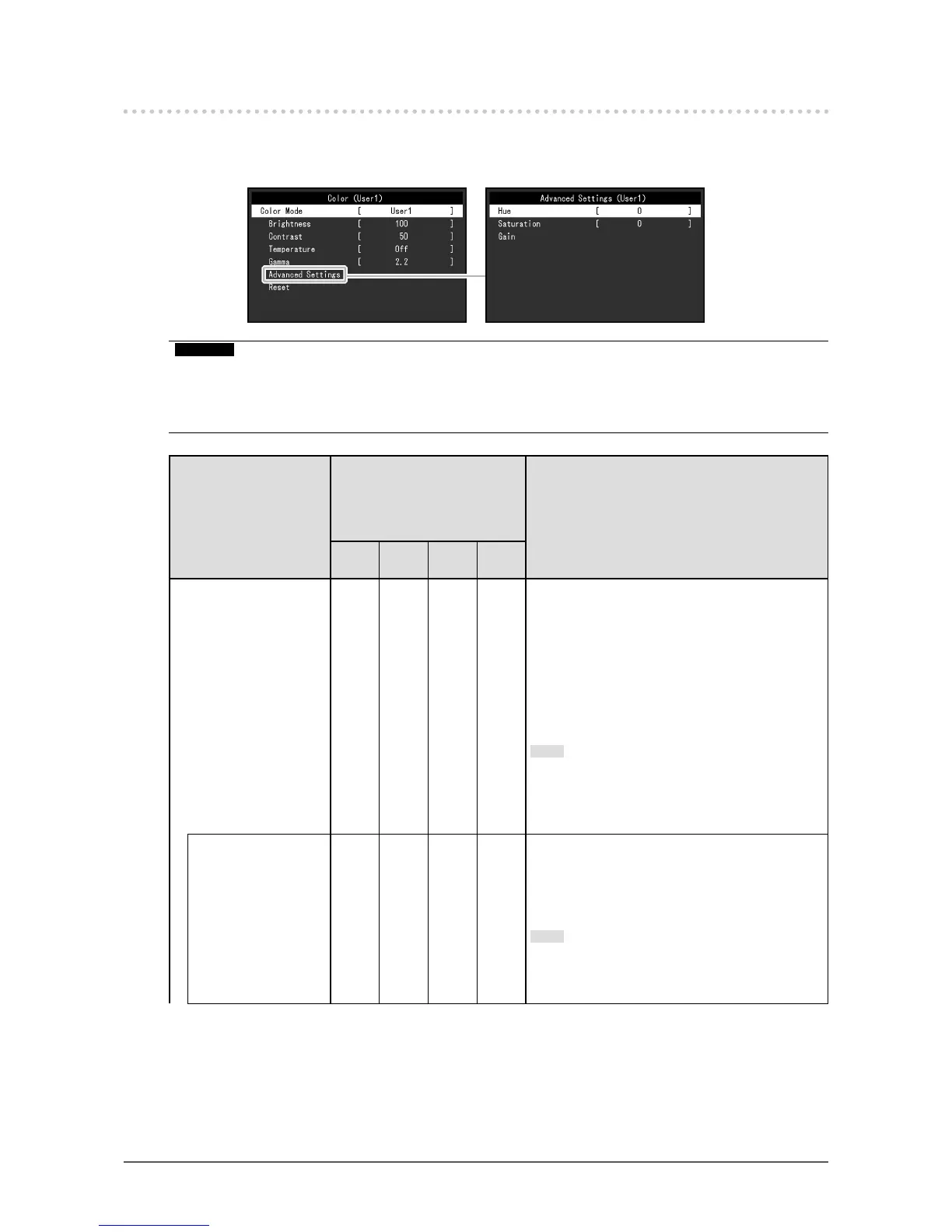
The color mode setting status can be adjusted according to personal preference.
Attention
• It takes about 30 minutes for the performance of electrical parts to stabilize. Please wait 30 minutes or more
after power to the monitor has been turned on before adjusting the monitor.
• The same image may be observed in different colors on multiple monitors due to monitor-specic
characteristics. Make ne color adjustments visually when matching colors across multiple monitors.
Function
Color Mode
(Functions that can be adjusted
differ depending on the color
mode.)
√: Adjustable -: Not adjustable
Description
User1
User2
sRGB Paper
DICOM
Color Mode √ √ √ √ Select the desired mode according to the monitor
application.
The color setting status can also be adjusted
according to personal preference. Select the
mode for adjustment and perform adjustment
using the relevant functions.
Setting Range: User1, User2, sRGB, Paper, DICOM
Note
• For details on the adjustment status of each
mode, see “2-3. Switching Display Modes
(Color Modes)” (page 10).
Brightness √ √ √ -
The screen brightness is adjusted by changing
the brightness of the backlight (light source from
the LCD back panel).
Setting Range: 0 to 100
Note
• If the image is too dark even when the
brightness is set to 100, adjust the contrast.








 To Next Page