20
Chapter 3 Advanced Adjustment/Setting
●
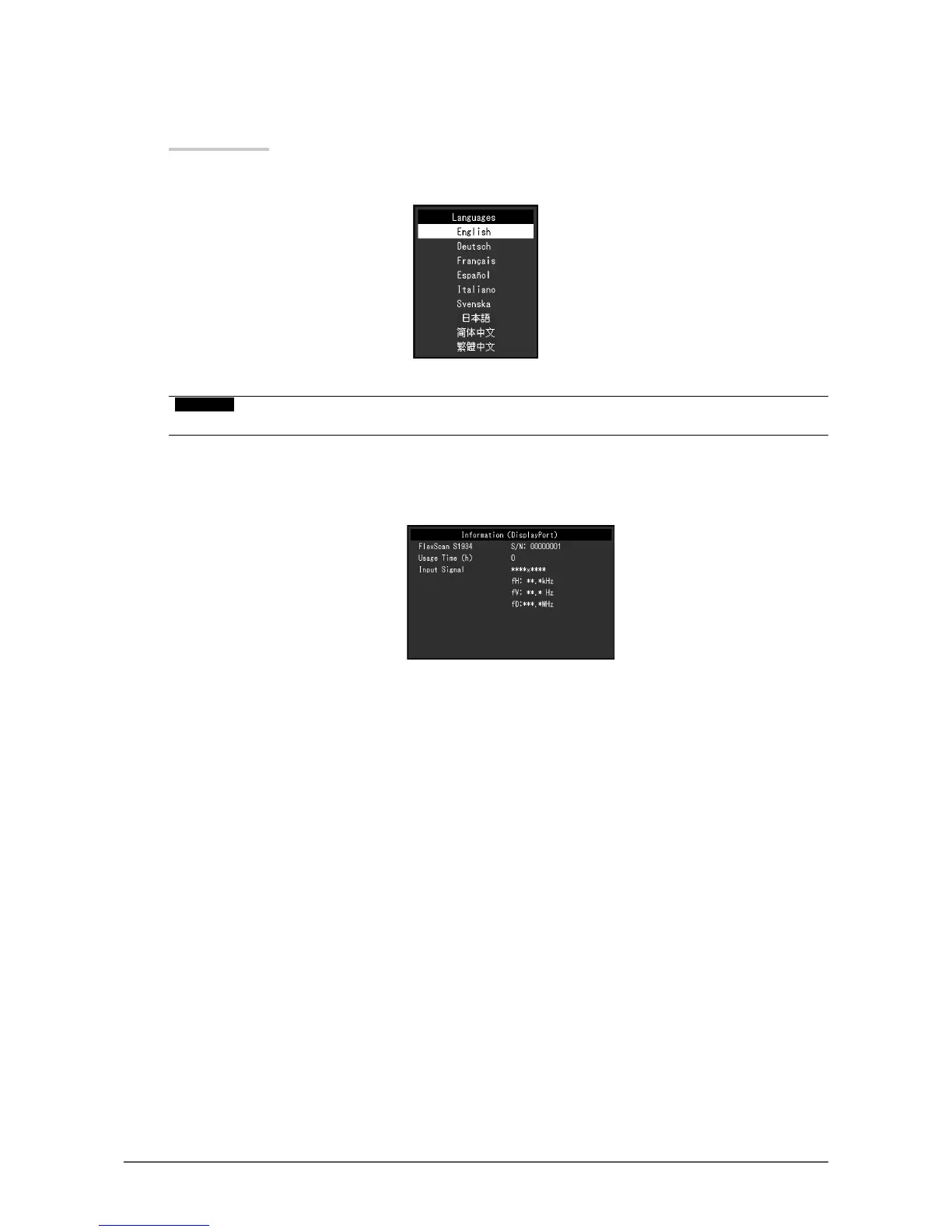
Language
The display language for menus and messages can be selected.
Setting Range
English, Deutsch, Français, Español, Italiano, Svenska, Japanese, Simplied Chinese, Traditional
Chinese
Attention
• The display language of the “Administrator Settings” menu cannot be changed.
●
Information
Monitor information (product name, serial number, usage time, resolution, and input signal) can be
checked.
Example:








 To Next Page