4
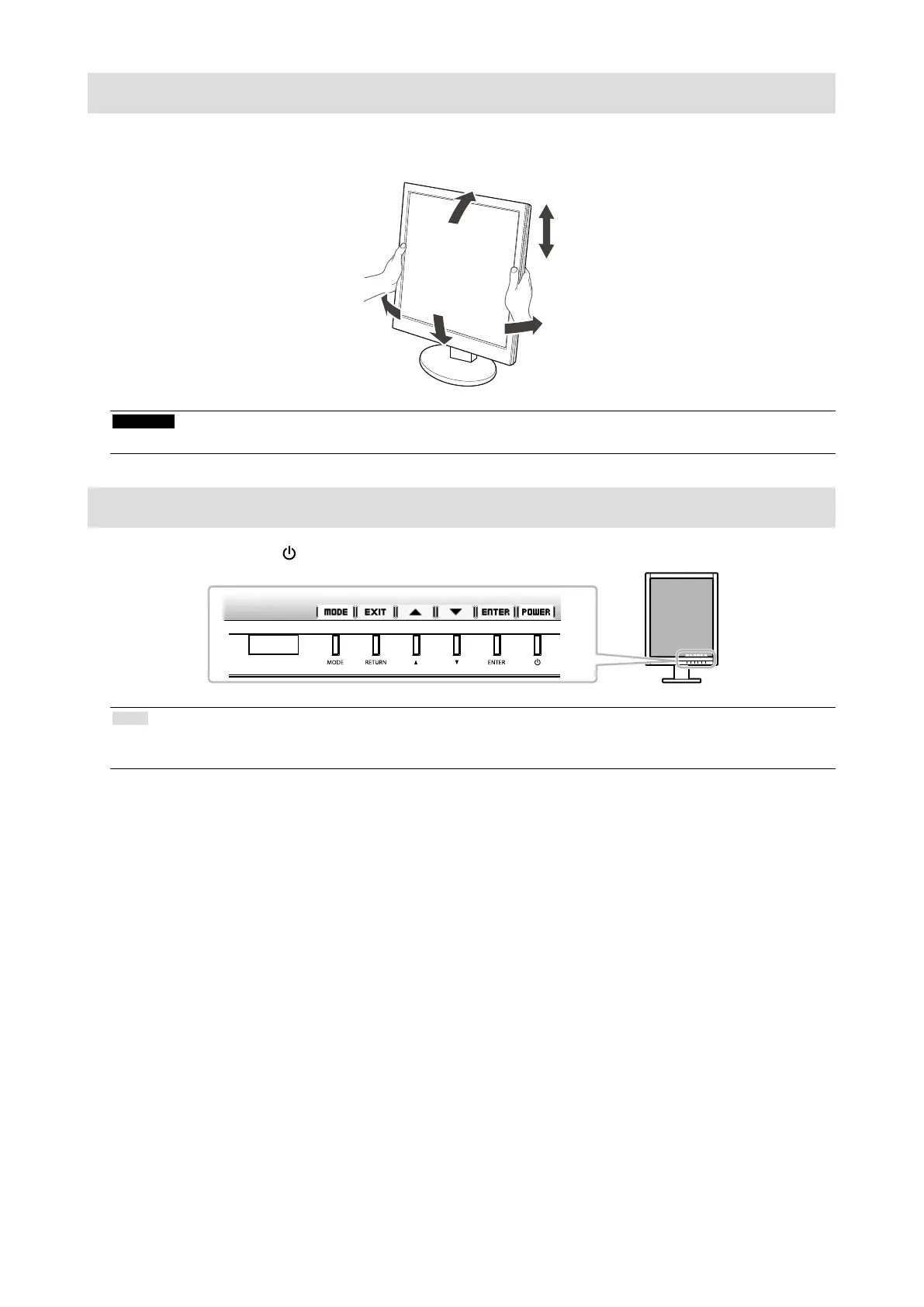
Adjusting the Screen Height and Angle
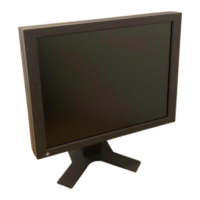
Hold left and right edge of the monitor with both hands, and adjust the screen height, tilt and swivel of the screen to the
best condition for working.
Attention
• Be sure that the cables are correctly connected.
Showing Button Guide
Press the front buttons (except button), the Button Guide appears above the button.
Note
• The Button Guide will continue to appear while the Adjustment menu or mode menu is showing.
• The Button Guide is displayed differently depending on the selected menu or status.





 To Next Page