- 9 -
OPTION 5
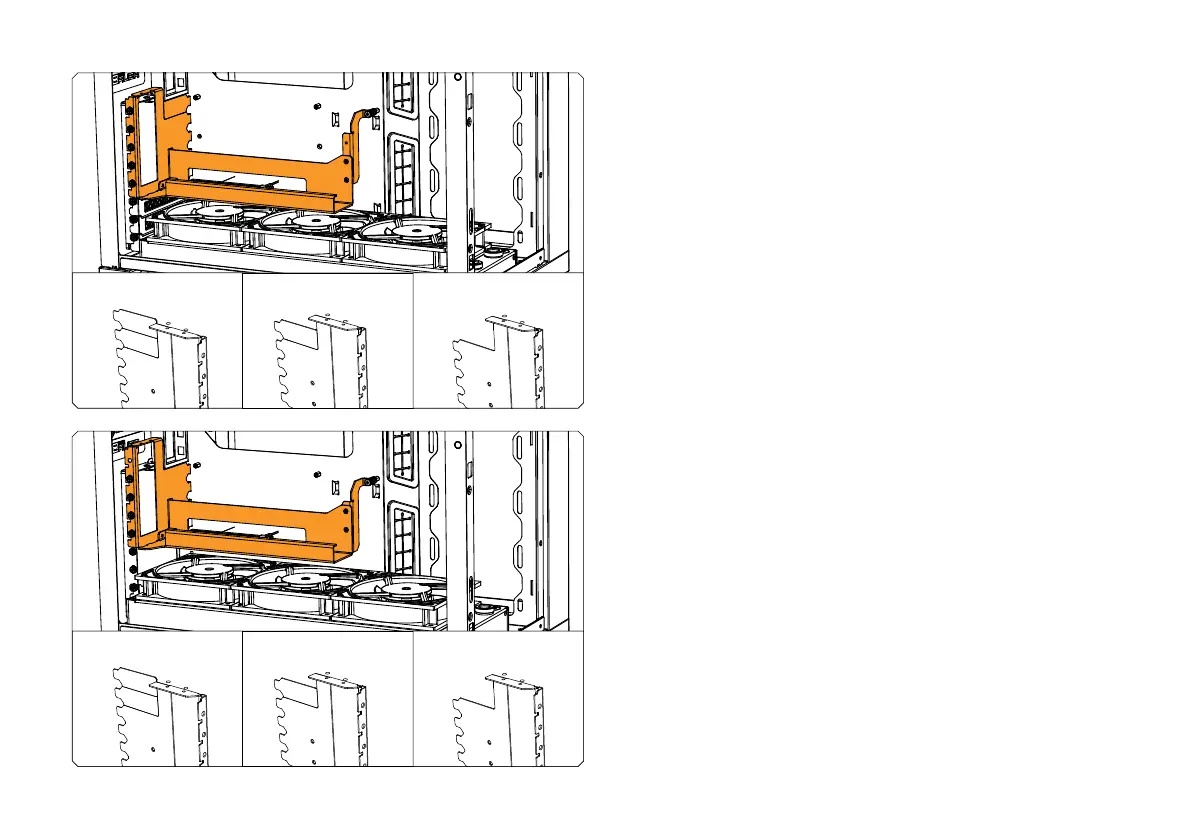
In this position, the GPU Holder may support 3-slot GPUs because
the GPU clamping part of the Holder is raised above the PCIe
bracket holder part of PC chassis. You still need to double check
that there will be no overlapping of I / O ports or interference of the
GPU with the CPU cooler.
OPTION 6
In this position, the GPU Holder may support 3-slot GPUs because
the GPU clamping part of the Holder is raised above the PCIe
bracket holder part of PC chassis. You still need to double check
that there will be no overlapping of I / O ports or interference of the
GPU with the CPU cooler.
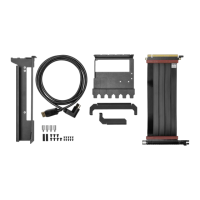
If using the GPU Holder on the upper positions of the PC case, you
may have to break off 1 or 2 of the PCIe Brackets on the holder.
If using the GPU Holder on the upper positions of the PC case, you
may have to break off 1 or 2 of the PCIe Brackets on the holder.
-1 BREAK-OFF
PCIe BRACKET
-1 BREAK-OFF
PCIe BRACKET
-2 BREAK-OFF
PCIe BRACKET
-2 BREAK-OFF
PCIe BRACKET




 To Next Page