41
CONNECTING SMART DEVICES
You can use a variety of features by connecting the TV to a smart device.
Connecting Your Smart Device to a TV Using the LG ThinQ App
1. Download the LG ThinQ app from the app store of your smart device.
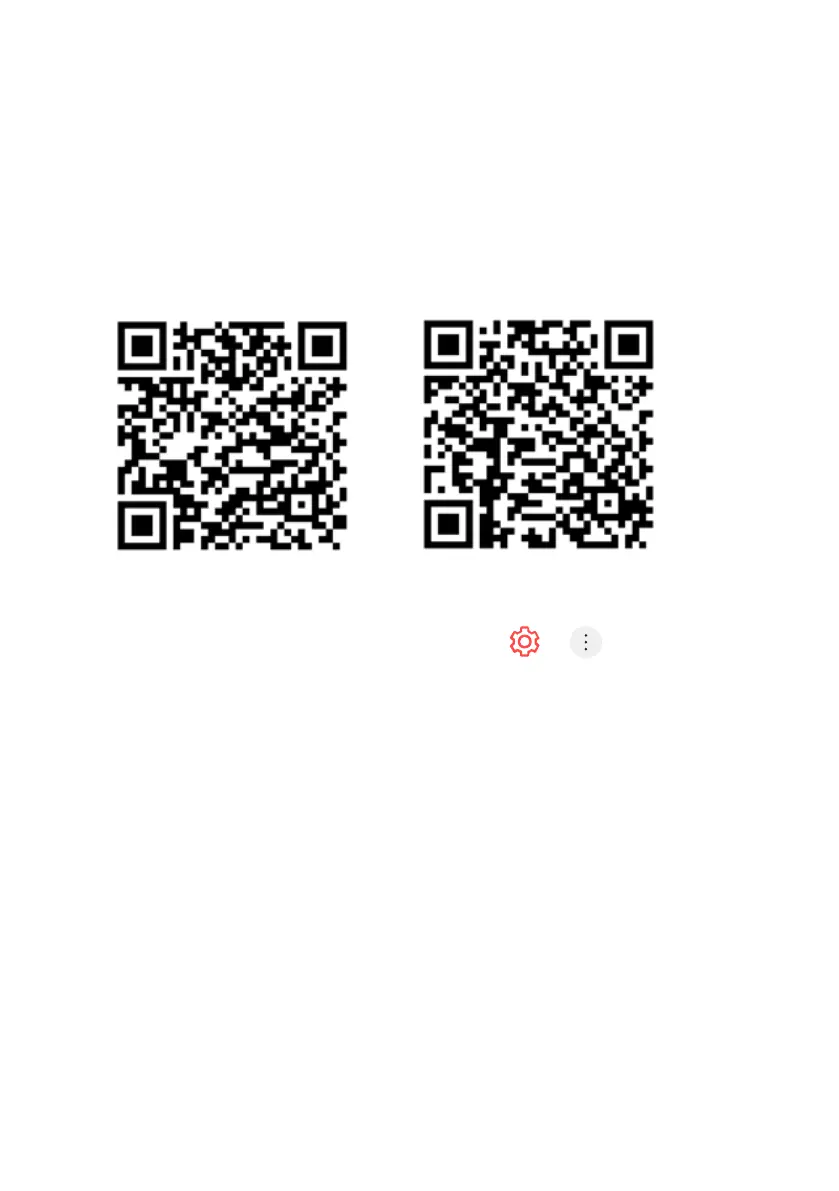
You can download the app easily by scanning the QR code
2. Connect your TV and smart device to the same Wi-Fi network.
You can check the Wi-Fi network of TV at > > Connection >
Network Connection Settings > Wi-Fi Connection.
3. Run the LG ThinQ app installed on your smart device.
4. Follow the instructions from LG ThinQ app to connect your smart device
to the TV. When your account information of LG ThinQ is linked to the
TV, you can manage the IoT devices linked to your account using Home
Dashboard of the TV.
ANDROID iOS
CONNECT EXTERNAL DEVICES (Cont.)



 To Next Page