OPERATION
NP-DK50 DE-18_02-2019 17
Running the compressor
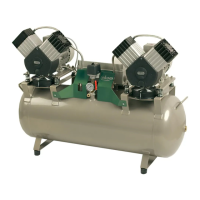
Compressor operation is automatic. The compressor runs permanently,
when air consumption is lower than the set point; once set point is reached
the operation is switched to idle run. The pressure gauge displays the value
of output pressure. When air consumption stops, the compressor shall switch
off after around 30 seconds and switch on after air consumption is restored.
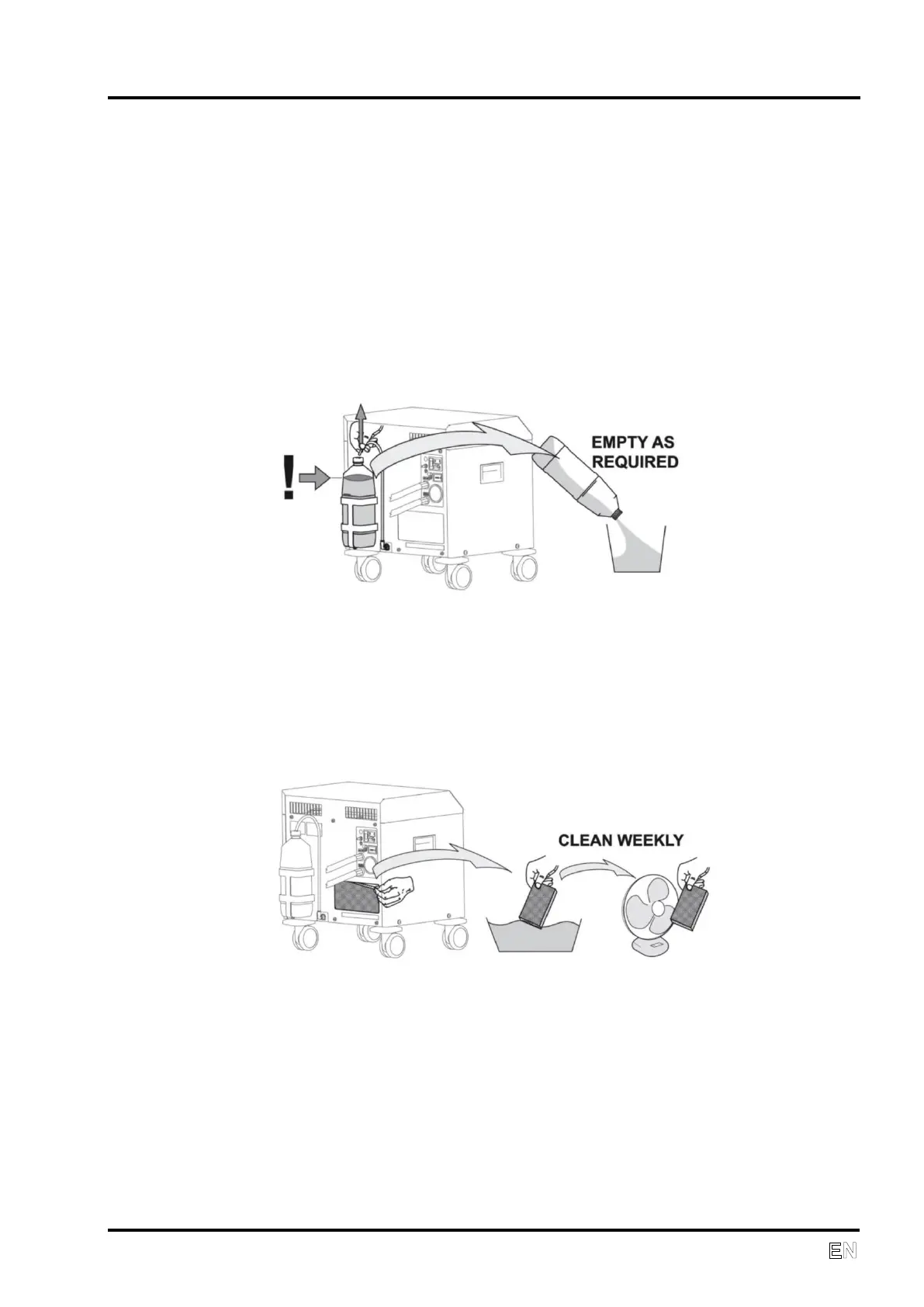
The condensed liquid drains into a tank (8) at the back of the device. When
the tank fills up, it must be emptied.
Cleaning and replacing filters
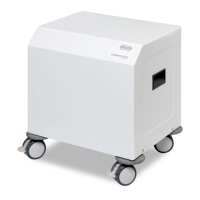
At least once a week take out and clean the suction filter (6) located on the
back side. Wash the filter in warm soapy water, rinse thoroughly and allow it
to dry. Insert the clean filters so that the intake openings are completely
covered by the filters. A replacement suction filter (6) No. 025000018 is
included in the basic equipment for the product.
Cleaning the compressor
To clean the compressor, use a detergent that contains no abrasives,
chemical solvents or other corrosive agents.


 To Next Page