- 15 -
INSERTING THE GRAPHICS CARD INTO THE CHASSIS
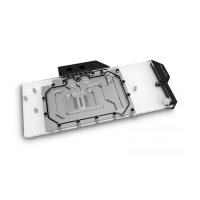
Carefully lift your graphics card with the installed water block and insert it into
your PC’s motherboard PCI Express expansion slot. Please keep in mind that
your graphics card is heavier than before it was equipped with the water block.
You need to be very careful when handling the graphics
card. Avoid all unnecessary manipulation of the water block
assembly that might damage your card or water block.
FITTINGS AND TUBING
STEP 1
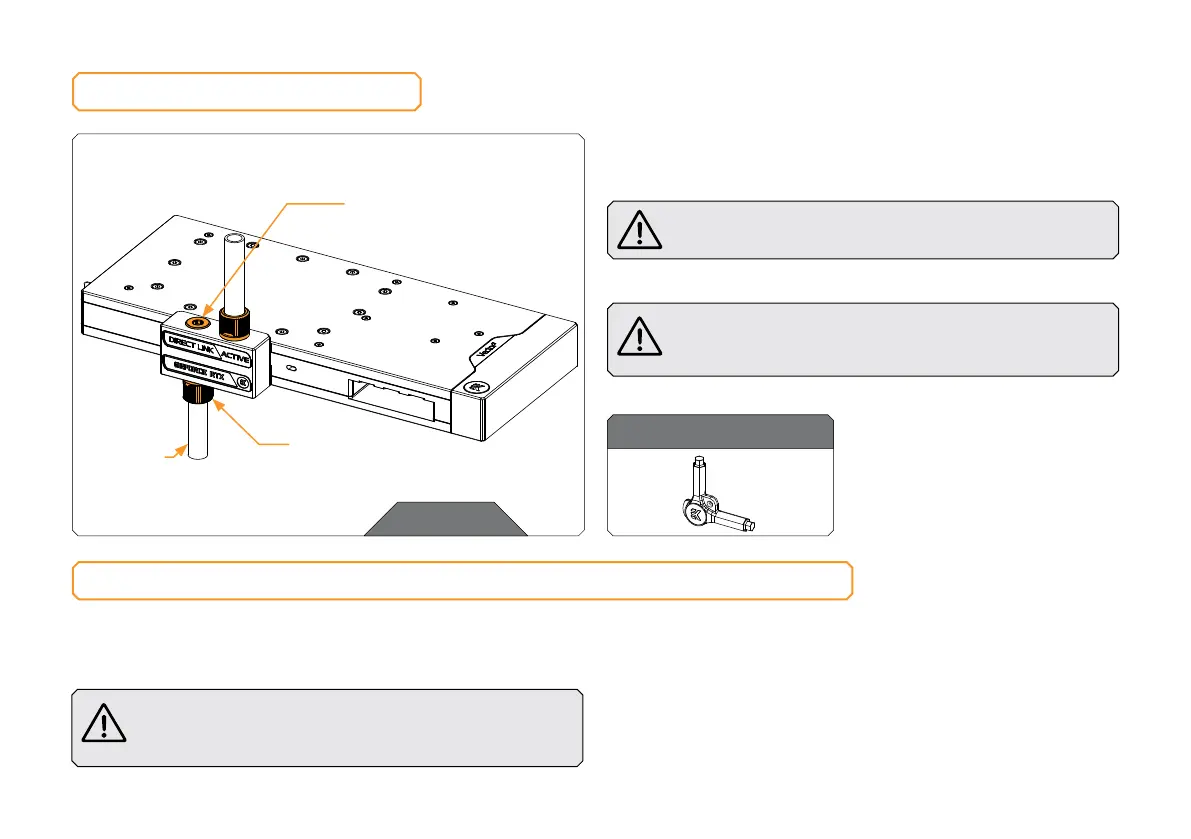
Screw-in two (2) G1/4 threaded male fittings. Attach the liquid
cooling tubes and connect the water block to the cooling loop.
Do not forget to plug the remaining two openings using
the enclosed EK-Plug G1/4 or its equivalent.
EK recommends using EK fittings with all EK water blocks.
CAUTION: When using connectors other than EK fittings,
pay special attention to the length of the fittings’ male G1/4”
thread – 5 mm is the maximum G1/4” thread length allowed!
STEP 1
TUBING
EK- PLUG G1/4
EK-FITTING
For this step, you will need:
EK-Loop Multi Allen Key





 To Next Page