- 11 -
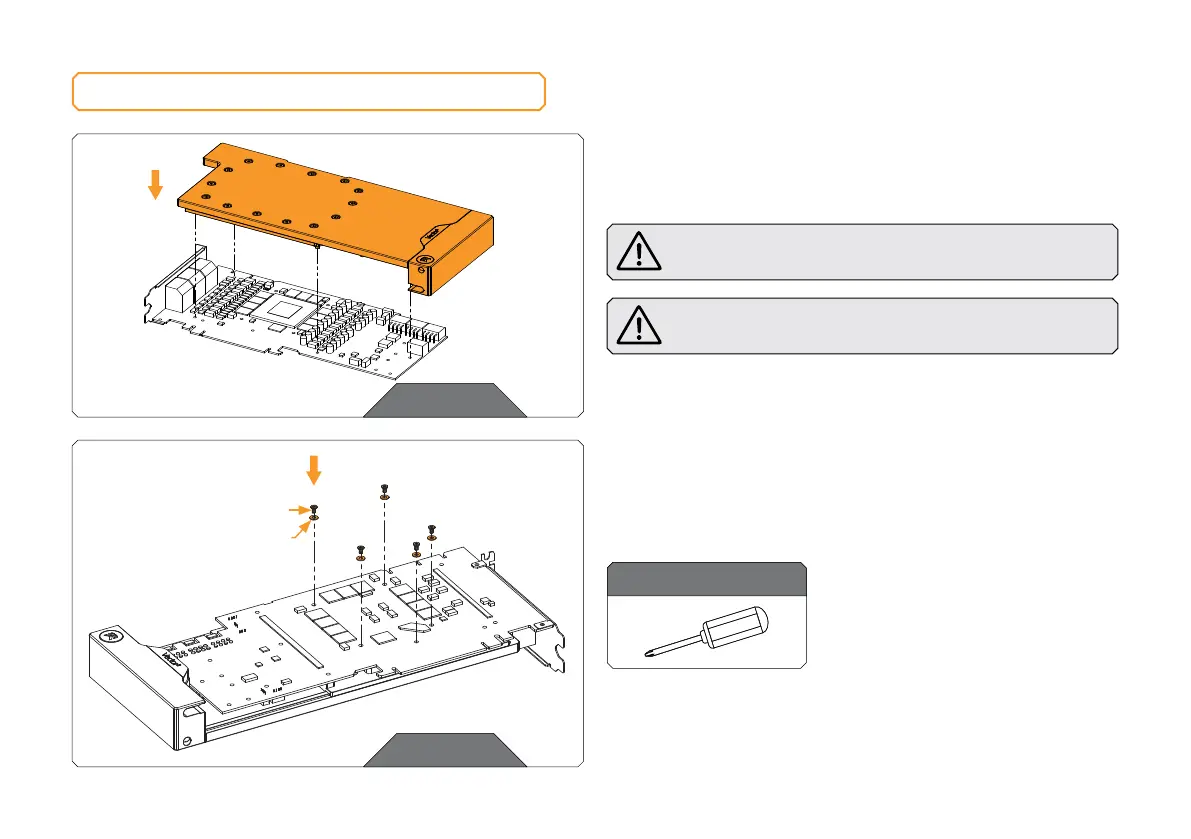
ATTACHING THE WATER BLOCK
STEP 1
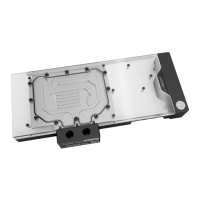
Carefully position the water block with preinstalled standoffs on
the graphics card. During this process, make sure you have aligned
mounting holes of the PCB with holes of the water block.
Pay attention not to use too much force when pressing the
block down to the PCB since chip dies are prone to cracking.
Before attaching the PCB to the Water Block, make sure
all the Thermal Pads are placed correctly!
STEP 1
For this step, you will need:
Phillips Head Screwdriver
STEP 2
Use five (5) M2.5 x 4 AX1 Screws and PVC washers to tighten
the PCB on the water block. Tighten the screws evenly using the
Phillips-head screwdriver.
STEP 2
M2.5 PVC WASHER
M2.5 x 4 AX1 SCREW





 To Next Page