- 7 -
PREPARING THE GRAPHICS CARD
STEP 1
REMOVING THE STOCK COOLER
Place your graphics card on the flat surface and carefully remove
the stock cooler. Do not forget to unplug all the LED and fan
connectors. Pay attention to the following steps when installing
the EK-Quantum Vector
2
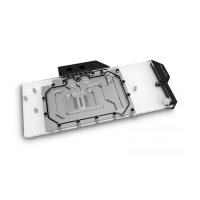
Xtreme RTX 3080/3090 water block
onto your graphics card.
STEP 2
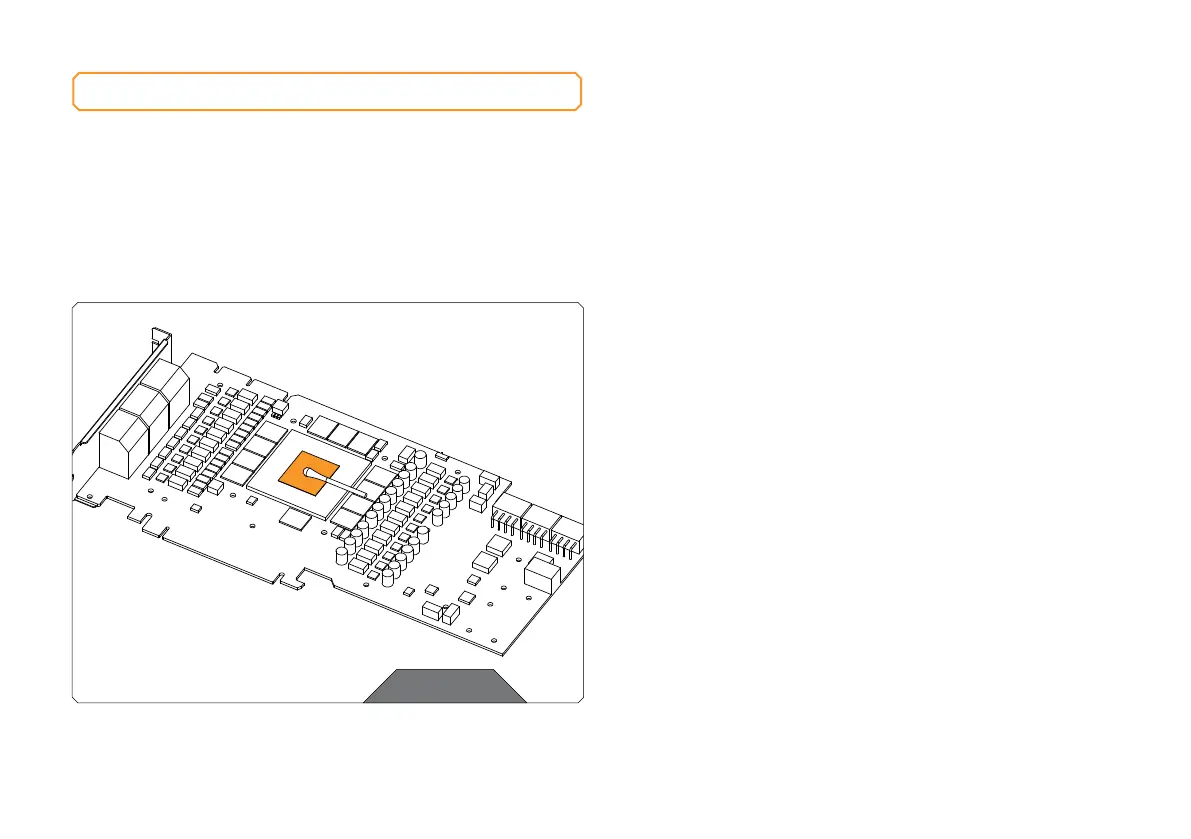
CLEANING THE PCB
Wipe off the remains of the original thermal compound using a
nonabrasive cloth or Q-tip, as shown in the sample image, until the
components and circuit board are completely clean. EK recommends
the use of denatured alcohol for removing TIM leftovers. After that,
remove all remaining stock thermal pads from the PCB.
STEP 2





 To Next Page