2 8
S Y S T E M M E N U
EDIT PROGRAM - Record Controller - Working With Built - In Programs
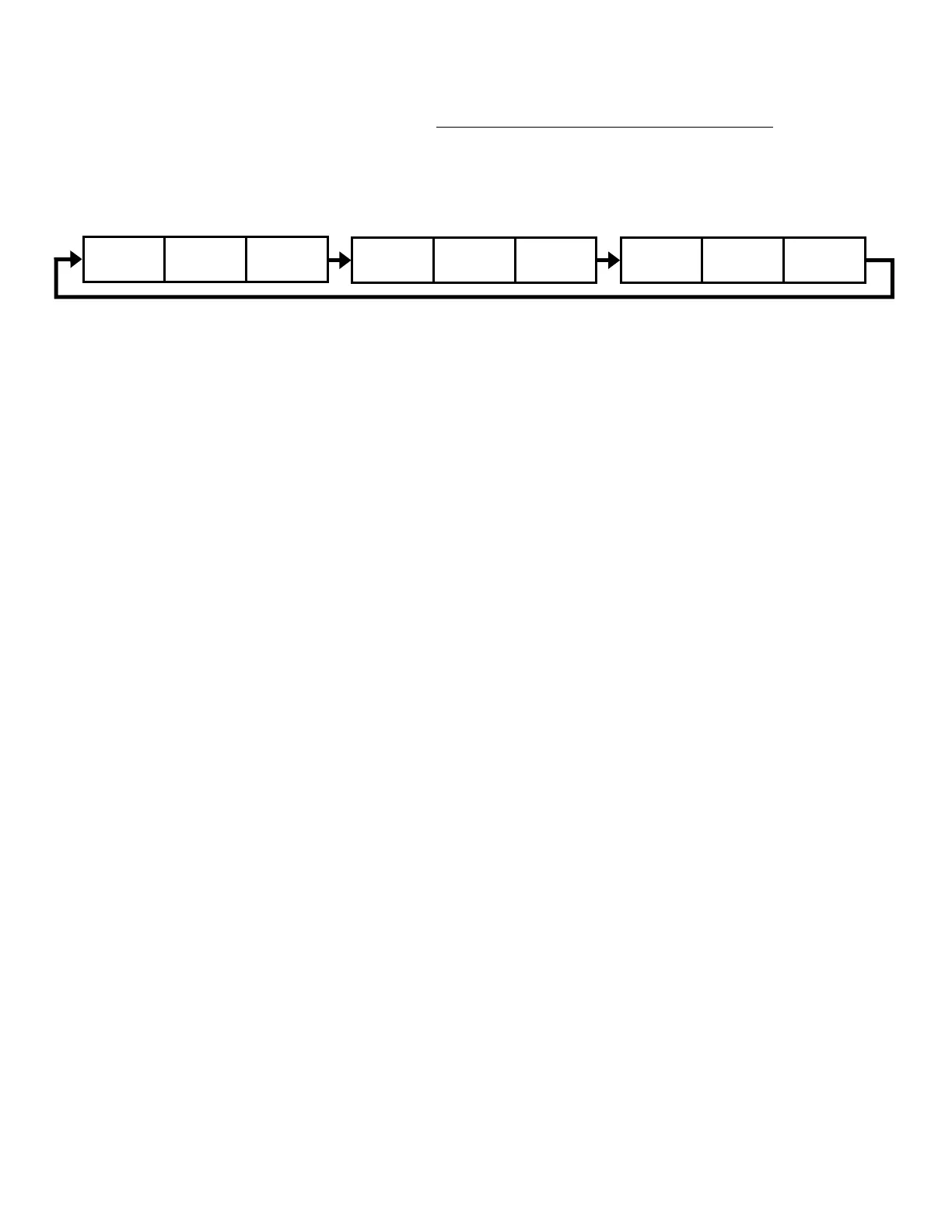
A Primary unit can send up to 3 dierent data groups to the Secondary units, i.e. a Primary unit
can start 3 dierent Secondary units, which run 3 dierent programs. The Primary unit sends
the 3 program parts in a continuous loop.
The Secondary unit receives data from the Primary unit according to the group which the
Secondary unit was assigned to. If e.g. a Secondary unit is set to “Secondary 1” in the menu
“Set to Secondary”, the Primary unit sends “Auto Program Part 1” to the Secondary unit. If
set to “Secondary 2”, the Secondary unit receives “Auto Program Part 2”.
To start an Auto Program proceed as follows:
1. Secondary Setting
• Select “Function Mode”.
• Press ENTER to conrm.
• Select “Set to Secondary”.
• Press ENTER to conrm.
• Select “Secondary 1”, “Secondary 2” or “Secondary 3”.
• Press ENTER to conrm.
• Press MODE/ESC in order to return to the main menu.
2. Automatic Program Run
• Select “Function Mode”.
• Press ENTER to conrm.
• Select “Auto Program”.
• Press ENTER to conrm.
• Select “Primary” or “Alone”.
• Press ENTER to conrm.
• Press MODE/ESC in order to return to the main menu.
Auto Pro
Part 1
Auto Pro
Part 2
Auto Pro
Part 3
Auto Pro
Part 1
Auto Pro
Part 2
Auto Pro
Part 3
Auto Pro
Part 1
Auto Pro
Part 2
Auto Pro
Part 3









 To Next Page