12
12.0 Maintenance & Commissioning Menu
Maintenance & Commissioning Menu
The maintenance & commissioning of
the pressurisation unit shall only be
undertaken by a competent person,
as various safety items associated
with the safe operation of the heating
cooling / chilled water system need
to be checked and confirmed. It
is therefore recommended that a
qualified Gas Safe registered engineer
undertake these works.
12.1 Control Panel
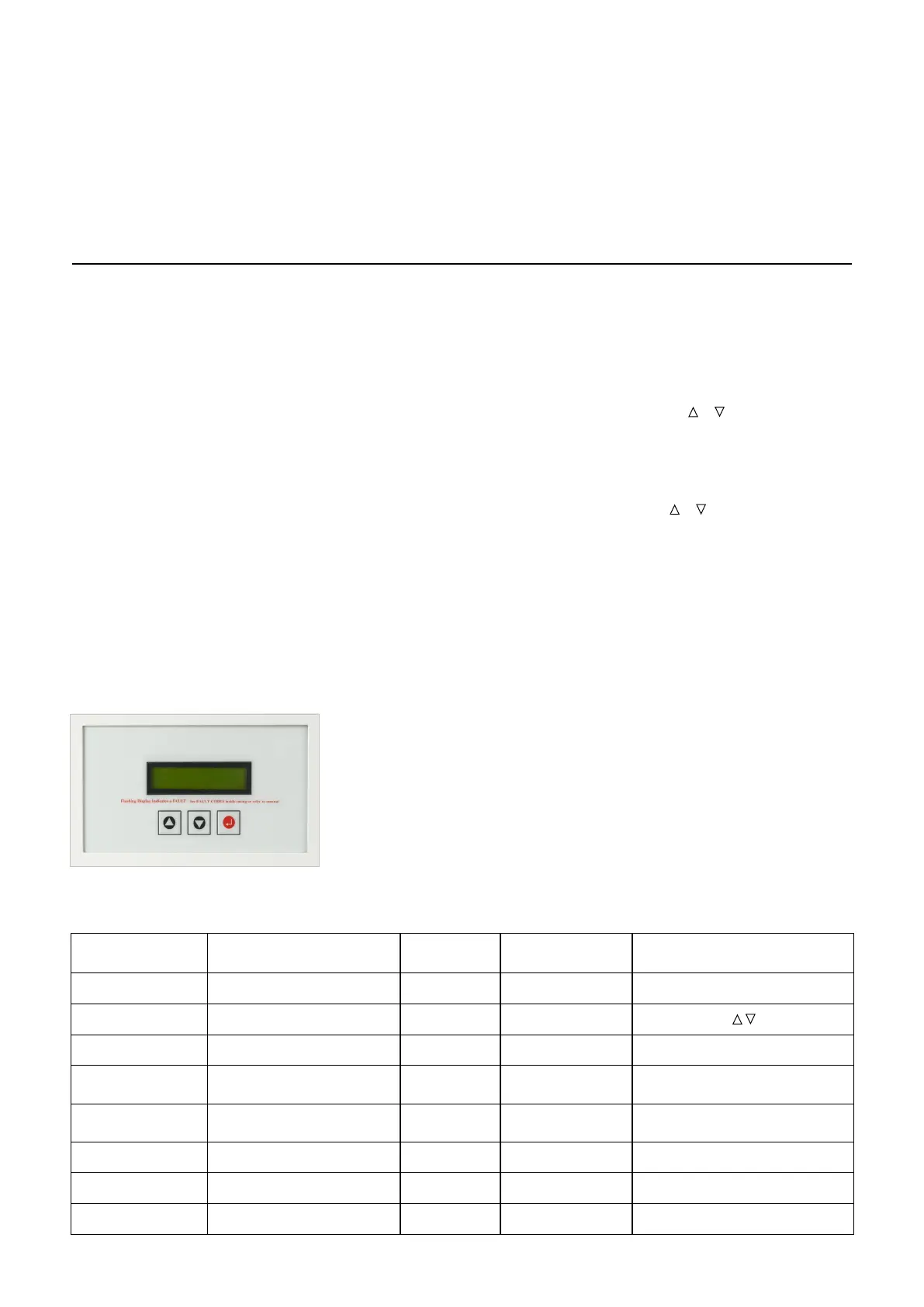
The Control Panel can be accessed
with the case On or Off, and has
two access levels, Standard &
Maintenance. These levels can be
accessed using the UP, DOWN and
ENTER buttons.
Standard Menu – For the End User.
Maintenance Menu – For the
Commissioning / Service Engineer.
12.2 Standard Menu
When the POWER supply has been
turned ON to the appliance, the LCD
will display the STANDARD MENU, as
detailed below. Review of the ID Lines
is done by using the UP or DOWN
buttons.
Please note, COLDFILLPRES is the
only ID line that can be altered at this
level, all other data displayed is
READ ONLY.
Note*: the pump fitted to the unit
is capable of a maximum Cold Fill
pressure of 3.0 bar
The procedures detailed in Sections
10 & 11 above shall be completed
prior to commissioning and to ensure
safe operation of the equipment prior
to hand over.
The appliance is factory set, and
should not require many adjustments,
other than those required to suit the
particular requirements of the system,
such as COLD FILL PRESSURE, and
HIGH / LOW WATER PRESSURE
ALARMS.
To review / alter the operational
settings, the MAINTENANCE MENU
of the micro-processor needs to
be accessed, by undertaking the
following procedure:
1) Turn ON the Mains Power Supply;
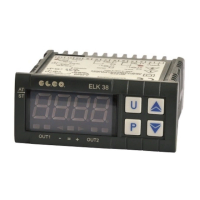
2) Press and
& Program Buttons
simultaneously for 5 seconds. The
screen will display USER MENU ON
or USER MENU OFF depending on
the previous menu setting.
Using the
& buttons, parameters
can be reviewed or adjusted as
appropriate.
To amend a Parameter, select the
ID Line required, Press the ENTER
button, to select that parameter, then
use the UP or DOWN buttons to
change the value, and then Press the
ENTER button to confirm the change.
To return to normal operation, turn
OFF the Mains Power supply, wait 30
seconds, then turn ON
the Mains Power supply.
Figure 12.1 – Fascia Panel
ID line Description Range Factory Default Comments
SYSTEM PRES Current System Pressure
0-6.0bar ** Actual value - Review only
COLDFILLPRES
Cold Fill Pressure (pump cut-out)
0.7-3.4bar 1.8bar
Can be altered
MAKE-UP V0
Volume of Water Introduced
0-9999 L *** Actual value - Review only
MAKE-UP ALARM
Water Introduction Alarm
00-99L 99
Review only. Review only
Actual volume=XX*10 L
MAKE-UP V2
Volume of Water Introduced
(since last rest)
0-999.9 L *** Actual value - Review only
PUMP OPS
Number of pump cycles
0-9999 *** Actual value - Review only
PUMP1 HRS
Hours operation of pump1
0-99.59 **:** Actual value - Review only
PUMP2 HRS
Hours operation of pump2
0-99.59 **:** Actual value - Review only



 To Next Page