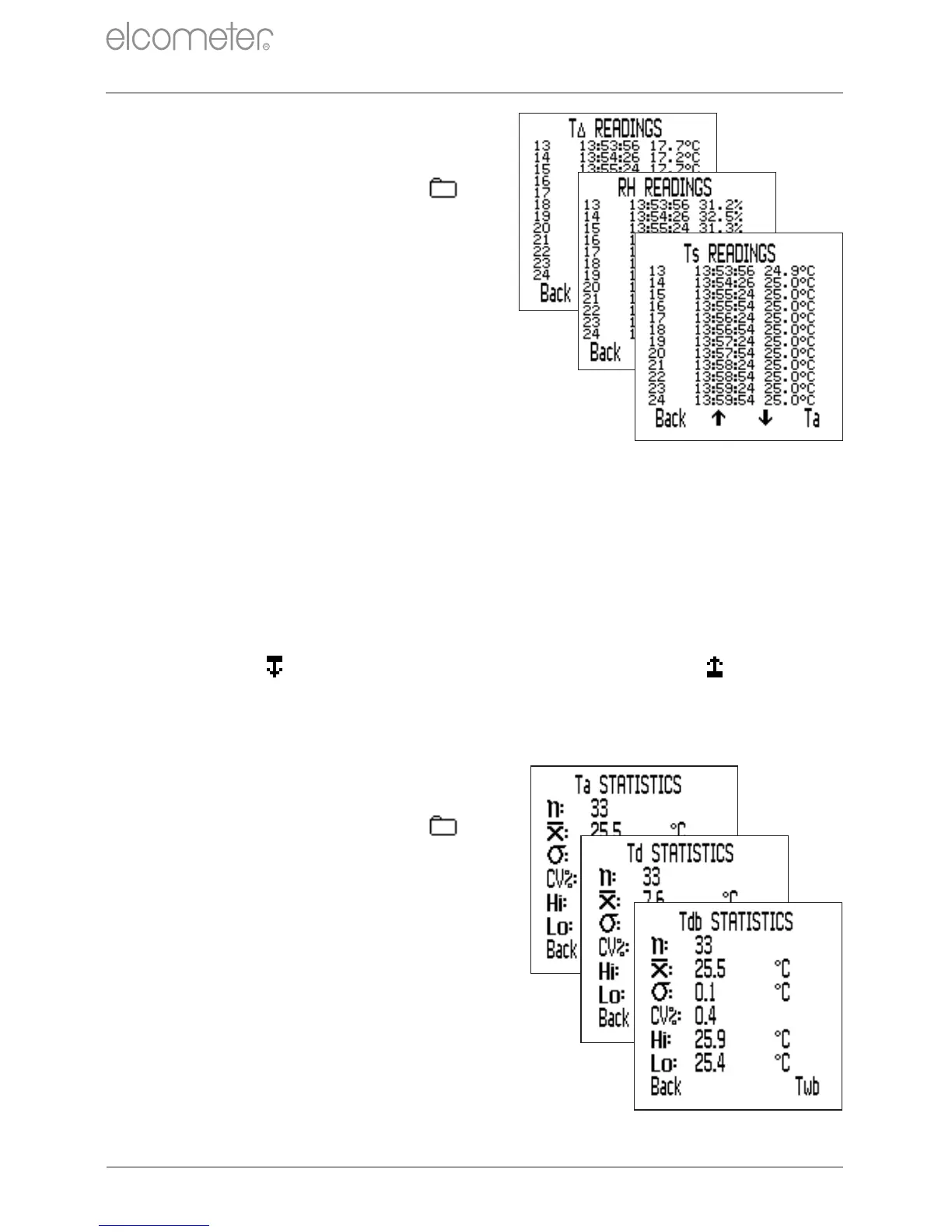
11.1 BATCH READINGS
To view the batch readings:
1 Press Batch/Review Batches
If already in a Batch, press
followed by ‘Review Batches’.
2 Use the sofkeys to select
the required batch, followed by
‘Sel’ to select.
3 Press ‘Rdgs’ the view the batch
readings.
4 Press ‘Back’ to return to the
batch menu.
The date and time of each reading
together with the reading value is
displayed. Press the softkeys to
scroll through the readings and the
right hand softkey to view the readings
for the next parameter.
The appropriate limit icon is displayed next to readings outside any
enabled limits, if the reading is below the low limit and if above
the high limit.
11.2 BATCH STATISTICS
To view the batch statistics:
1 Press Batch/Review Batches
If already in a Batch, press
followed by ‘Review Batches’.
2 Use the sofkeys to select
the required batch, followed by
‘Sel’ to select.
3 Press ‘Stats’ the view the batch
statistics.
4 Press ‘Back’ to return to the
batch menu.
If in an ‘Interval Logging’ batch,
logging is halted whilst statistics are
displayed. Logging recommences
when ‘Back’ is pressed.
www.elcometer.com
en-17
11 REVIEWING BATCH DATA - MODEL T
R



 To Next Page