16
en
4. Make sure that the gauge is in P-E (pulse-echo mode):
Note: The Probe-Zero feature is not used in Echo-Echo through-paint mode, and has been disabled. If
the PRB-0 key is pressed, while in this mode, ‘nO’ followed by ‘Prb0’ will be displayed.
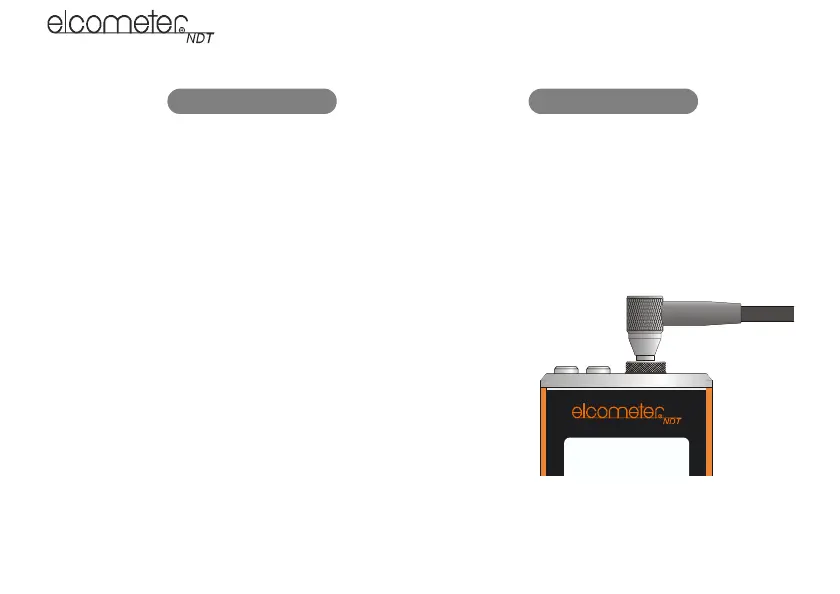
4. Press the transducer against the probe-disc, making sure
that the transducer is flat against the surface (Figure 6).
The display should show some thickness value, and nearly
all the bars of the stability indicator should be illuminated.
5. While the transducer is firmly coupled to the probe-disc,
press the PRB-0 key on the keypad. The gauge will display
‘Prb0’ while it is calculating the zero point.
6. Remove the transducer from the probe-disc.
Figure 6. Transducer pressed against probe-disc
When setting the zero point, the gauge will always use the sound-velocity value of the built-in probe-disc,
even if some other velocity value has been entered for making actual measurements.
1. Press DUAL/MULTI key to toggle
measurement mode to P-E.
1. Press MODE key.
2. Press SEND key to toggle measurement
mode to P-E.
3. Press MODE key to confirm selection.
Model CG60 Model CG60DL
Elcometer 208
CG60_CG60DL_TMA_0498_00_01_23225_A6L.fm Page 16 Tuesday, November 22, 2011 12:19 PM



 To Next Page