- 14 -
1440 Loop Manager App
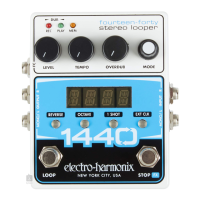
The Electro-Harmonix 1440 Loop Manager app for Mac or Windows allows you
to easily backup and restore any loops you’ve created on the 1440 as well as
on the 1440. Download the app at www.ehx.com/1440.
USB Import And Export
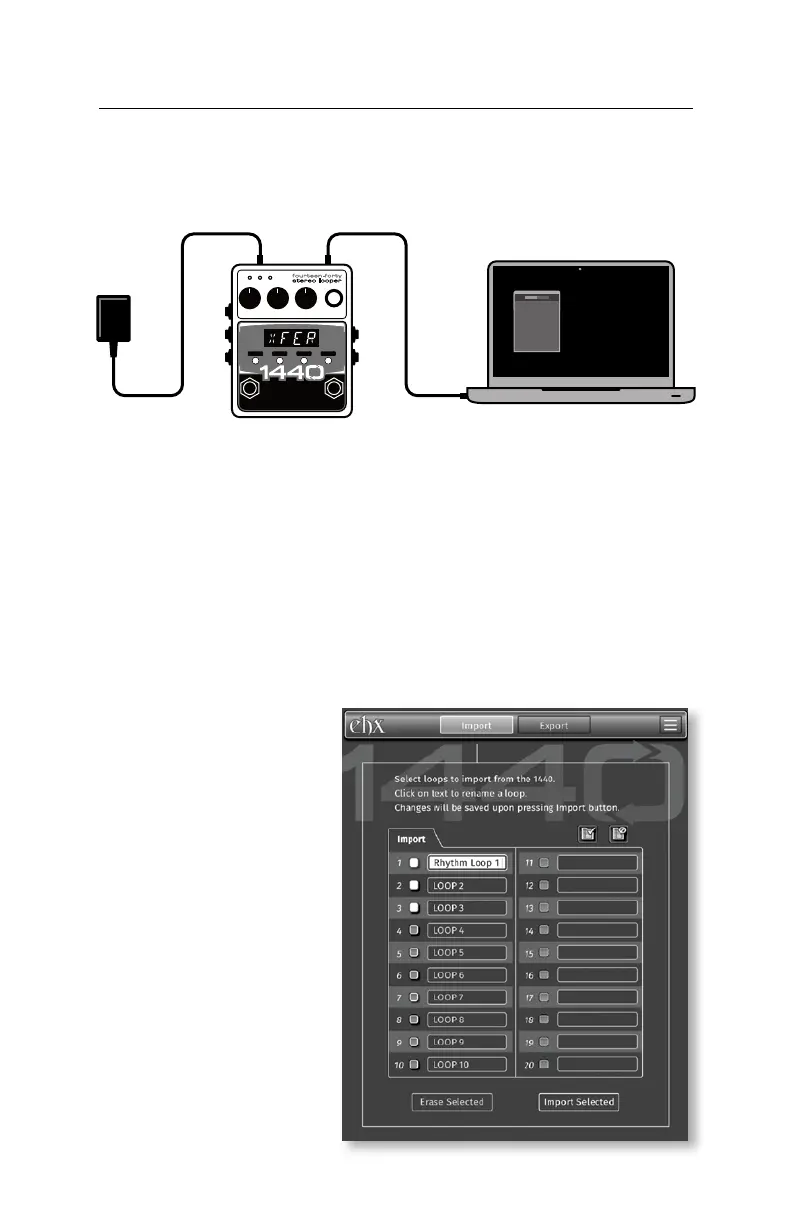
1. Download and install the 1440 Loop Manager app.
2. Apply power to the 1440.
of the 1440. Connect the other end of the USB cable to your computer.
4. Open the 1440 Loop Manager app. You are now ready to import or export
Importing Audio from 1440 to Computer
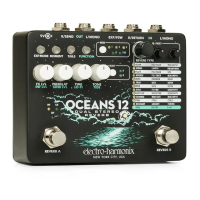
1. Press the Import tab at the top of the app window.
2. On the app there are
twenty loop slots cor-
responding to the twenty
loops available on your
1440. Select all loops you
wish to import by clicking
the checkboxes.
on the loop’s name to
rename it.
4. Click the Import Selected
button at the bottom right
of the app window.
5. Choose the destination on
your computer and the app
will import your loop audio
there.


 To Next Page