- 15 -
Exporting Audio from
Computer to the 1440
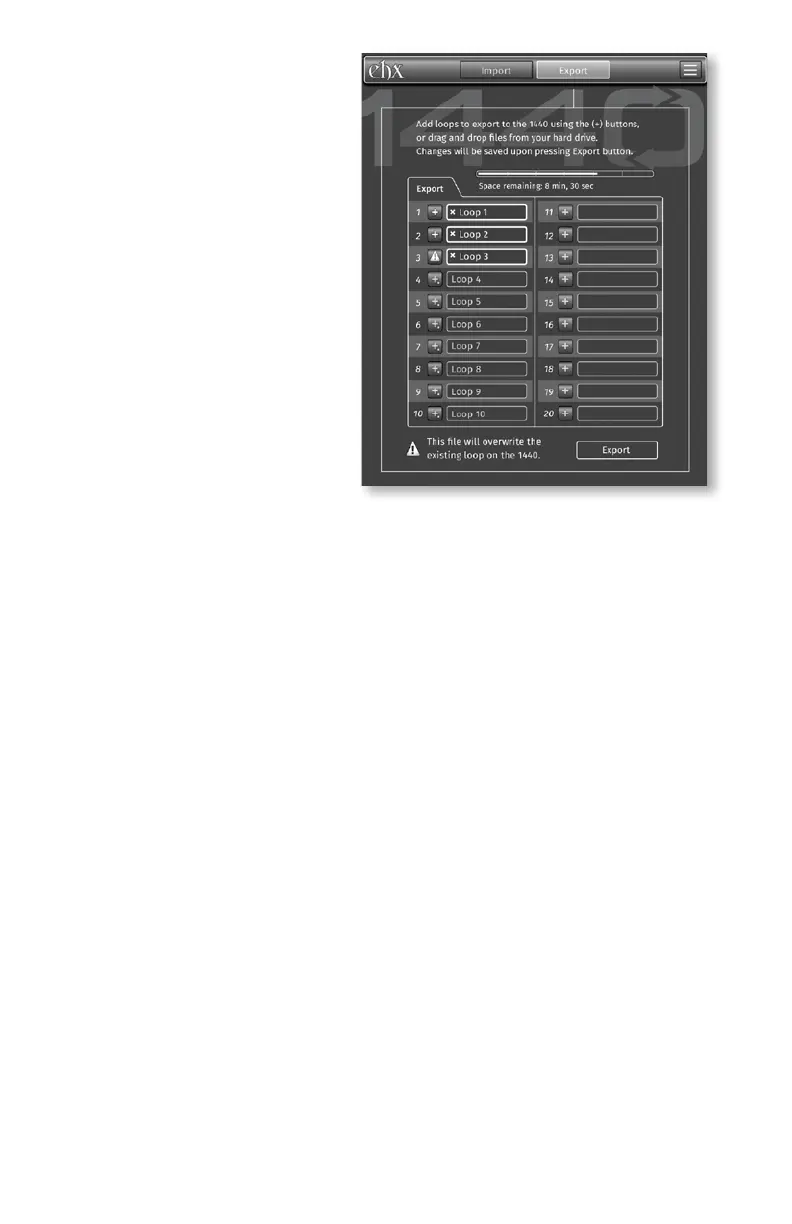
1. Press the Export tab at the
top of the app window.
2. Add loops to export to the
the left of the loop slots or
slots.
loop’s text box if you change
your mind and don’t want to
export to a particular loop
bank.
4. Click the Export button at
the bottom right of the app
window and the audio for all
selected loop slots will be placed on the 1440.
Note: Record, overdub and play are disabled while transferring les to and
from the computer.
Firmware and App Updates
the app software itself. Press the settings button in the upper right corner
of the app to reveal the settings menu. Here you can choose to update the
application by clicking on “Software Update…” or to update your 1440 unit
by choosing “Firmware Update…” For either selection, follow the instructions
presented to you on the screen.
Factory Restore
A factory restore clears out all loop memory and returns all parameters to
their factory defaults. To perform a Factory Restore:
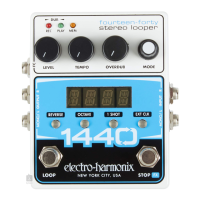
1. Unplug the power jack or remove power to the 1440.
2. Hold down the LOOP footswitch while applying power to the 1440.
4. Once all three LEDs start blinking you can release the footswitch. All three
complete.
5. After Factory Restore, the display shows loop-select mode with LOOP 1 as
the default bank, fadeout disabled, all effects off, and STOP mode enabled.
Note: All Loop audio is erased during Factory Restore, and the process cannot
be undone.


 To Next Page