- 16 -
MIDI Mappings for MIDI PC and CC Messages
MIDI Program Change (PC) Table
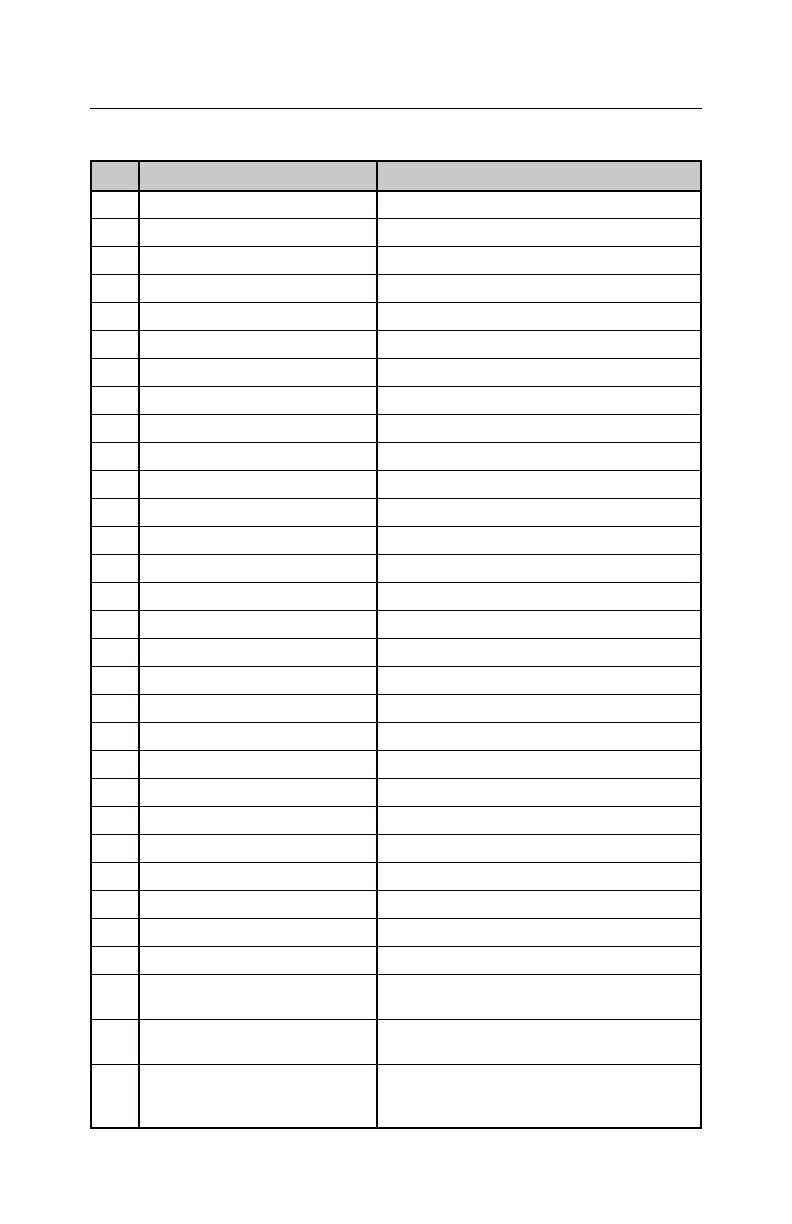
PC# Function Notes
1 Select Loop 1 Directly selects Loop 1
2 Select Loop 2 Directly selects Loop 2
4 Select Loop 4 Directly selects Loop 4
5 Select Loop 5 Directly selects Loop 5
6 Select Loop 6 Directly selects Loop 6
7 Select Loop 7 Directly selects Loop 7
8 Select Loop 8 Directly selects Loop 8
9 Select Loop 9 Directly selects Loop 9
10 Select Loop 10 Directly selects Loop 10
11 Select Loop 11 Directly selects Loop 11
12 Select Loop 12 Directly selects Loop 12
14 Select Loop 14 Directly selects Loop 14
15 Select Loop 15 Directly selects Loop 15
16 Select Loop 16 Directly selects Loop 16
17 Select Loop 17 Directly selects Loop 17
18 Select Loop 18 Directly selects Loop 18
19 Select Loop 19 Directly selects Loop 19
20 Select Loop 20 Directly selects Loop 20
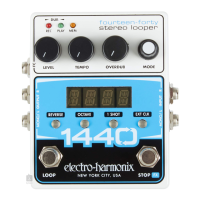
21 LOOP FSW Press Initiates a press of the LOOP footswitch
22 STOP FSW Press Initiates a press of the STOP footswitch
UNDO/REDO Function Initiates the undo/redo function
24 REVERSE button press Initiates a press of the REVERSE button
25 OCTAVE button press Initiates a press of the OCTAVE button
26 1 SHOT button press Initiates a press of the 1 SHOT button
27 EXT CLK button press Initiates a press of the EXT CLK button
28 MODE knob press Initiates a press of the MODE knob
29 MODE knob up
Equivalent to turning the MODE knob c
lockwise by one click
MODE knob down
Equivalent to turning the MODE knob
counterclockwise by one click
STOP function
Always stops the current loop no matter
the setting for SW.FX. If fade is enabled
then this command starts the fadeout.


 To Next Page