EasyManua.ls Logo

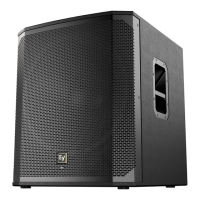
Electro-Voice ELX112P - User Manual

Electro-Voice ELX112P
20 pages
Print Icon
To Next Page IconTo Next Page
Loading...
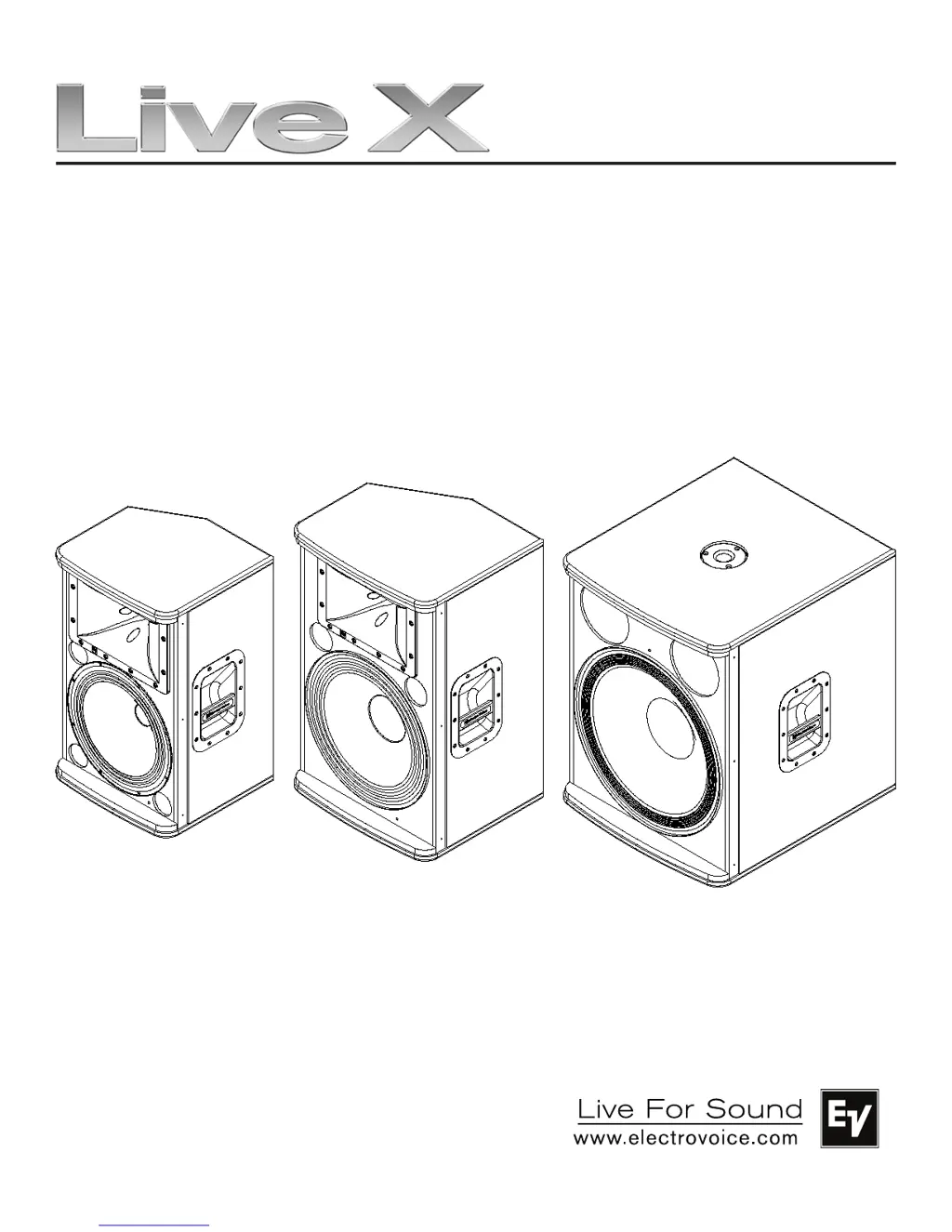
Powered
Loudspeaker
Owner’s Manual
ELX112P
ELX115P
ELX118P

Other manuals for Electro-Voice ELX112P

Questions and Answers

  • J
    Jamie MurrayAug 22, 2025
    Why do my Electro-Voice ELX112P Speakers have constant buzzing, hissing, or humming noise?
    • S
      Sydney Rhodes MDAug 22, 2025
      If your Electro-Voice Speakers emit constant noise like buzzing, hissing, or humming, and no program material is playing, the issue likely stems from the signal chain within the electronics. Evaluate each component to pinpoint the source of the noise. Also, check and correct the system grounding as needed to resolve potential ground loop issues. Finally, verify that the level controls of the source are properly structured and that the MIC/LINE switch is in the correct position.
  • B
    Brian BrooksAug 25, 2025
    What to do if Electro-Voice Speakers have intermittent crackling or distortion?
    • A
      adam57Aug 25, 2025
      If your Electro-Voice Speakers have intermittent output issues like crackling or distortion, check all connections at the amplifier and speakers. Make sure that all connections are clean and tight. If the problem continues, the issue might be with the amplifier or the wiring.
  • S
    Sandra YoungAug 26, 2025
    How to stop acoustic feedback from Electro-Voice ELX112P Speakers when using a microphone?
    • D
      diane15Aug 27, 2025
      To stop acoustic feedback from Electro-Voice Speakers when using a microphone, reduce the microphone levels at the mixing console or input source. If the microphone is connected directly to the speaker, reduce the input level on the speaker. Positioning the microphone close to the sound source will increase gain-before-feedback. Set the NORMAL/BOOST switch to the NORMAL position for vocal applications. Position the speakers so the microphone is behind them whenever possible, or if using the speakers in a monitor position, aim the speaker to the back of the microphone.
  • R
    Ronald ThompsonAug 28, 2025
    What to do if sound from Electro-Voice Speakers is distorted and the LIMIT LED is constantly on?
    • T
      Taylor WhiteAug 28, 2025
      If the sound from your Electro-Voice Speakers is distorted and the LIMIT LED is constantly on or flashing, reduce the input level or loudspeaker level knobs to prevent limit. If you have a line level source connected to INPUT 2 with the MIC/LINE switch in the MIC position, set the MIC/LINE switch to the LINE position.
  • J
    Jared HowellAug 29, 2025
    Why is there no sound from my Electro-Voice Speakers when a microphone is connected to input 2?
    • W
      Wendy PattersonAug 29, 2025
      If there is no sound from your Electro-Voice Speakers when a microphone is connected to input 2, it may be because the microphone requires phantom power. Use a dynamic microphone that does not require phantom power. If using a microphone that requires phantom power, an external phantom power source will be needed. Also, ensure that the MIC / LINE switch is in the MIC position.
  • B
    Brett MorrisAug 31, 2025
    Why is the sound distorted on my Electro-Voice ELX112P even though the LIMIT LED is not blinking?
    • M
      michelle94Aug 31, 2025
      If the sound is distorted on your Electro-Voice Speakers and the LIMIT LED is not blinking, verify the level controls of the source are properly structured, because the source input (mixing console/preamp) may be overdriven.
  • T
    Tonya WilliamsSep 2, 2025
    How to improve poor low-frequency response on Electro-Voice ELX112P?
    • T
      thomascindySep 2, 2025
      To improve poor low-frequency response on your Electro-Voice Speakers, ensure the FULL RANGE / WITH SUB switch is set to the FULL RANGE position. If the WITH SUB switch is activated, this will cause a reduction in low frequencies.
  • A
    Amy LopezSep 4, 2025
    What to do if Electro-Voice ELX112P produce no sound with a microphone connected?
    • L
      Lisa PittsSep 4, 2025
      If your Electro-Voice Speakers produce no sound, and a microphone is connected to input 2, it may be because the microphone requires phantom power. You can either use a dynamic microphone that doesn't need phantom power or use an external phantom power source. Alternatively, the MIC/LINE switch might be in the LINE position; ensure it's set to the MIC position.
  • R
    Ryan DavenportSep 8, 2025
    Why is the sound distorted on my Electro-Voice ELX112P and the LIMIT LED is on?
    • P
      Patricia Hutchinson DDSSep 8, 2025
      If your Electro-Voice Speakers' sound is distorted and the LIMIT LED is constantly on or flashing regularly, the input level might be too high. Reduce the input level or adjust the loudspeaker level knobs to prevent limiting. Also, if a line-level source is connected to INPUT 2 with the MIC/LINE switch in the MIC position, set the MIC/LINE switch to the LINE position.
  • D
    Dr. John HowardSep 10, 2025
    How to stop acoustic feedback from Electro-Voice Speakers with a microphone?
    • K
      Kara SmithSep 10, 2025
      If your Electro-Voice Speakers are producing acoustic feedback when the input level is amplified, it could be due to incorrect gain structure. Try reducing the microphone levels at the mixing console or input source. If the microphone is directly connected to the speaker, reduce the input level on the speaker. Positioning the microphone closer to the sound source can also increase gain-before-feedback. Also, if the NORMAL/BOOST switch is in the BOOST position, set it to the NORMAL position for vocal applications. Finally, make sure that the microphone is not too close to the front of the speaker; position the speakers so the microphone is behind them, or if using the speakers in a monitor position, aim the speaker to the back of the microphone.

Summary

System Features ELX112 P and ELX115 P

ELX112 P Loudspeaker Features

Details the features of the ELX112P 12-inch two-way powered loudspeaker.

ELX115 P Loudspeaker Features

Details the features of the ELX115P 15-inch two-way powered loudspeaker.

System Features ELX118 P

ELX118 P Subwoofer Features

Details the features of the ELX118P 18-inch powered subwoofer.

Tripod and Floor Monitor Operation

Floor Monitor Setup

Guidance on using the loudspeakers as floor monitors and safe cable routing.

Tripod Mounting Instructions

Tripod Mounting

Instructions for mounting loudspeakers on tripod stands and ensuring stability.

Product Specifications

ELX112 P Specifications

Technical specifications for the Electro-Voice ELX112P loudspeaker model.

ELX115 P Specifications

Technical specifications for the Electro-Voice ELX115P loudspeaker model.

ELX118 P Specifications

Technical specifications for the Electro-Voice ELX118P loudspeaker model.

Product Dimensions

ELX112 P Dimensions

Diagrams and measurements for the ELX112P loudspeaker.

ELX115 P Dimensions

Diagrams and measurements for the ELX115P loudspeaker.

ELX118 P Dimensions

Diagrams and measurements for the ELX118P loudspeaker.

Frequency Response Charts

ELX112 P Frequency Response

Frequency response graphs for the ELX112P loudspeaker.

ELX115 P Frequency Response

Frequency response graphs for the ELX115P loudspeaker.

ELX118 P Frequency Response

Frequency response graphs for the ELX118P loudspeaker.

Electro-Voice ELX112P Specifications

General IconGeneral
Product colorBlack
Housing materialMDF, Steel
Recommended usageUniversal
Suitable for outdoor use-
WooferYes
TweeterNo
Speaker type2-way
Driver diameter39 mm
Woofer diameter305 mm
Speaker positionFront
Number of drivers2
Speaker placementFloor
Audio output channels1.0 channels
Woofer diameter (imperial)12 \
Subwoofer driver diameter (imperial)1.5 \
Impedance8 Ω
Sensitivity132 dB
Frequency range50 - 20000 Hz
RMS rated power1000 W
Crossover frequency1700 Hz
Speaker grille18GA
Audio RCA inputs1
Connectivity technologyWired
Weight and Dimensions IconWeight and Dimensions
Depth340 mm
Width362 mm
Height607 mm
Weight16800 g

Related product manuals