EasyManua.ls Logo

Electro-Voice ETX-18SP - User Manual

Electro-Voice ETX-18SP
44 pages
Print Icon
To Next Page IconTo Next Page
Loading...
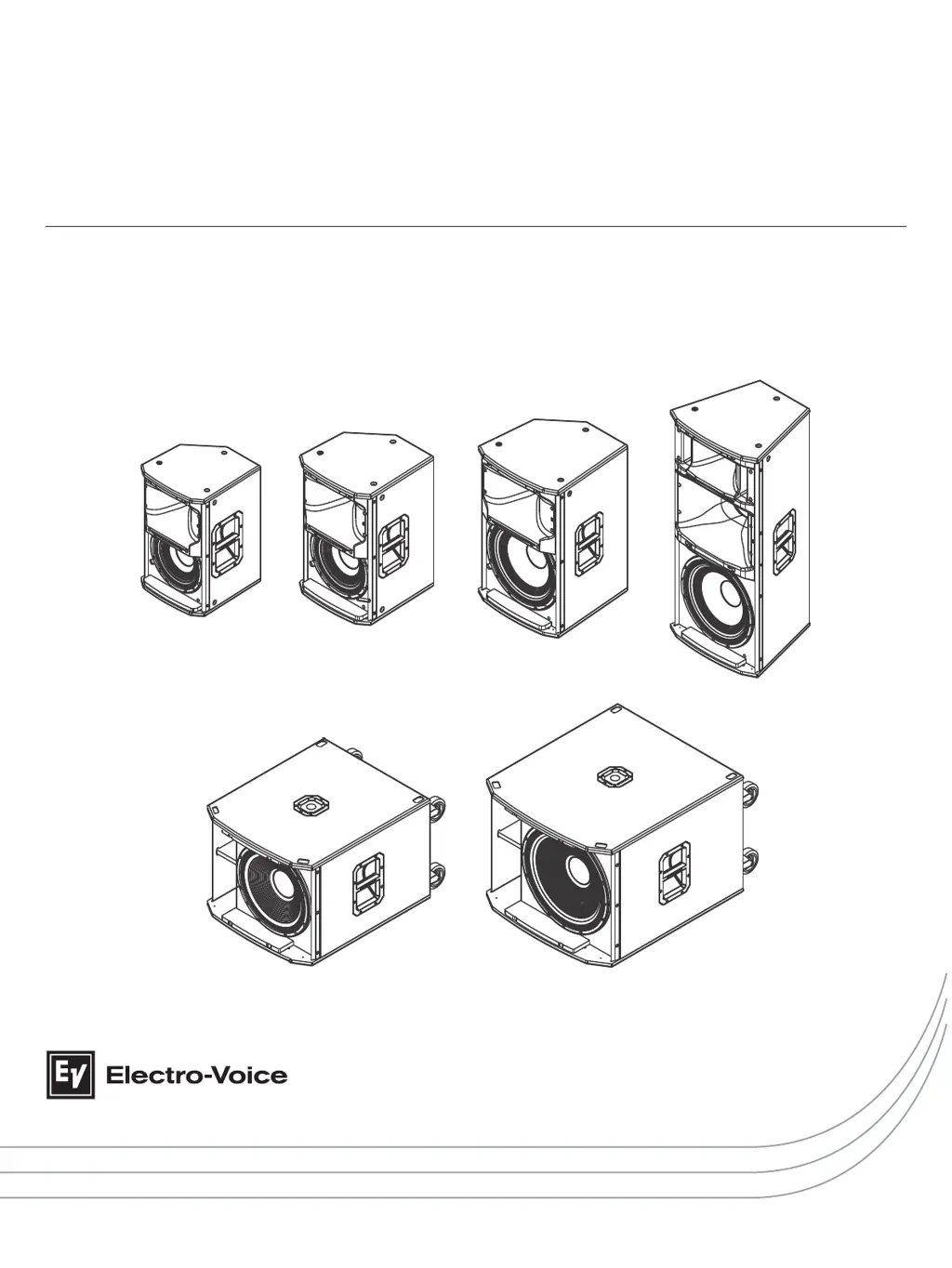
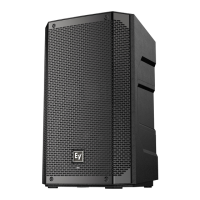
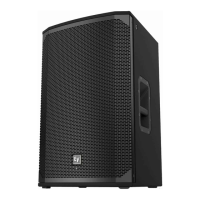
ETX Powered Loudspeakers
ETX-10P, ETX-12P, ETX-15P, ETX-35P, ETX-15SP, and ETX-18SP
en | User Manual

Other manuals for Electro-Voice ETX-18SP

Questions and Answers

  • S
    Sarah CooperAug 16, 2025
    What to do if Electro-Voice ETX-18SP produce acoustic feedback?
    • W
      wendy45Aug 17, 2025
      Acoustic feedback in Electro-Voice Speakers can occur due to several reasons: * **Incorrect gain structure:** Reduce the microphone levels at the mixing console or input source. If the microphone is directly connected to the speaker, lower the input level on the speaker. Positioning the microphone closer to the sound source increases gain before feedback. * **Function setting:** Change the LOCATION setting to LIVE or SPEECH, if it is set to MUSIC. * **Microphone position:** Reposition the loudspeakers so the microphone is behind them whenever possible. If using the loudspeaker in a monitor position, aim the loudspeaker to the back of the microphone.
  • Q
    qriveraAug 20, 2025
    How to fix constant noise (buzzing, hissing, humming) in Electro-Voice ETX-18SP Speakers?
    • K
      Kathleen FarrellAug 20, 2025
      Constant noise like buzzing, hissing, or humming in your Electro-Voice Speakers can be caused by a few things. First, if noise is present without any program material playing, evaluate each component to isolate the problem, as there is most likely a break in the signal path. It could also be due to poor system grounding or a ground loop, so check and correct the system grounding as necessary. Also, ensure the input gain knob is in the MIC position, slowly increasing the input gain knob level to engage the microphone pre-amp.
  • C
    Christopher DiazAug 25, 2025
    What to do if Electro-Voice ETX-18SP sound distorted and the limit light is on?
    • A
      Alisha LoveAug 25, 2025
      If your Electro-Voice Speakers are producing distorted sound, the front LED is off, and the LCD screen shows 'LIMIT' is ON, it indicates an excessive input level. Reduce the input level or loudspeaker level knobs to prevent limiting.
  • O
    odonnellmichaelAug 27, 2025
    What to do if Electro-Voice Speakers have intermittent output?
    • L
      Leah YangAug 28, 2025
      If your Electro-Voice Speakers experience intermittent output such as cracking or distortion, start by checking all connections at the amplifier and loudspeakers to ensure they are clean and tight. If the problem persists, inspect the wiring.
  • W
    williamhuntAug 31, 2025
    How to unlock the DSP menu on Electro-Voice ETX-18SP Speakers?
    • A
      Austin MorganAug 31, 2025
      If the DSP menu on your Electro-Voice Speakers is locked (indicated by a lock symbol on the LCD screen), it means the Menu Lock function is enabled. To unlock it, press and hold the MASTER VOL knob for 5 seconds.
  • A
    Ashley MossSep 4, 2025
    What to do if the microphone connected to Electro-Voice INPUT 1 or 2 produces no sound?
    • L
      Luke ChaneySep 4, 2025
      If you're not getting any sound from a microphone connected to INPUT 1 or INPUT 2 on your Electro-Voice system, it could be due to a couple of reasons. If your microphone requires phantom power, use a dynamic microphone that does not require it. If you must use a microphone needing phantom power, an external phantom power source is necessary. Also, make sure the input gain knob is in the MIC position, slowly increasing the input gain knob level to engage the microphone pre-amp.
  • H
    Hector RojasSep 7, 2025
    Why do Electro-Voice ETX-18SP have poor low-frequency response?
    • P
      Paul NealSep 8, 2025
      If your Electro-Voice Speakers exhibit poor low-frequency response, and the SUB menu cross-over frequency is activated, but no subwoofers are used with the system, select the OFF position.
  • R
    Reginald GilbertNov 12, 2025
    Why do my Electro-Voice Speakers have no sound?
    • E
      Eric HowellNov 12, 2025
      If your Electro-Voice Speakers aren't producing sound, the issue might stem from either the amplifier or the wiring. * **Amplifier:** To check, connect a known working test loudspeaker to the amplifier outputs. If there's still no sound, ensure all electronics are on, the signal routing is correct, the source is active, and the volume is turned up. Correct, repair, or replace components as needed. If sound is present with the test speaker, the problem lies in the wiring. * **Wiring:** Verify the correct cables are connected to the amplifier. Play audio at a low level through the amplifier. Connect the test loudspeaker in parallel with the malfunctioning line. If the sound disappears or is very weak, the line likely has a short, possibly due to a scrape, pinch, or missed connection. U...

Summary

Safety and Compliance

Important Safety Instructions

Essential safety warnings and guidelines for safe operation.

Suspension Safety

Procedures and warnings for safely suspending loudspeakers.

Core Operation

Suspension Procedures

Detailed steps for safely suspending loudspeakers using mounting points.

DSP Control Menu

Full-Range DSP Menu Options

DSP settings for FUNCTION, LOCATION, and SUBWOOFER for full-range models.

Subwoofer DSP Menu Options

DSP settings for FUNCTION, LOCATION, POLARITY, and LOW PASS for subwoofers.

System Configurations

Troubleshooting

Electro-Voice ETX-18SP Specifications

General IconGeneral
Subwoofer type-
Number of subwoofers1
Subwoofer sensitivity135 dB
Subwoofer driver diameter457 mm
Subwoofer frequency range28 - 180 Hz
Subwoofer driver diameter (imperial)18 \
XLR inYes
AC input voltage100 - 240 V
Power source typeAC
AC input frequency50 - 60 Hz
MaterialSteel
Product colorBlack
Package weight58900 g
Weight and Dimensions IconWeight and Dimensions
Subwoofer depth910 mm
Subwoofer width675 mm
Subwoofer height550 mm
Subwoofer weight51800 g

Related product manuals