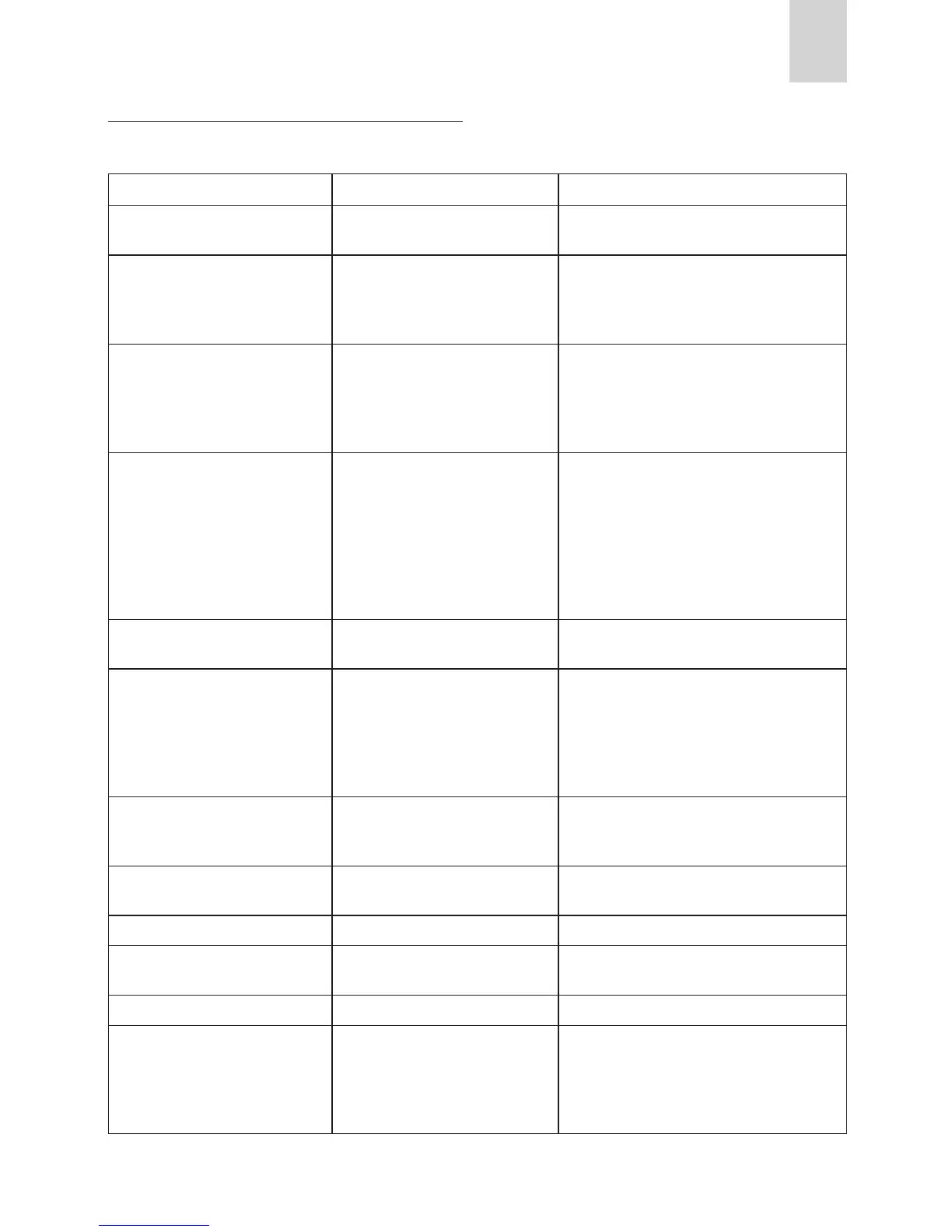
DISPLAYED MESSAGE POSSIBLE CAUSE REMEDY
The water tank is empty or positioned
incorrectly.
Fill the tank with water and/or insert it correctly,
pushing it as far as it will go.
alternating with PRESS OK
The grinding is too ne and the coee
is delivered too slowly.
Turn the grinding adjustment knob one click
clockwise towards “7”.
(alternating with)
PRESS OK
(then)
The tank has been removed during
delivery.
Insert the tank and press the OK icon (B9).
“HOT WATER PRESS OK” is displayed.
Press the OK icon (B9) again.
The appliance is once again ready for use.
The waste coee container (A4) is too
full or more than 3 days have pas-
sed since you last made coee (this
guarantees correct hygiene of the
machine).
Empty the waste coee container and clean,
then replace.
Important: when removing the drip tray, the wa-
is not completely full.
If this is not done, when you make the next cof-
fees, the waste coee container may ll up more
than expected and clog the machine.
After cleaning, the waste coee con-
tainer has not been replaced.
Open the service door and insert the waste coee
container.
The “pre-ground coee” function has
been selected without placing any
pre-ground coee in the funnel.
The funnel (A21) is blocked.
Extract the appliance and place pre-ground cof-
fee in the funnel.
Empty the funnel with the help of a knife as de-
scribed in the section “Cleaning the pre-ground
coee funnel”.
The machine must be descaled. The descaling procedure described in the “Desca-
ling” section needs to be performed as soon as
possible.
LESS COFFEE Too much coee has been used. Select a milder taste or reduce the quantity of
pre-ground coee, then make the coee again.
The coee beans have run out. Fill bean container
The brewing unit has not been repla-
ced after cleaning.
Insert the brewing unit as described in the sec-
tion “Cleaning the brewing unit”.
CLOSE DOOR The service door is open Close the service door.
The inside of the appliance is very
dirty.
Clean the inside of the appliance thoroughly, as
described in the section “Cleaning and mainte-
nance”.
If the message is still displayed after cleaning,
contact a customer services.
DISPLAYED MESSAGES







 To Next Page