12
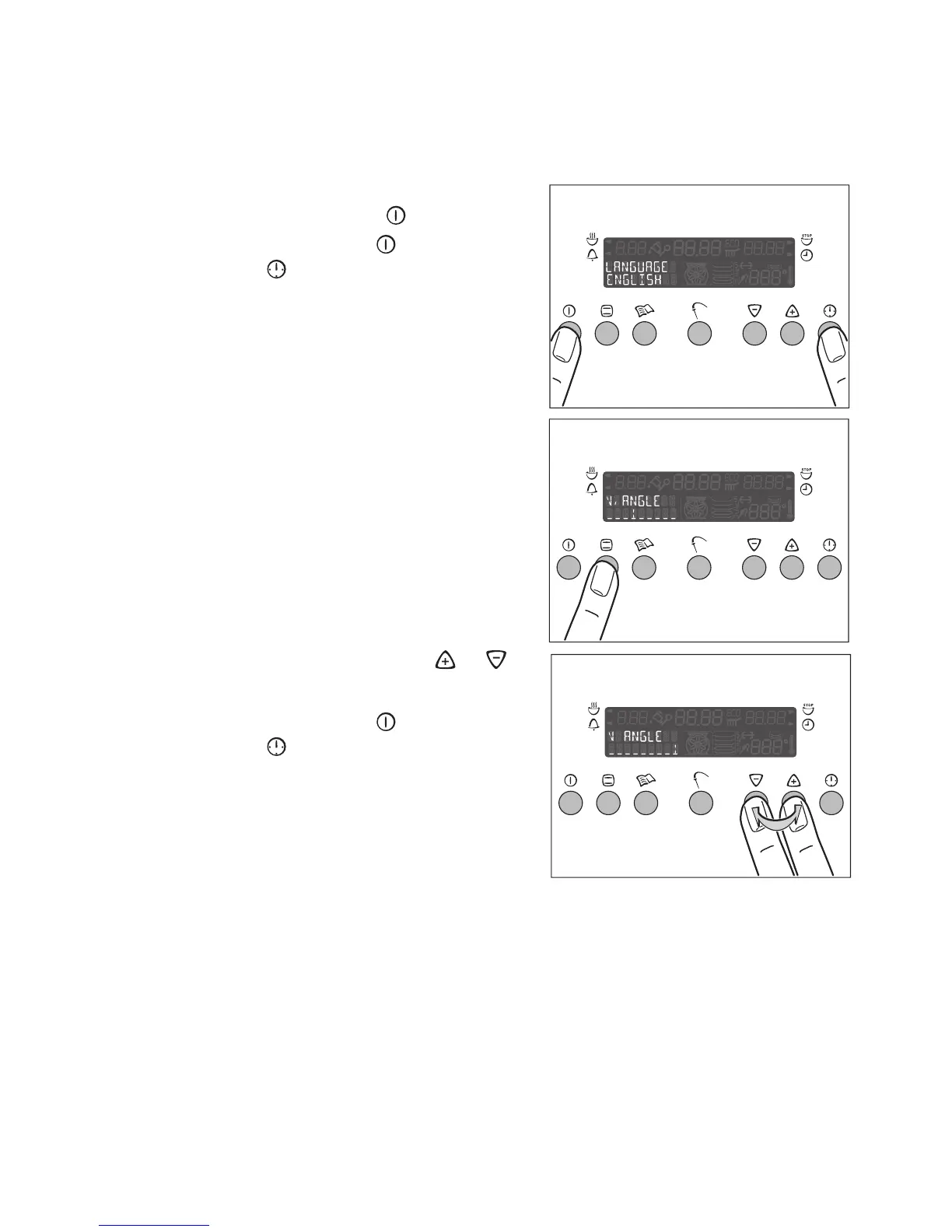
Set the display brightness
The brightness of the display can be adjusted for better readability on ovens
fitted at high positions.
1. Switch on the appliance by pressing
the main Power button .
2. Press the main Power and the Clock
Functions buttons at the same time
3. Press the Oven Functions button ¡.
4. Set the brightness using the or
buttons.
5. Press the main Power and the Clock
Functions buttons at the same time,
to store the brightness setting.







 To Next Page