17
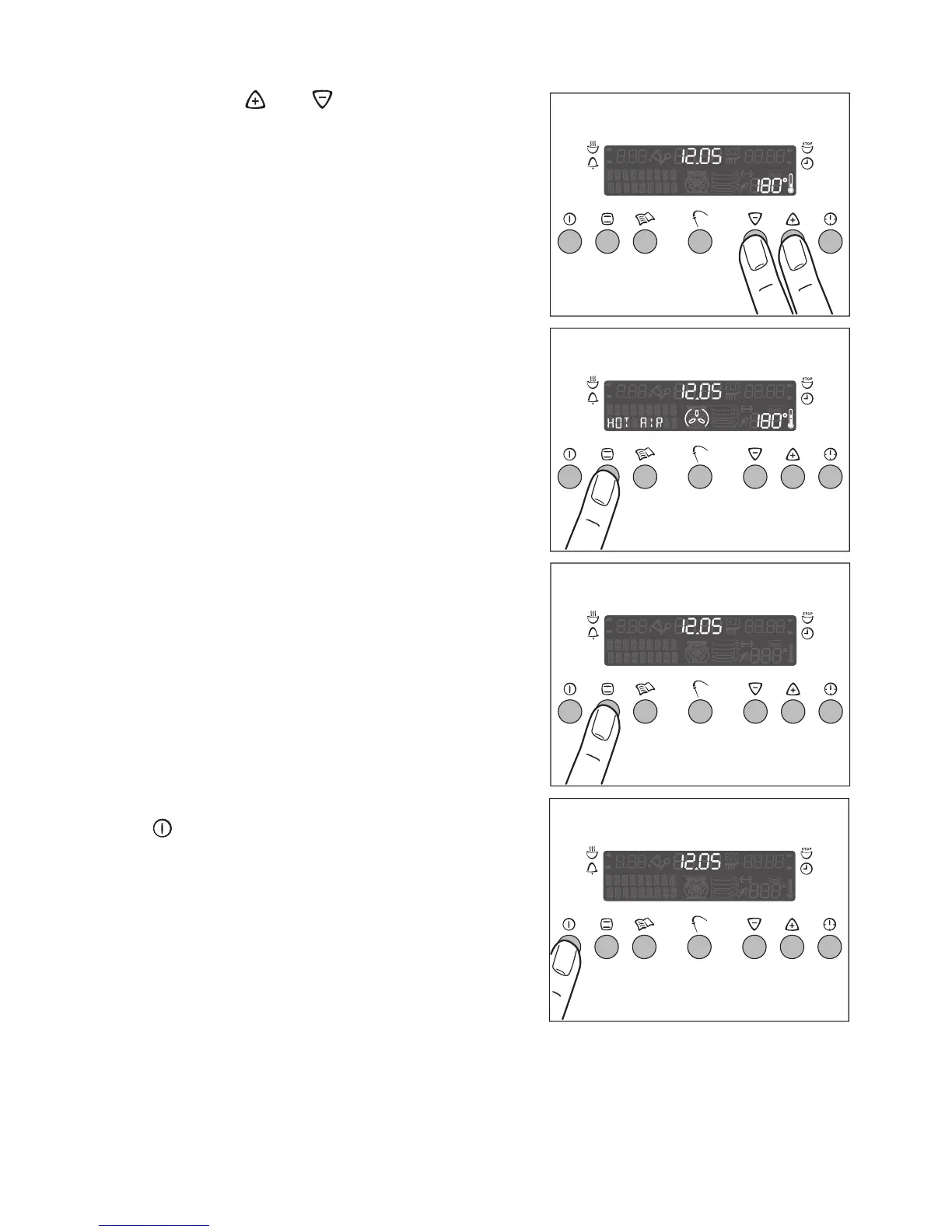
Checking the temperature
Press the and buttons at the same
time.
The present oven temperature appears
on the temperature indicator.
Changing the Oven Function
Press the Oven Function ¡ button as of-
ten as necessary, until the desired func-
tion appears.
Switching the Oven Function off
To switch off the oven, press the Oven
Function ¡ button as often as necessary,
until no oven function appears.
Switching the oven off
Switch off the appliance by pressing the
button.
3 Cooling fan
The fan switches on automatically in or-
der to keep the appliance’s surfaces
cool. When the oven is switched off, the
fan continues to run to cool the appliance
down, then switches itself off automati-
cally.







 To Next Page