23
Countdown
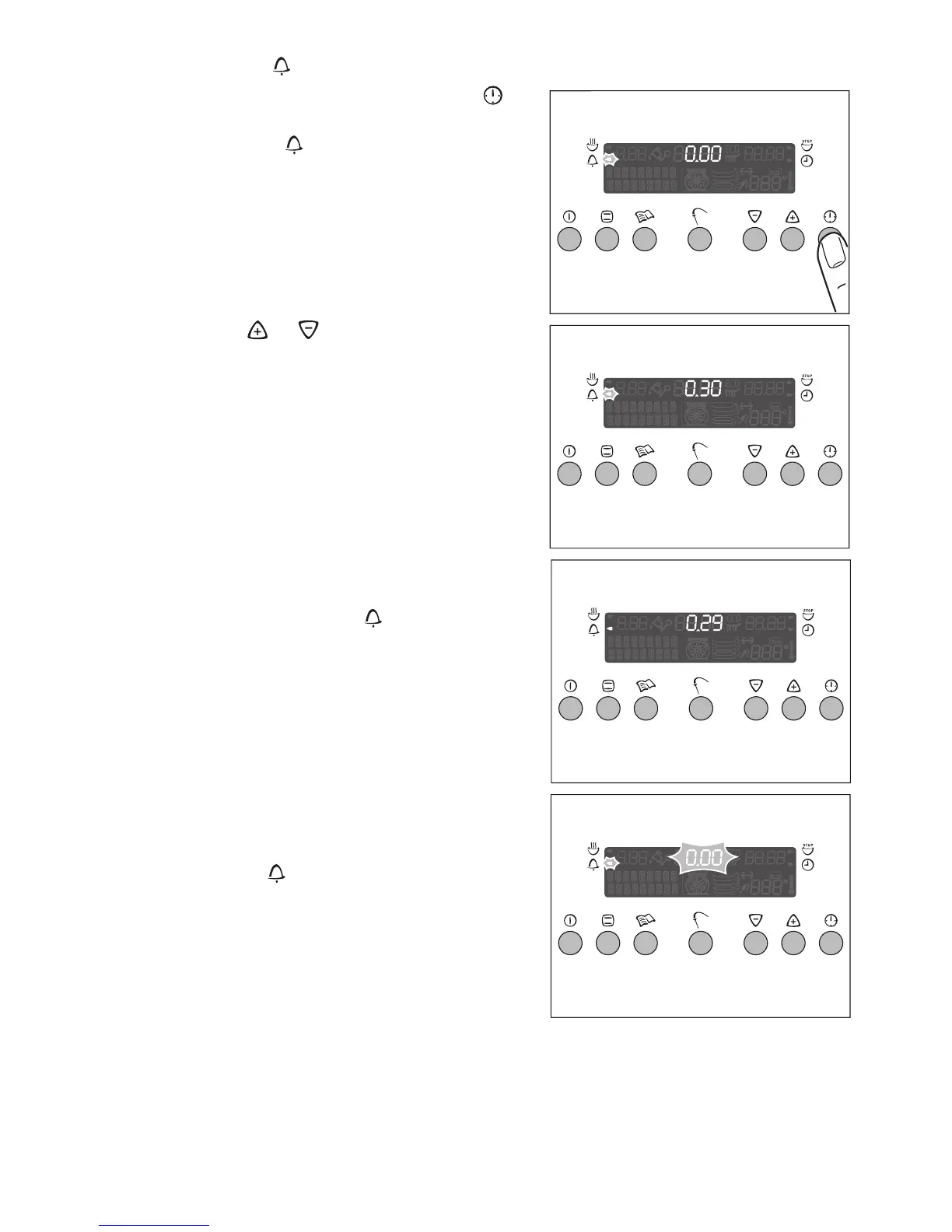
1. Press the clock functions button “ ”
as often as necessary, till the Count-
down arrow flashes.
2. Use the or buttons to set the de-
sired length of time (99 minutes maxi-
mum).
The time remaining appears after about 5
seconds.
The Countdown arrow is lit.
When the set time has elapsed, a signal
is sounded for 2 minutes.
The “0.00” indication, and the Count-
down arrow appear flashing.
To stop the signal:
Press any of the buttons.







 To Next Page