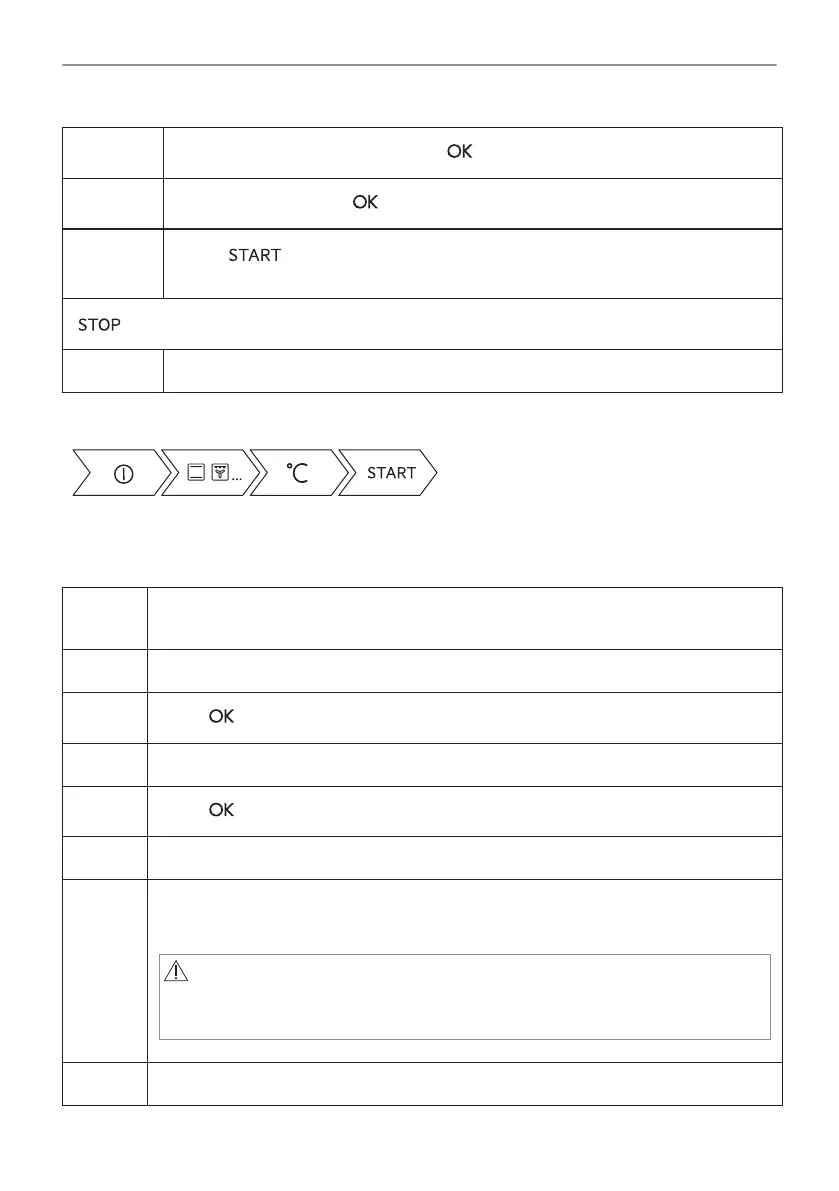
Step 3
Select the heating function and press: . The display shows: temperature.
Step 4
Set: temperature. Press: .
Step 5
Press: .
Food Sensor - you can plug the sensor at any time before or during cooking.
- press to turn off the heating function.
Step 6 Turn off the oven.
Take a shortcut!
7.2 How to set: Steam heating function
Step 1 Turn on the oven.
Select the symbol of the heating function and press it to enter the submenu.
Step 2 Set the steam heating function.
Step 3
Press: . The display shows the temperature settings.
Step 4 Set the temperature.
Step 5
Press: .
Step 6 Press the cover of the water drawer to open it.
Step 7 Fill the water drawer with cold water to the maximum level (around 900 ml) until the
signal sounds or the display shows the message. Do not fill the water drawer over its
maximum capacity. There is a risk of water leakage, overflow and furniture damage.
WARNING!
Use only cold tap water. Do not use filtered (demineralised) or distil‐
led water. Do not use other liquids. Do not pour flammable or alco‐
holic liquids into the water drawer.
Step 8 Push the water drawer to its initial position.
15/192
DAILY USE





 To Next Page