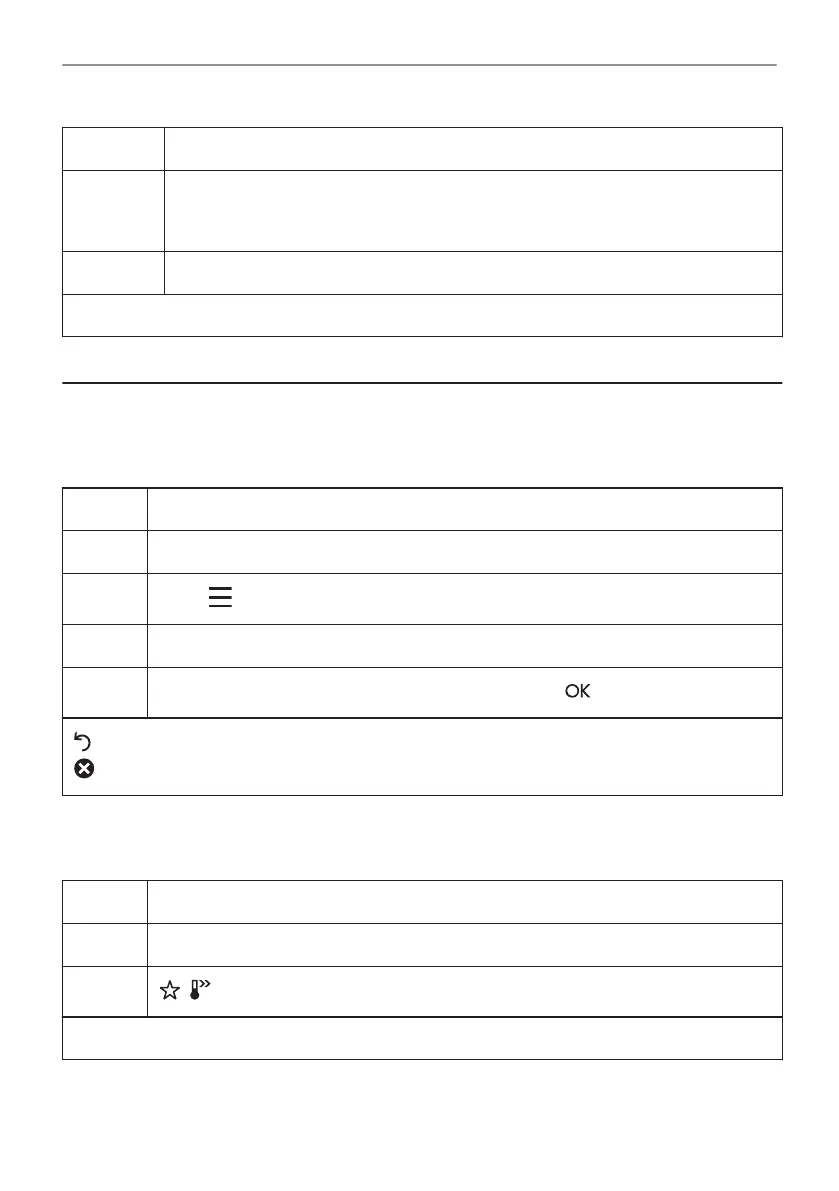
Step 1 Connect injector with injector tube. Connect injector tube to the steam inlet.
Step 2
Put the baking dish onto the first or second shelf position from the bottom.
Make sure that injector tube is not jammed. Keep the injector away from the heating
element.
Step 3 Set the oven for the steam cooking function.
When you cook food such as chicken, duck, turkey or large fish, put the injector inside the food.
10. ADDITIONAL FUNCTIONS
10.1 How to save: Favourites
You can save your favourite settings, such as the heating function, the cooking time, the
temperature or the cleaning function. You can save 3 favourite settings.
Step 1 Turn on the oven.
Step 2 Select the preferred setting.
Step 3
Press: . Select: Favourites.
Step 4 Select: Save current settings.
Step 5
Press + to add the setting to the list of: Favourites. Press .
- press to reset the setting.
- press to cancel the setting.
10.2 Function lock
This function prevents an accidental change of the heating function.
Step 1 Turn on the oven.
Step 2 Set a heating function.
Step 3
, - press at the same time to turn on the function.
To turn off the function repeat step 3.
27/192
ADDITIONAL FUNCTIONS





 To Next Page