Cleaning
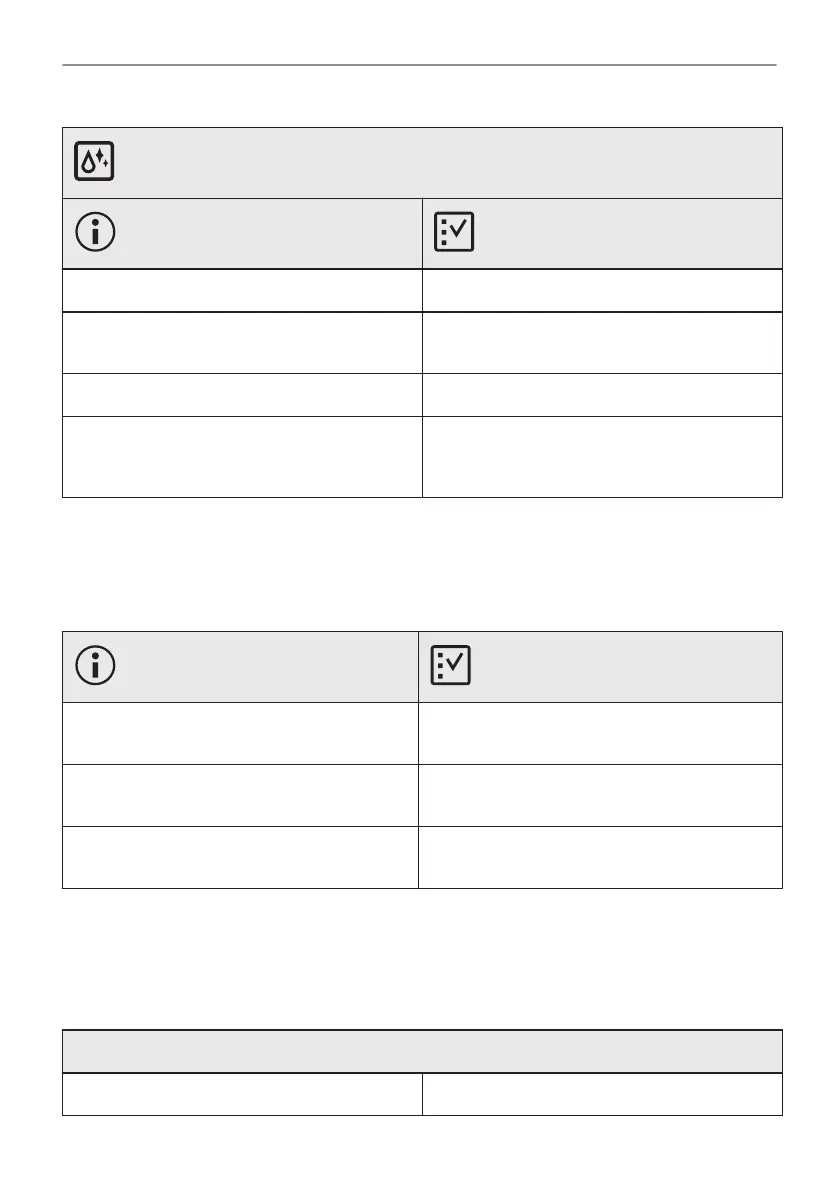
Description Check if...
There is water in the oven cavity. There is not too much water in the water tank.
The steam cooking does not work. There is no lime residue in the steam inlet
opening.
The steam cooking does not work. There is water in the water tank.
It takes more than three minutes to empty the
water tank or the water leaks from the steam
inlet opening.
There is no lime residue in the steam inlet
opening. Clean the water tank.
Power cut always stops cleaning. Repeat cleaning if it's interrupted by power failure.
13.2 How to manage: Error codes
When the software error occurs, the display shows error message.
In this section, you will find the list of the problems that you can handle on your own.
Code and description Remedy
F111 - Food sensor is not correctly inserted in‐
to the socket.
Fully plug Food sensor into the socket.
F240, F439 - the touch fields on the display do
not work properly.
Clean the surface of the display. Make sure
there is no dirt on the touch fields.
F908 - the oven system cannot connect with
the control panel.
Turn the oven off and on.
13.3 Service data
If you cannot find a solution to the problem yourself, contact your dealer or an Authorised
Service Centre.
The necessary data for the service centre is on the rating plate. The rating plate is on the front
frame of the oven cavity. Do not remove the rating plate from the oven cavity.
We recommend that you write the data here:
Model (MOD.) .........................................
39/192
TROUBLESHOOTING





 To Next Page