Step 6
- press to set the preferred option:
• Sound alarm - when food reaches the core temperature, the signal sounds.
• Sound alarm and stop cooking - when food reaches the core temperature, the sig‐
nal sounds and the oven stops.
Step 7
Select the option and repeatedly press: to go to main screen.
Step 8
Press: .
When food reaches the set temperature, the signal sounds. You can choose to stop or
to continue cooking to make sure the food is well done.
Step 9 Remove Food Sensor plug from the socket and remove the dish from the oven.
WARNING!
There is a risk of burns as Food Sensor becomes hot. Be careful
when you unplug it and remove it from the food.
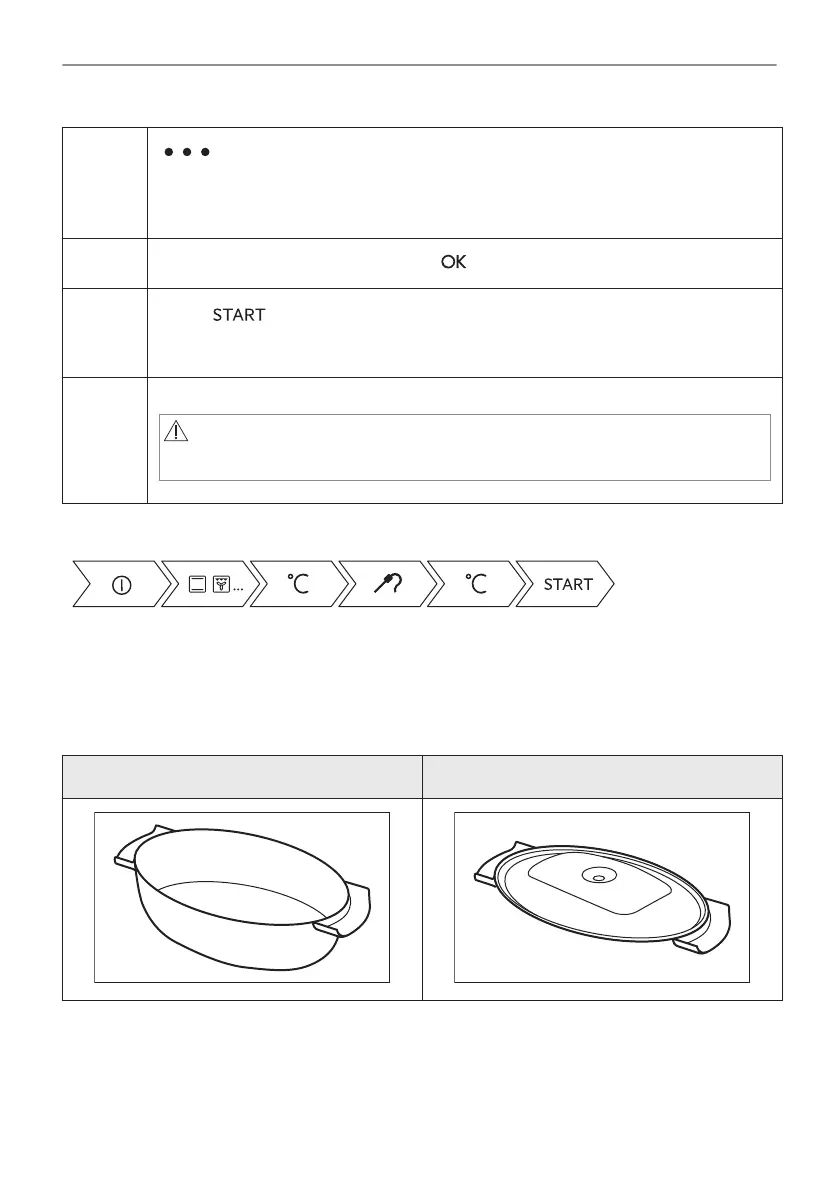
Take a shortcut!
9.3 Accessories for steam cooking
The dietary baking dish for steam cooking functions
Dietary Baking dish consists of a glass bowl (A), a lid (B), injector tube (C), injector (D), and a
steel grill (E).
Glass bowl (A) Lid (B)
25/192
HOW TO USE: ACCESSORIES





 To Next Page