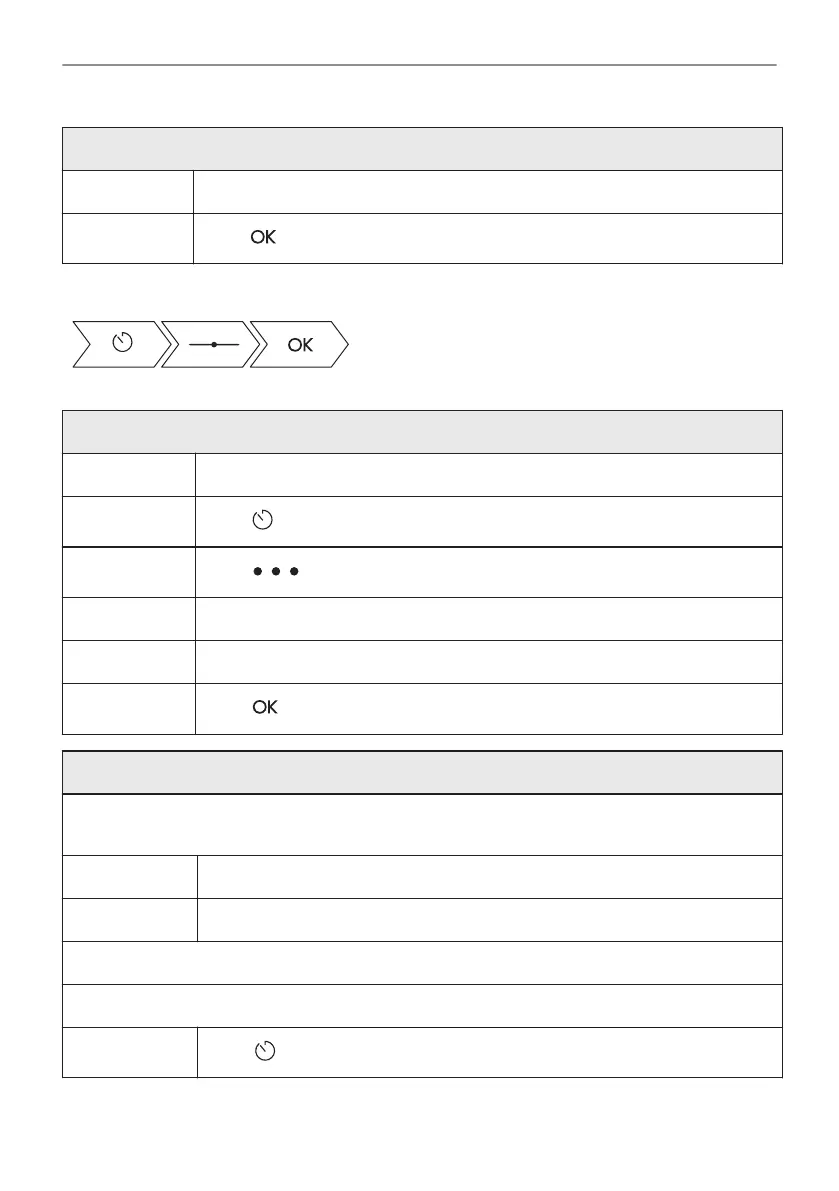
How to delay start and end of cooking
Step 2 Move the dot on the slider or press the preferred time icon.
Step 3
Press .
Take a shortcut!
How to delay start without setting the end of cooking
Step 1 Set a heating function and the temperature.
Step 2
Press .
Step 3
Press .
Step 4 Press Set Start Time.
Step 5 Move the left dot to the preferred value.
Step 6
Press .
How to set extra time
When 10% of cooking time is left and the food seems not to be ready, you can extend cooking
time. You can also change the oven function.
Step 1 Press the preferred time icon to extend cooking time.
Step 2 Also, press preferred oven function to change it.
What if it's better to change extra time?
It's possible to reset extra time.
Step 1
Press .
24/48
CLOCK FUNCTIONS







 To Next Page