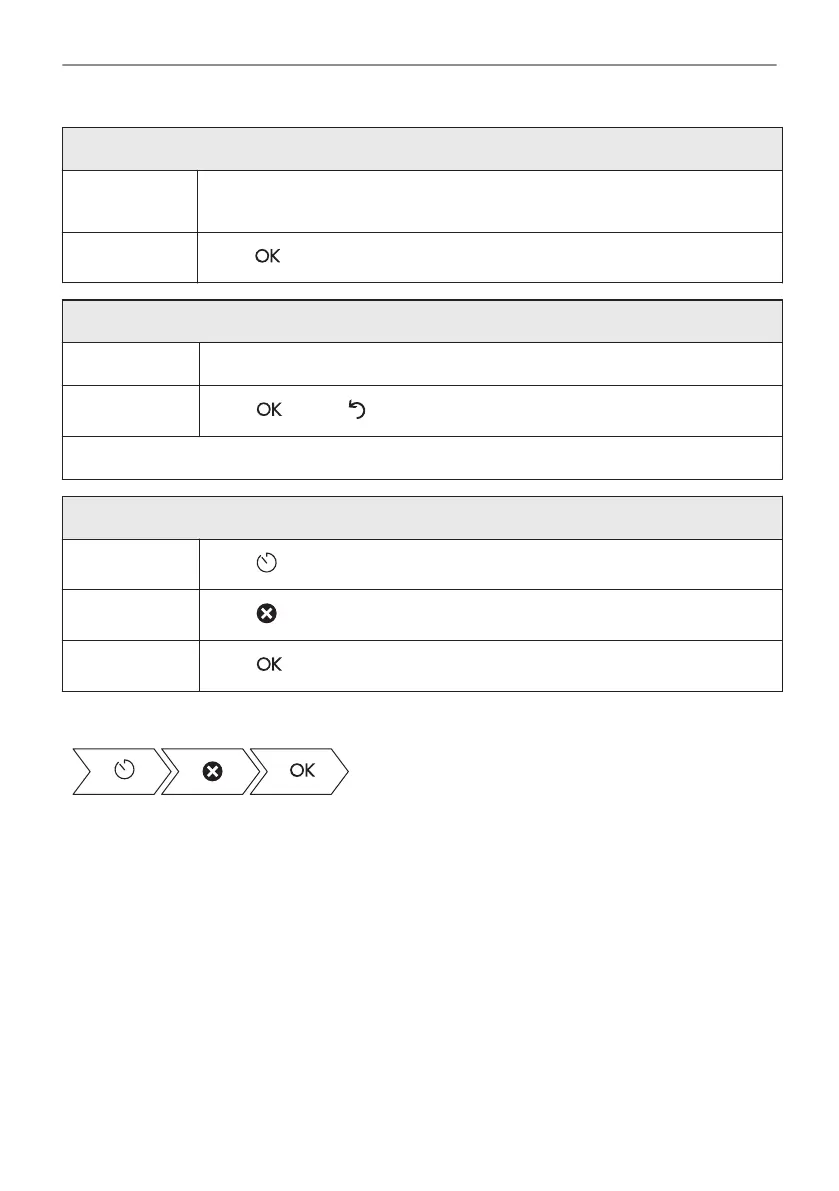
How to set extra time
Step 2 Move the dot on the slider or press one of the preferred time icons to set the
time.
Step 3
Press .
How to change timer settings
Step 1 Move the dot on the slider or use shortcuts to change the timer value.
Step 2
Press or press to reset changes.
You can change the set time during cooking at any time.
How to cancel set timer
Step 1
Press .
Step 2
Press to cancel set timer.
Step 3
Press .
Take a shortcut!
25/48
CLOCK FUNCTIONS







 To Next Page