Controls
Service
manual
30
Control PCB
Printed circuit board
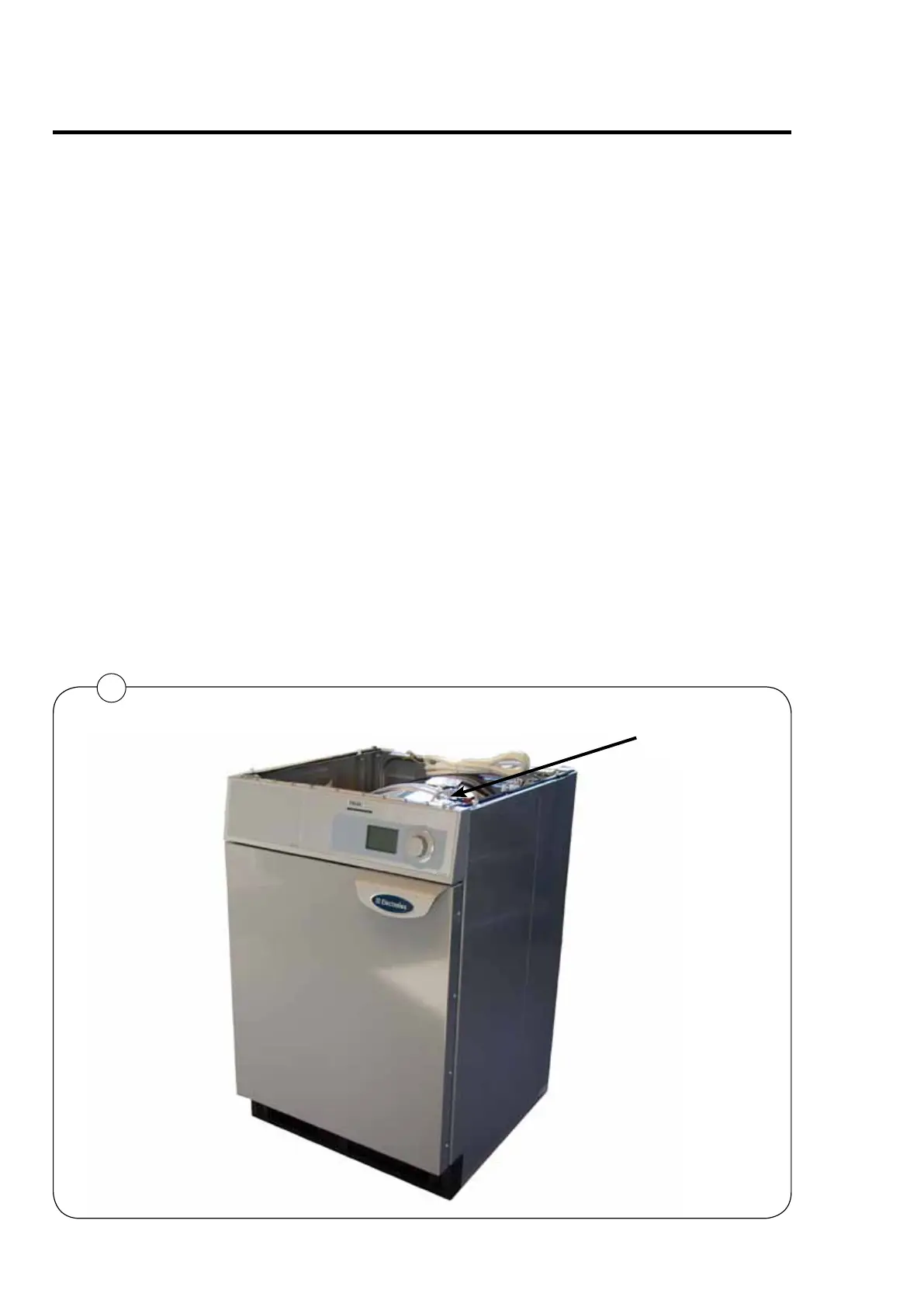
The PCB is placed behind the operating panels, fig. 1.
The PCB contains a board with display, indicator lamps.
The PCB contains a button A for Switching to Programming mode,
See description in Service Manual for Compass Control.
Connecting accessory systems
Different payment systems can be connected to the PCB.
1



 To Next Page