31
Controls
Service
manual
1
Connection to network/Central Panel
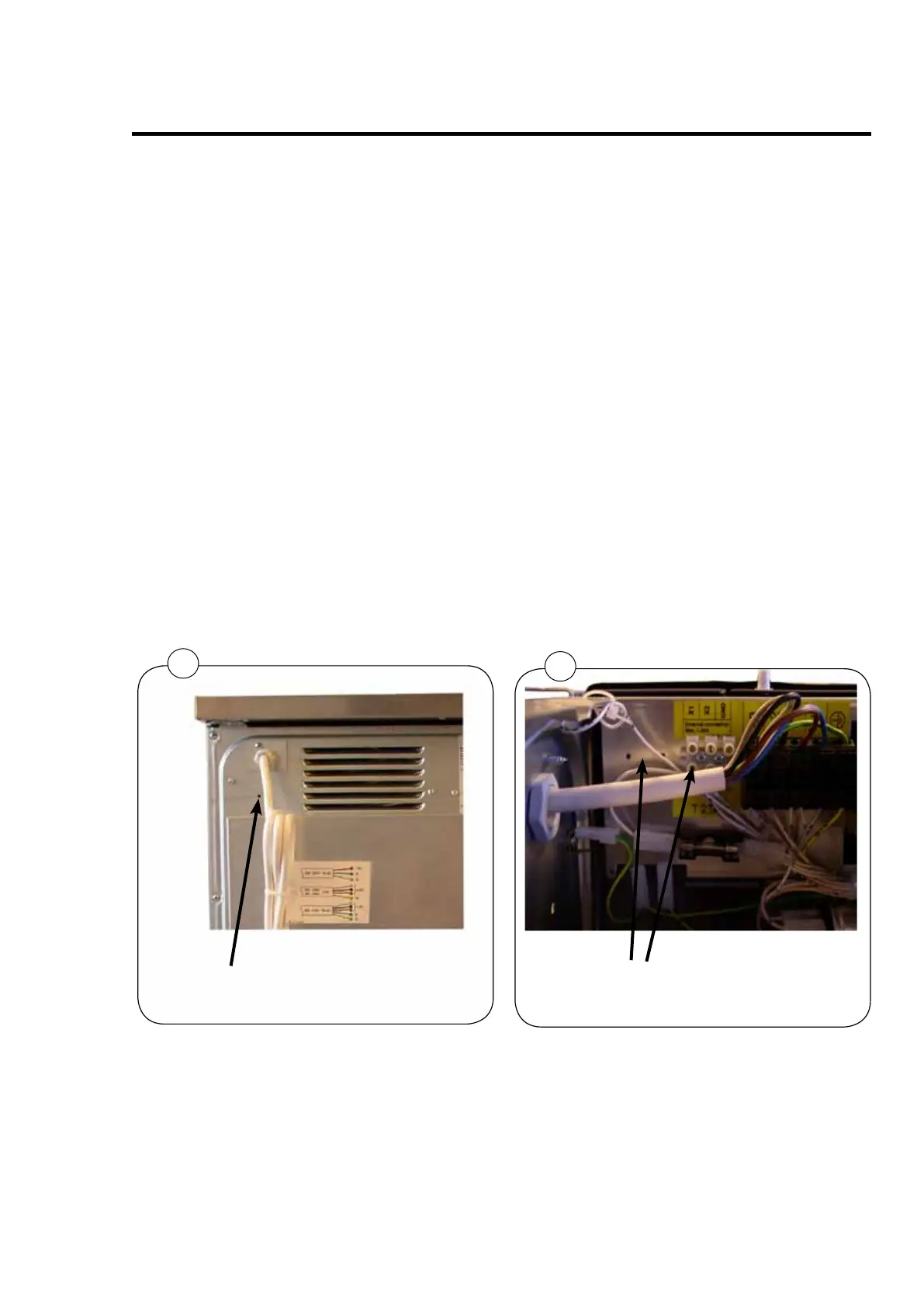
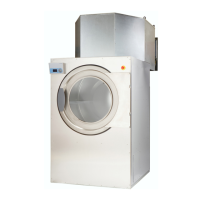
Fig. 1+2. If several dryers are to be connected to a network/Central Panel a bushing for cables
are installed. See the installation manual enclosed the dryer.
1. Disconnect the power.
2. Remove the top plate.
3. Drill a hole which is suitable for the bushing dimension. The dimension is depending
on the cable thickness, fig. 1.
4. Insert the bushing and pull the cable through the bushing and connect the cable to the
connection terminal, fig. 2.
5. The cable can now be installed.
6. After installing mount the top plate again.
Drilling hole for Network connections
and External control
2
Terminal connection for Network and
External control



 To Next Page