Controls
Service
manual
32
A
Programming
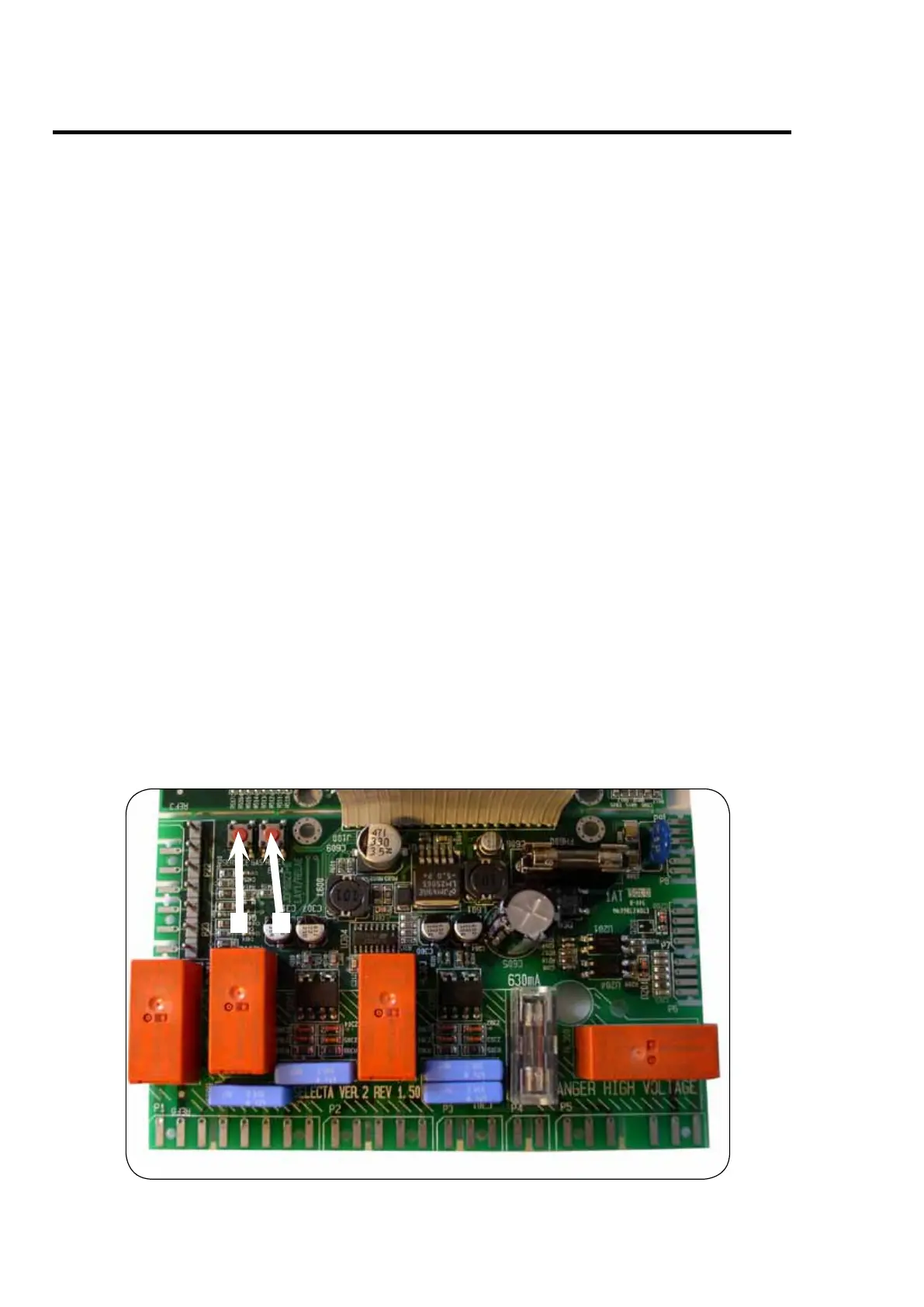
To enter the programming mode press service button A.
After pressing the service button A the display shows:
0 -- = Group 0.
Program the dryer, see Service Manual for Compass Control for programming details.
High voltage on the printed circuit board
Do not touch the printed circuit board.
The shaded areas indicate high voltage.
B



 To Next Page