487 05 40 31
12.13
12. Error codes
12
Service
manual
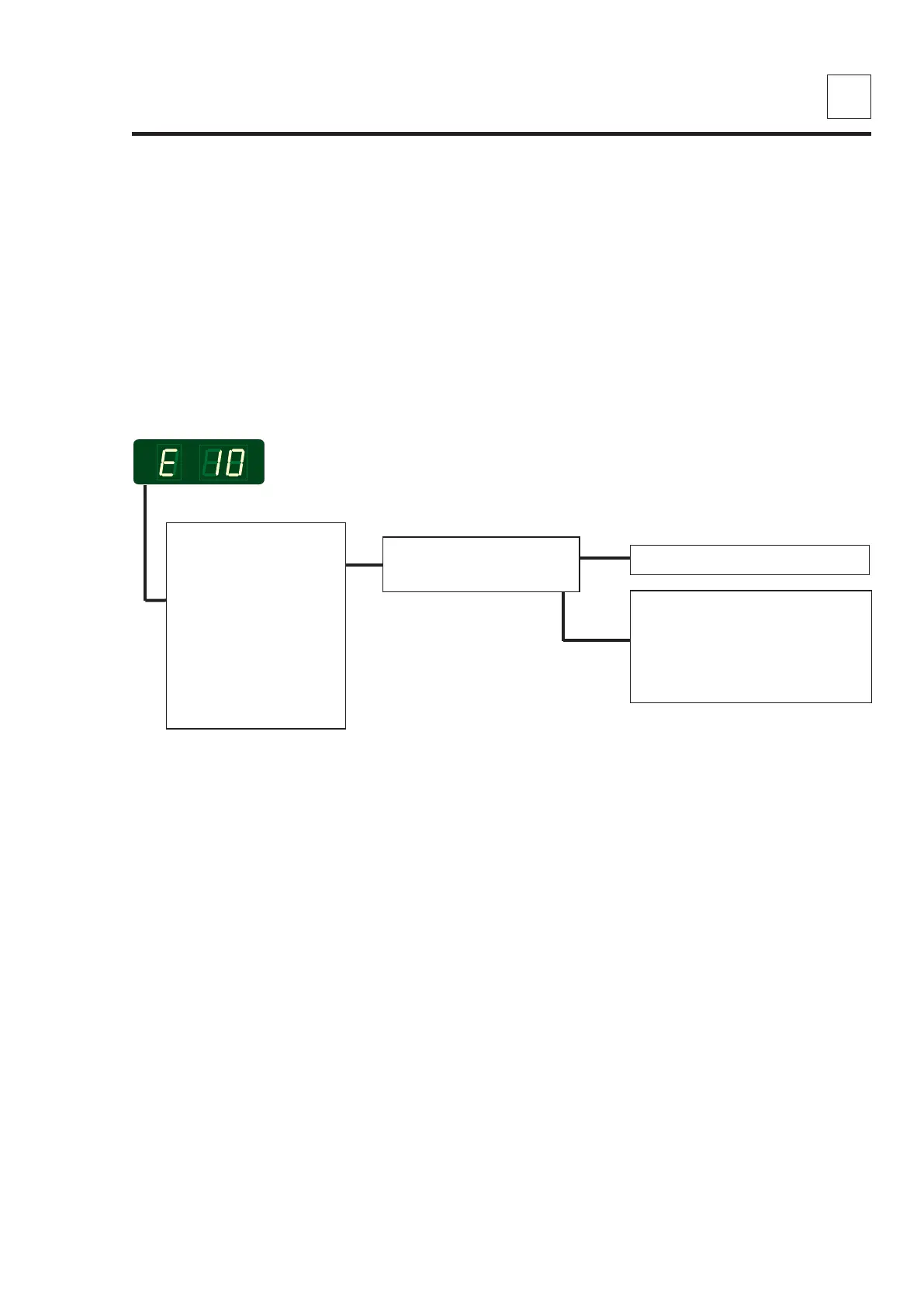
E 10 - Programming errors - (Settings)
Replace the PCB
Re-enter user-desired parameter
settings (time per push/coin, for
example). These are erased
when factory defaults are
restored.
NO
YES
Error description
This error occurs when the parameter set-up is inconsistent.
Note! When resetting the circuit board the user adjusted programs disappear and need
reprogramming.
The dryer stops operating.
Error analysis
1. Enter the service
program.
Set parameter 4.06
to "1" to restore all
factory settings.
Alle user-desired
programing will be
overwrighted.
Exit programming
mode and attempt to
operate the dryer.
Does the E10 return?



 To Next Page