16
User manual
10.5 Setting a program
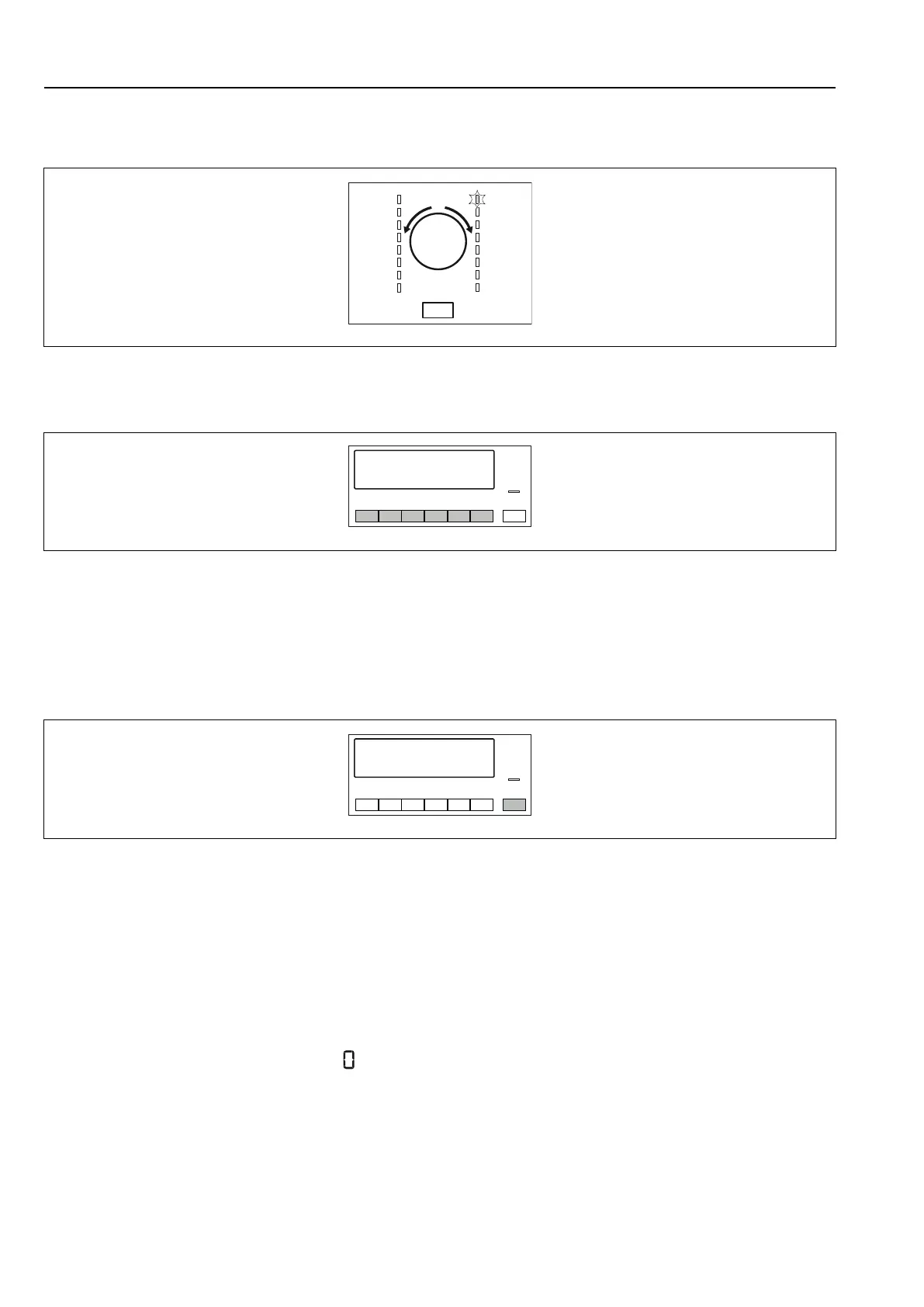
Use the program dial to set the program. The display shows cycle time or price to start.
fig.X02213
10.6 Options
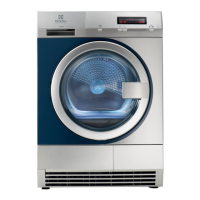
Together with the program you can set one or more special options.
fig.X02214
To activate or deactivate the option push the applicable button.
When the option is activated the LED above the button or symbol on the display comes into the view.
10.7 Starting a program
To start the program:
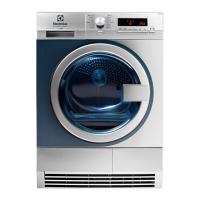
• Push the Start/Pause button. The appliance starts and the LED above the button does not flash but is stable.
fig.X02215
10.8 Program change
To change a program:
1. Push the ON/OFF button to turn off the appliance.
2. Push again the ON/OFF button to turn on the appliance.
3. Set a new program.
10.9 Program end
Clean the filter and drain the water container after each drying cycle.
If the drying cycle is completed, the symbol
flashes on the display and the acoustic signal sounds intermittently
for 1 minute.
If you do not turn off the appliance, the crease guard phase starts. Laundry can be removed during this phase.
To remove the laundry:
1. Push the ON/OFF button for 2 seconds to turn off the appliance.
2. Open the appliance door.
3. Remove the laundry.
4. Close the appliance door.


 To Next Page