1
2
3
4
5
6
7
8
9
0
1
0
0107 41
11
Notice
Date
Page
01201138
INSTRUCTION
HANDBOOK
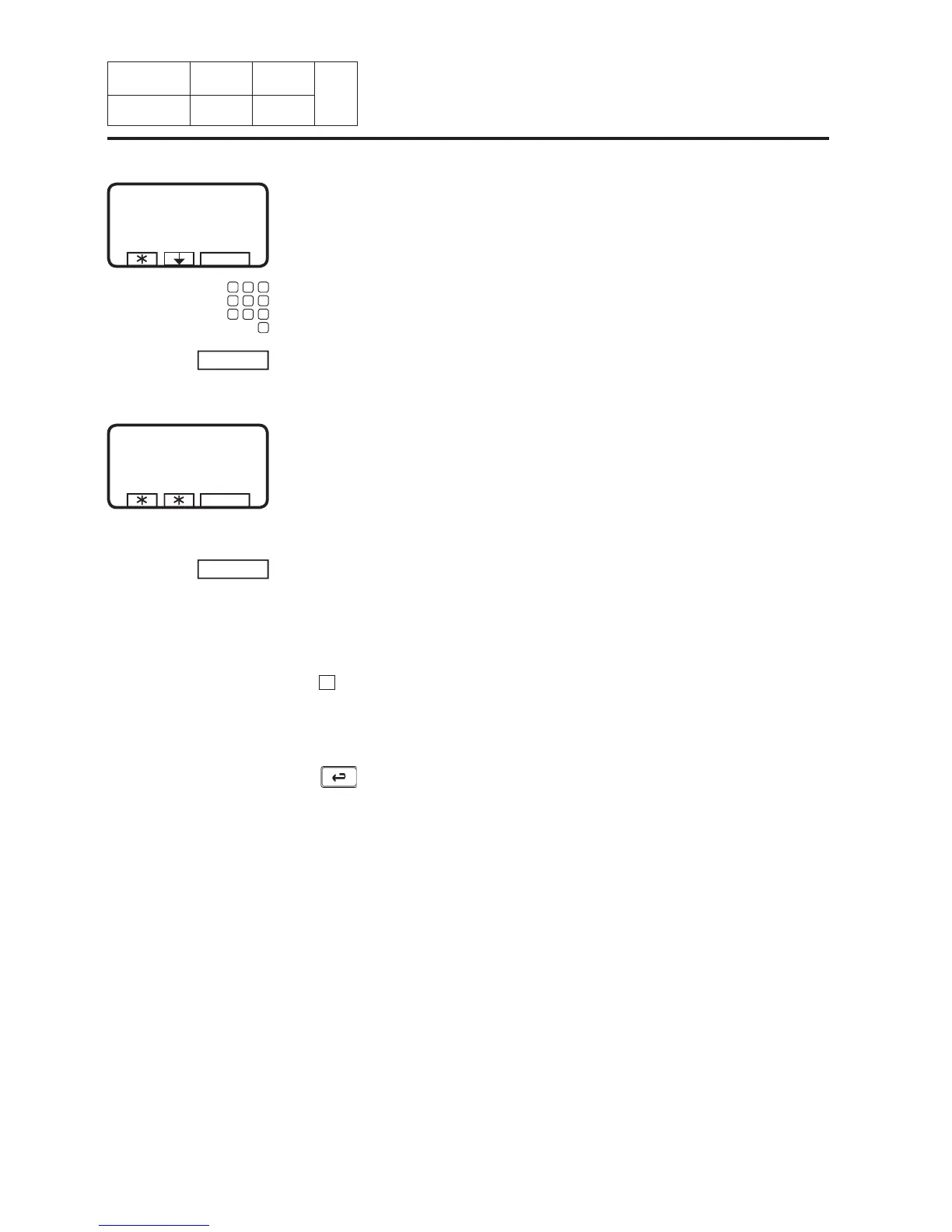
Press ERASE.
If you do not want to reset the
register :
Press on any button except
SELECT.
If you want to reset the regis-
ter :
Press SELECT.
Do you want to change your
mind ?
Now the numbers of washes
toy haves marked are erased.
If you want to change any
number you have written:
Press
if you want to
change the fi rst written
number. Write the new
number.
If you regret something :
Press
.
11. Machine
operation
Write up to which program
number you want to clear wash
programs.
SERVICE MODE
SELECT
ARE YOU SURE ?
PRESS SELECT ELSE PRESS ANY OTHER KEY
SELECT
CLEAR COUNTER
PCS
EXIT
FROM PROGRAM NUMBER :
ERASE
TO PROGRAM NUMBER :
TO END : TO PROGRAM NUMBER = 0








 To Next Page